



Webinars are a great way to learn more about Ensora Health products, explore best practices, and connect with experts in real time. Registering ensures you’ll receive the event details, reminders, and access links directly in your inbox. Follow the steps below to sign up and save your spot for upcoming sessions.
Jump to Section:
Register for a Webinar
-
Navigate to the Experience Hub at https://experience.ensorahealth.com/
-
In the upper right-hand corner of the home page, click the Login button. Then click the large button that says Login with your Support Hub Account. Sign in using your Ensora Health Support Hub credentials.
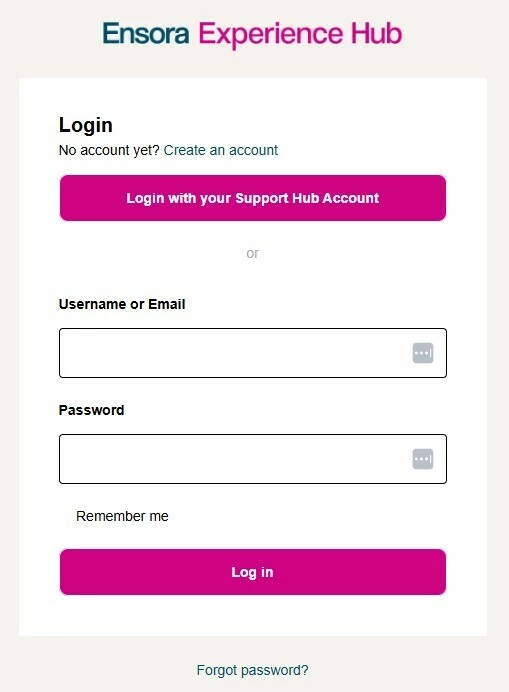
NOTE: If you have never logged in before or have questions about logging in, please read Logging into the Customer Experience Hub
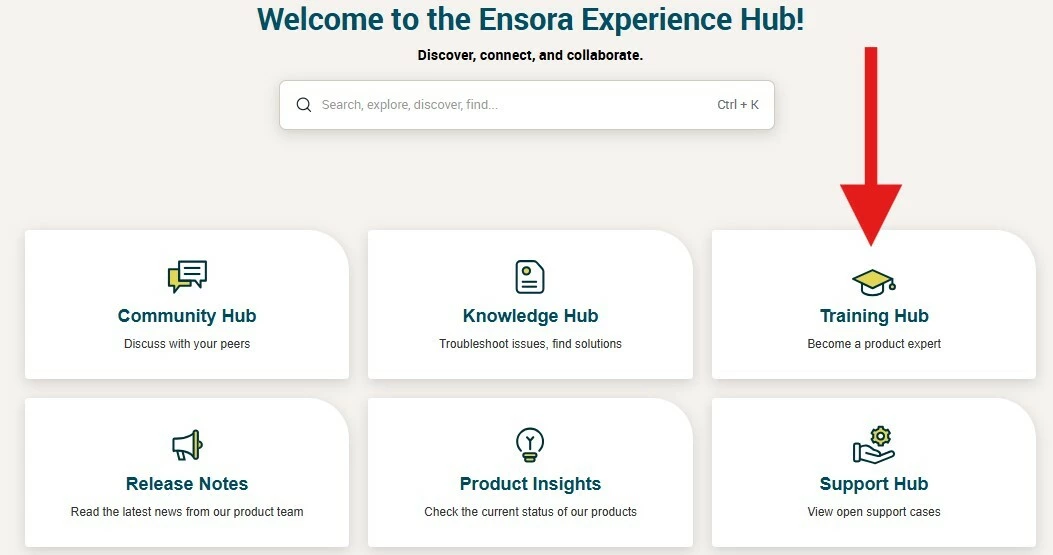
- Click the Training Hub tile.
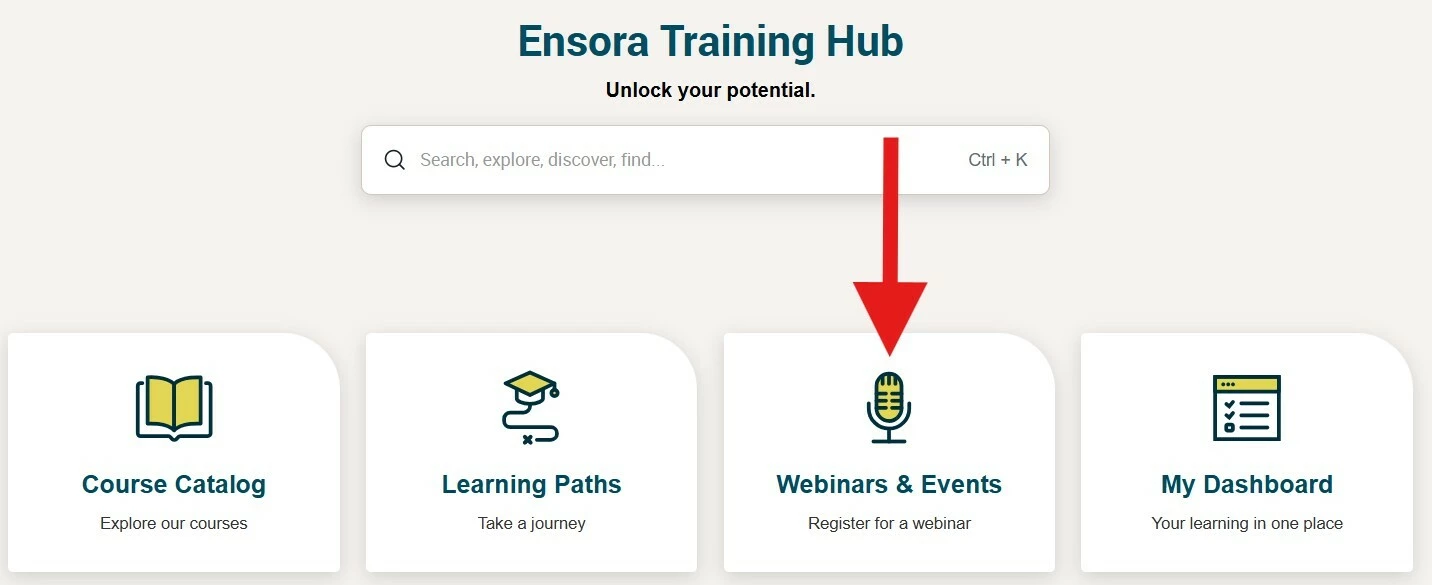
- Click the Webinars & Events tile.
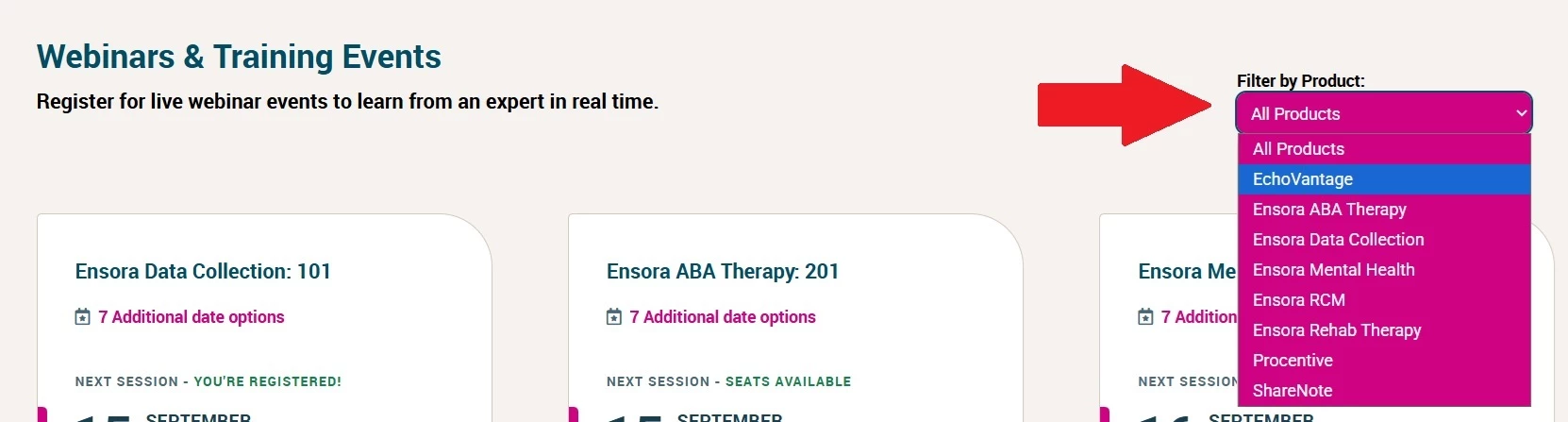
- Select the Filter by Product drop-down menu and browse.
NOTE: Webinars and events that are not associated with a specific product can be found under the Ensora Health filter.
- Once you have filtered by product, browse!
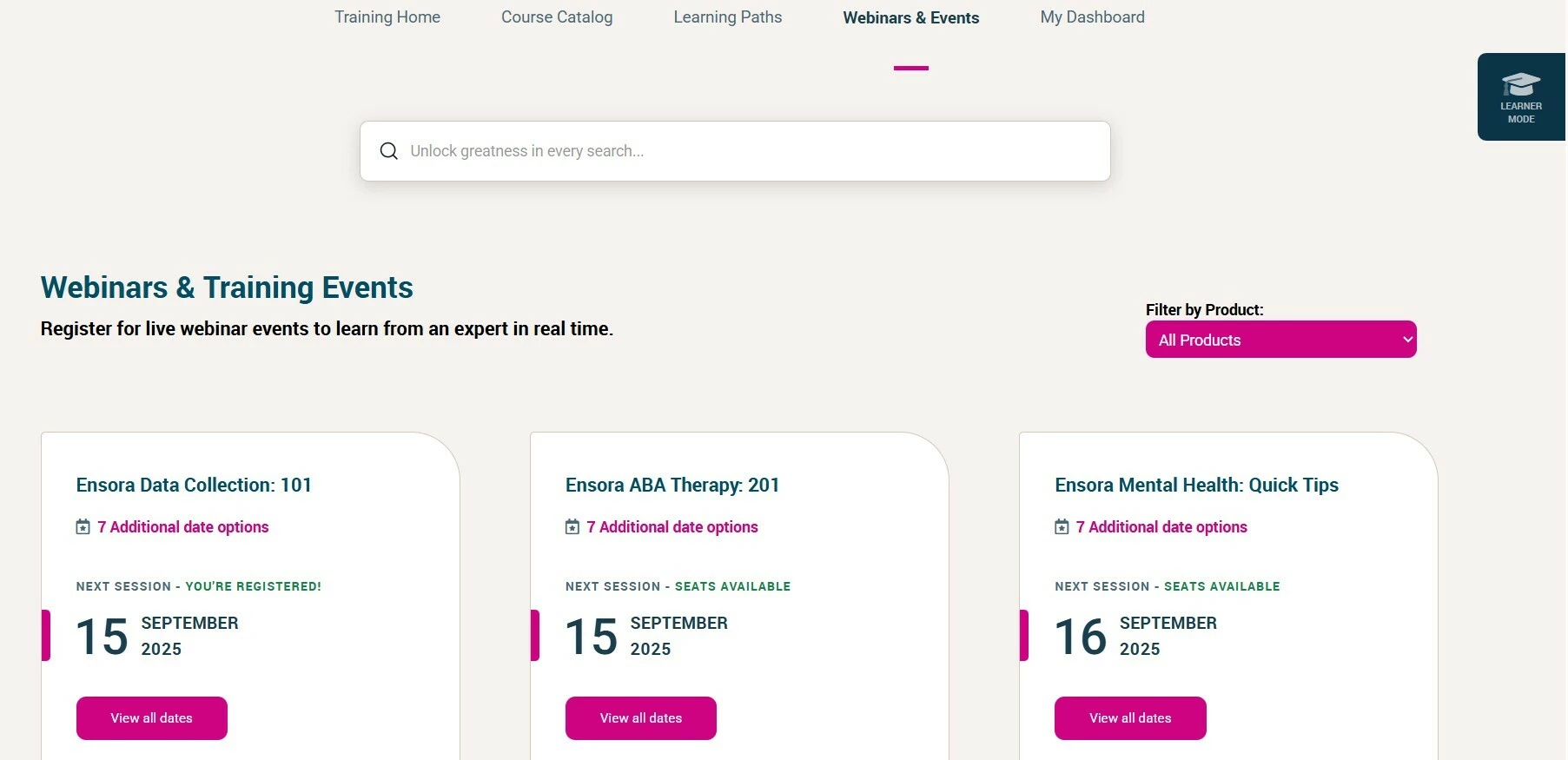
NOTE: The date you see under each title is next available session. More occurrences are available. Webinars that are associated with specific products occur weekly and/or daily, and are titled: Q&As, 101s, 201s and Quick Tips. Webinars that are not associated with a specific product occur weekly and/or monthly, and are titled: Insight Sessions, All Things Billing, and Top of Mind.
- To learn more about a webinar that interests you, click View all dates. You will now see the date, time, event description, and a Register button. Select the webinar occurrence that works for your schedule and click Register.
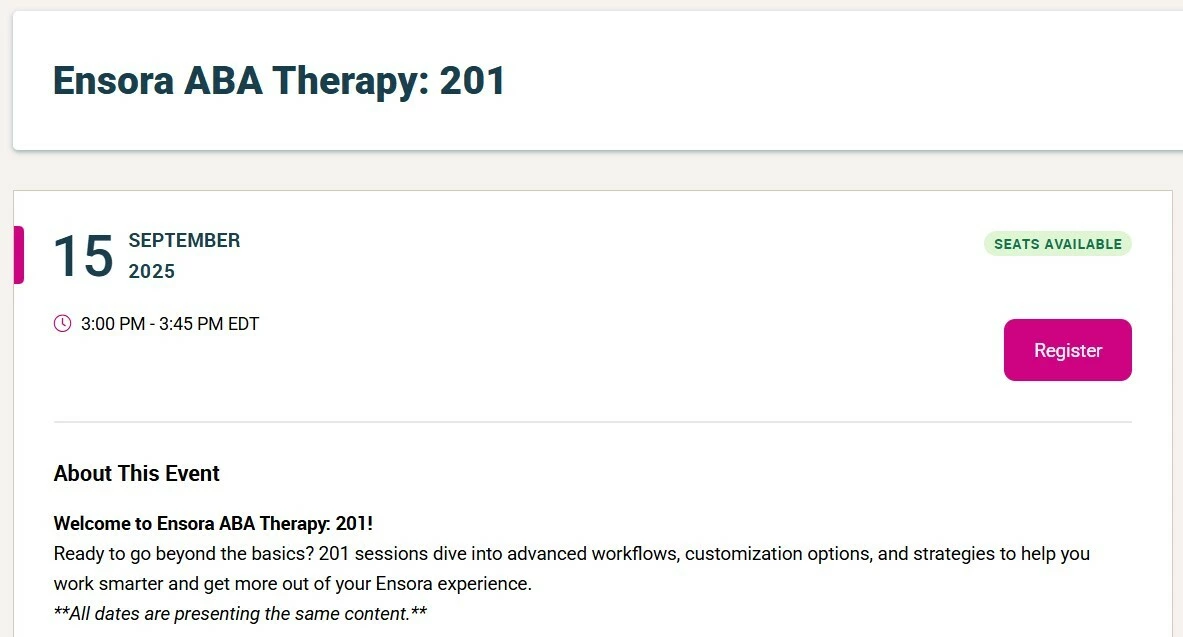
- Once registered, the Seats Available heading will update to read Pending – Waiting Approval. Within a few seconds, this should refresh to say You’re Registered! Once your registration is approved you will receive an email confirmation with the event details.
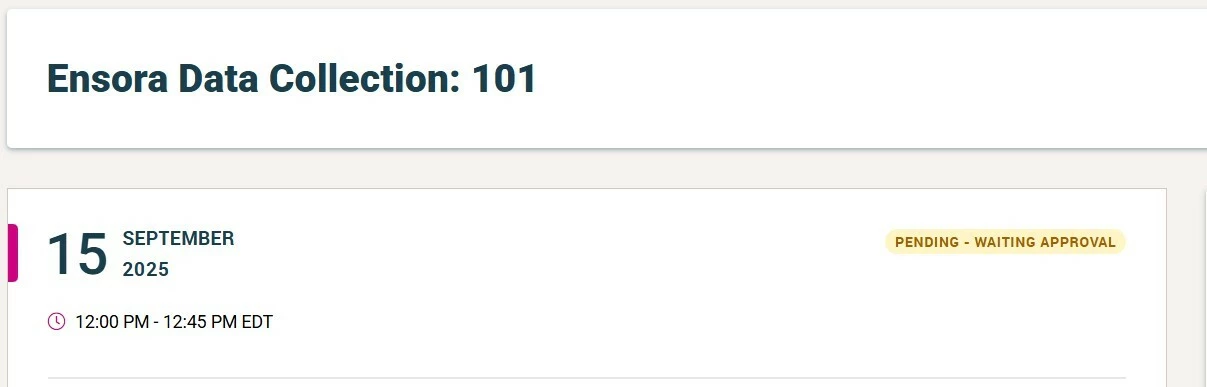
NOTE: If your screen continues to display the Pending – Waiting for Approval message, try refreshing the web page. If that doesn’t work, please reach out to the team at customereducation@ensorahealth.com.
Cancel your Webinar Registration
- Open the email you received from Ensora Health Customer Education with the webinar details
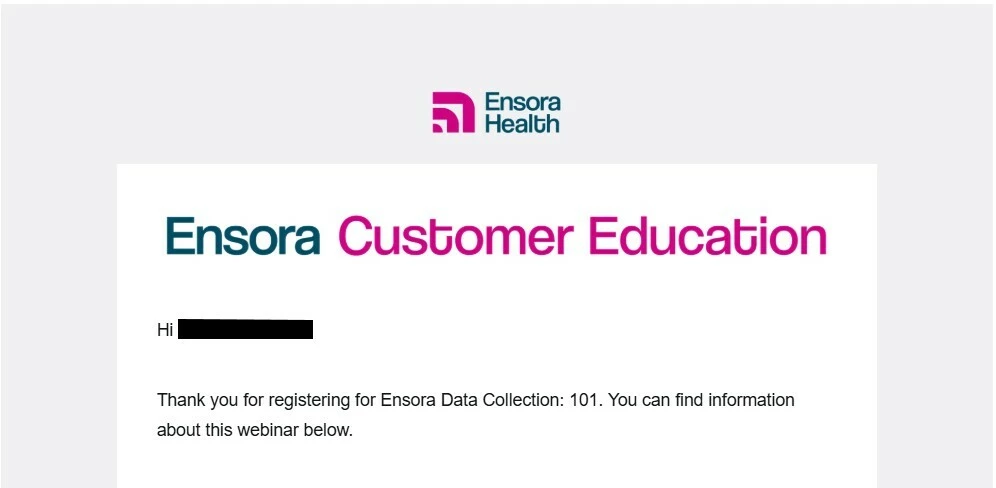
- The email contains a cancellation link for your registration. Click on it.
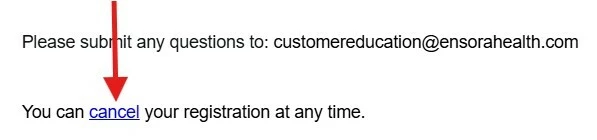
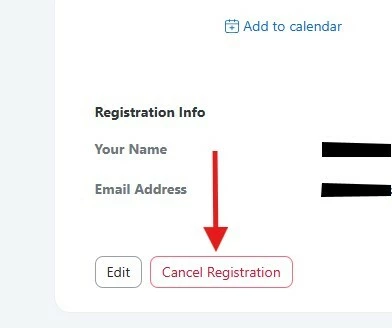
- You will be taken to a separate web page hosted by Zoom. Scroll to the bottom of that page and click the Cancel Registration button.
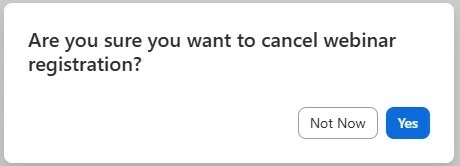
- A pop-up window will ask you to confirm your cancellation. Click Yes.
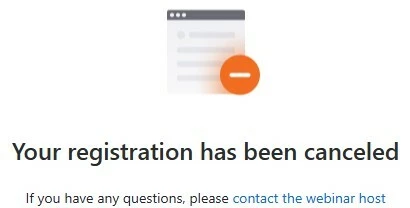
- You should see a confirmation message confirming that your webinar registration has been successfully cancelled.
Watch a Webinar you missed
- Navigate to https://experience.ensorahealth.com/p/recordings
- Use the Filter by Product option to select the product you are interested in.
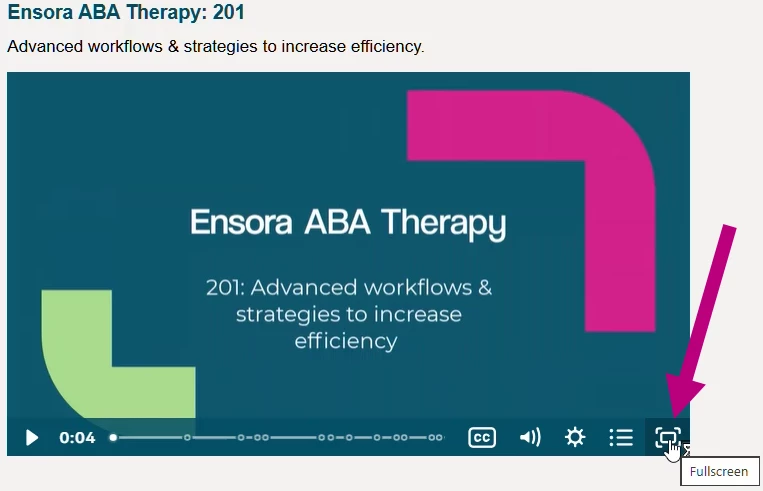
- Click the Play button on the webinar you wish to watch.
- Use the Fullscreen mode in the lower-right corner.
Need Help?
If you run into any issues, contact us at customereducation@ensorahealth.com.