This Report displays the referral information for the set date range. The referrers listed here are setup on your Organization tab and then logged at the client level on the Client Details page.
NOTE: This report includes archived clients.
Jump to Section:
Set Report Parameters (Filter)
- Click Reports in primary navigation bar and click Referrers under Referrals section.
- Set Filters:
- Set Referral Registration Date Range.
- Click Run Report.
NOTE: Change the number of Clients shown per page (10, 25, 50, or 100) by clicking desired unit at top of report.
Read the Report
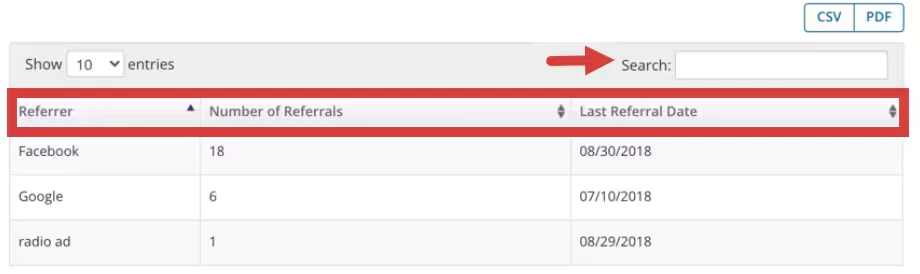
- You can Search the Report for a specific name or word. i.e. Referral Type.
- From left to right, you can see:
- The Referrer.
- The Number or Referrals that have come from this source.
- The Last Referral Date from this source.
NOTE: The Last Referral Date pulls from the intake date of the client.
Download Report
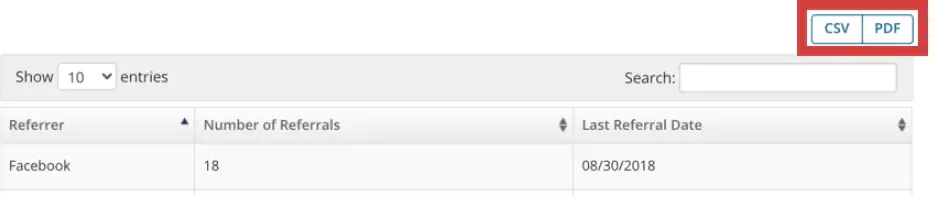
Once you have run the Report, you can copy or download the CSV, Excel, and PDF version directly to your computer.
- Click the CSV and PDF button on the upper right tab.