PERMISSIONS REQUIRED: You must have Organization Administration Permissions.
The Activity Log will show what actions Staff Members have taken in your Organization's account over the last 120 days. This is especially useful for tracking who changed an appointment and when.
Jump to Section:
Set Report Parameters (Filter)
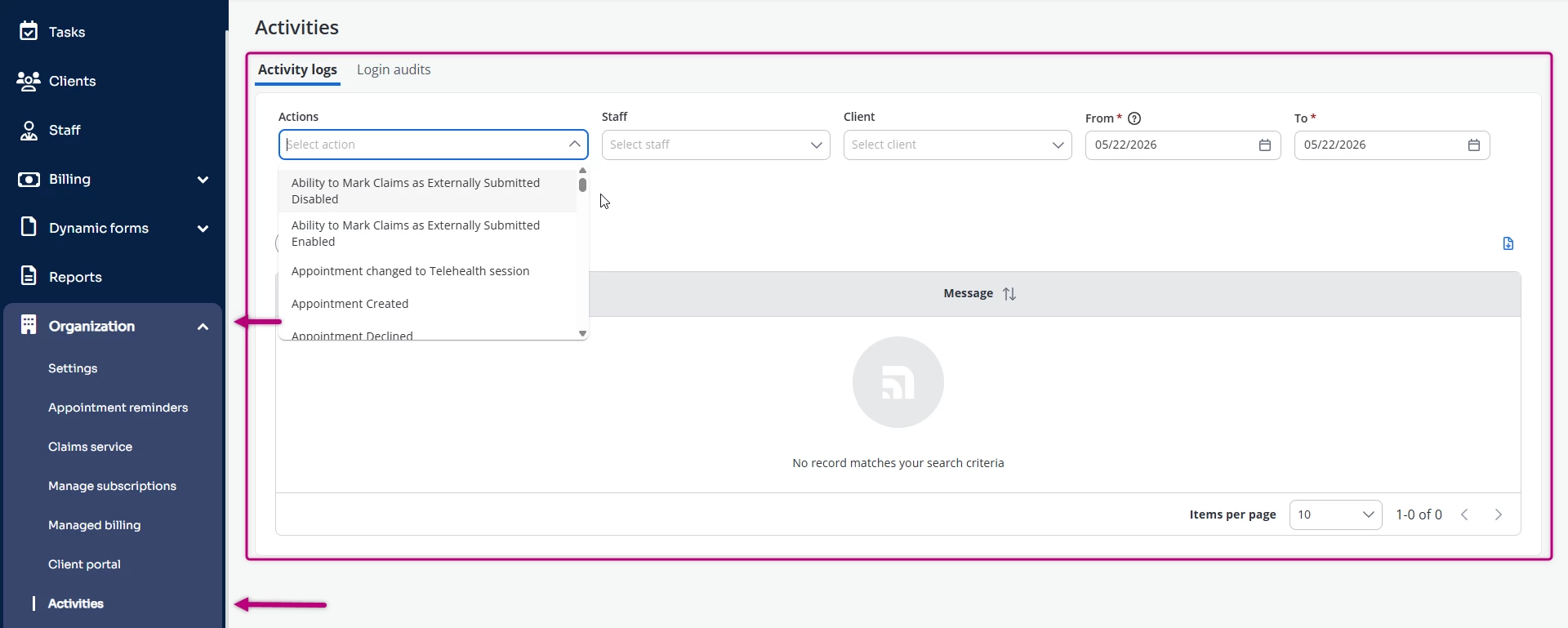
- Click Organization tab in primary navigation bar.
- Click Activities in side menu.
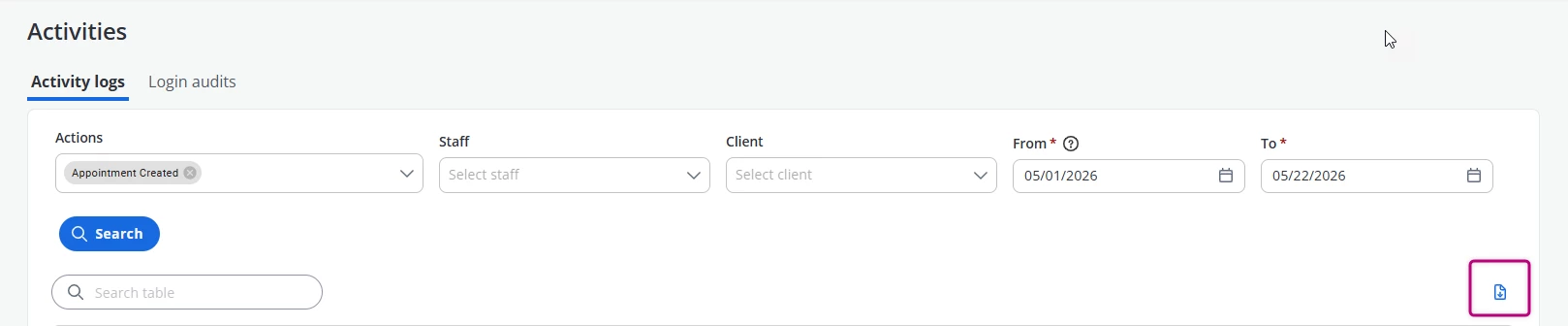
- Set Filters:
- Type report name for the report you wish to run in Actions.
- Set Date Range - Defaults to today.
- Select specific Staff if desired.
- Select specific Client if desired.
- Scroll and select specific Action if desired.
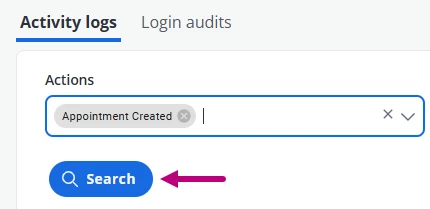
- Click Search.
NOTE: Change the number of actions shown per page (10, 25, 50, or 100) by clicking desired unit at top of report.
Read the Report
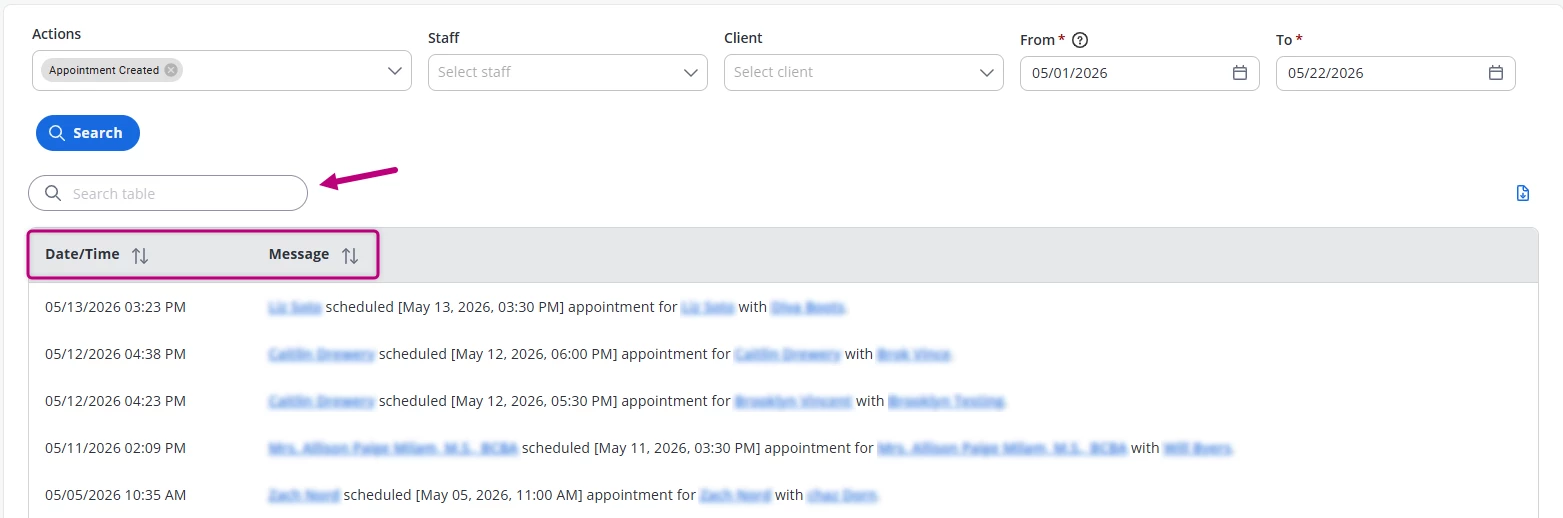
- You can Search the Report for a specific name or word. i.e. Client Name, Service Type, etc.
- From left to right, you can see:
- The Date/Time of action.
- Message - A description of the action.
Download Report
Once you have run the Report, you can copy or download the CSV, Excel, and PDF version directly to your computer.
- Click the blue Download page icon button on the right side of the table.
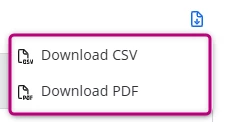
- Select Download CSV or Download PDF.