PERMISSIONS REQUIRED: You must have permissions to use the client portal.
See Client Portal Overview for more information about the client portal. See Subscribe/Add Therapists to Client Portal for information on managing therapist access.
IMPORTANT: The Client portal settings tab is only available when Advanced Availability is not enabled. If your practice uses Advanced Availability, these scheduling settings are managed through Advanced Availability configuration instead.
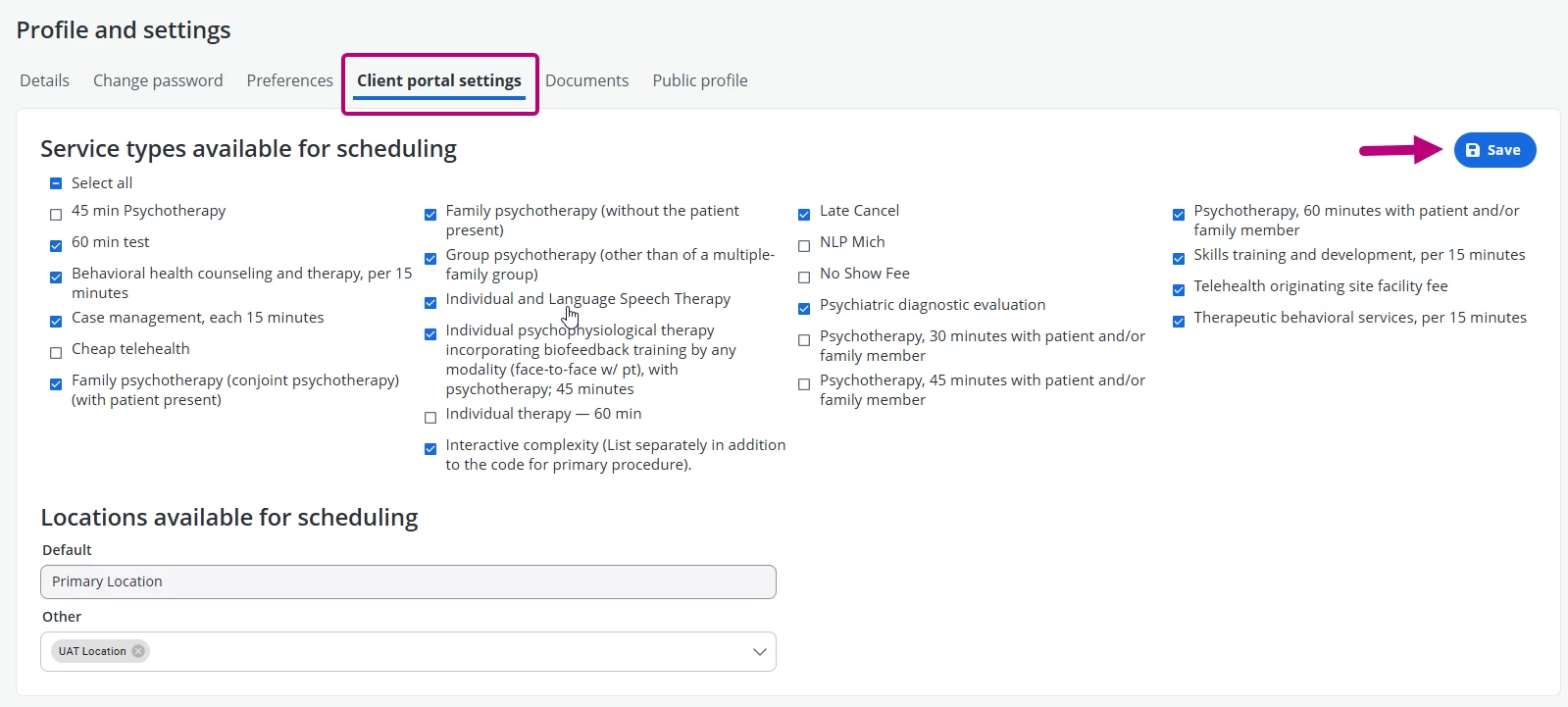
Use the Client portal settings tab to manage service types and locations available to clients when scheduling appointments through the client portal
- Click your Name in the top right corner and select My profile and settings.
- Click the Client portal settings tab.
- Select the service types and locations that clients can use when scheduling appointments.
- Click Save.