


We’re excited to introduce a new automation feature that allows billers to automatically archive unmatched ERAs for their practice. With this feature, organizations can choose a specific day to have ERAs archived, which is particularly beneficial for customers managing billing across multiple accounts. When enabled, all ERAs from today forward (present and future) awaiting matching will be automatically archived based on your settings.
NOTE: Feature availability depends on your subscription plan.
Enable Archive all Unmatched ERA Claims
- Click Claims Service under Organization.
- Click Automation Settings tab.
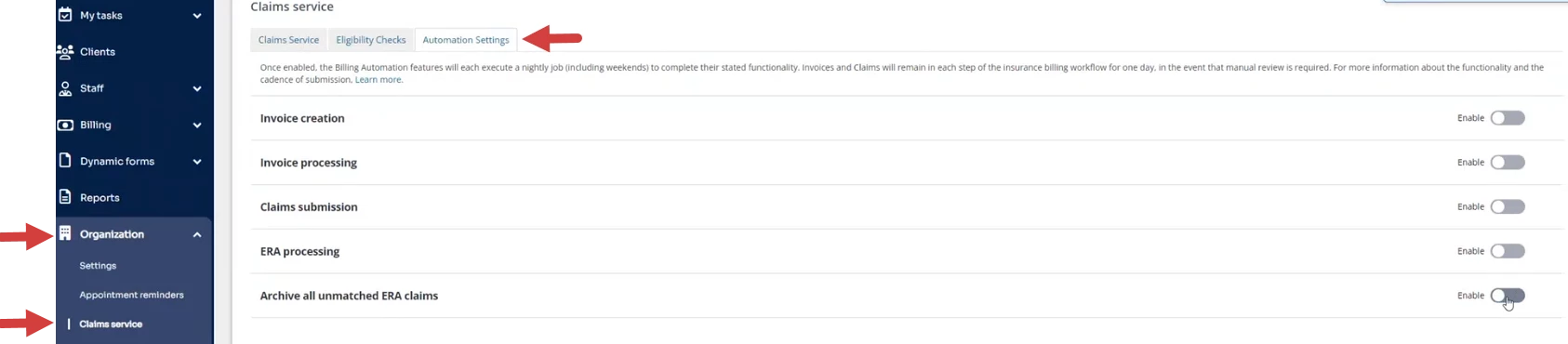
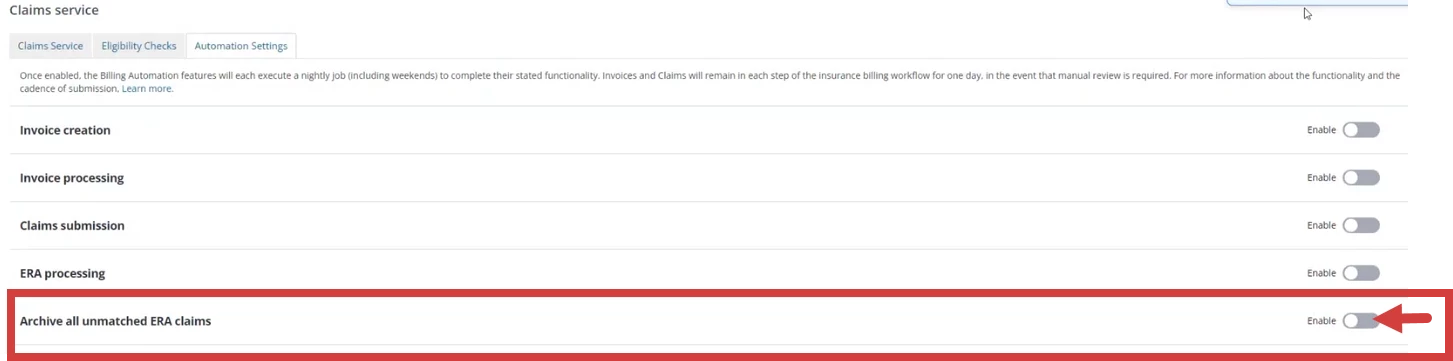
- Click the toggle to Archive all unmatched ERA claims. A confirmation window opens.
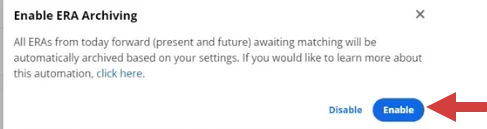
- Click Enable in the confirmation window. The toggle moves to the right and turns blue.
- Configure the settings for the days you want the script to run.
- Click Save.
