


If you forget your password for your client portal account, follow the instructions below.
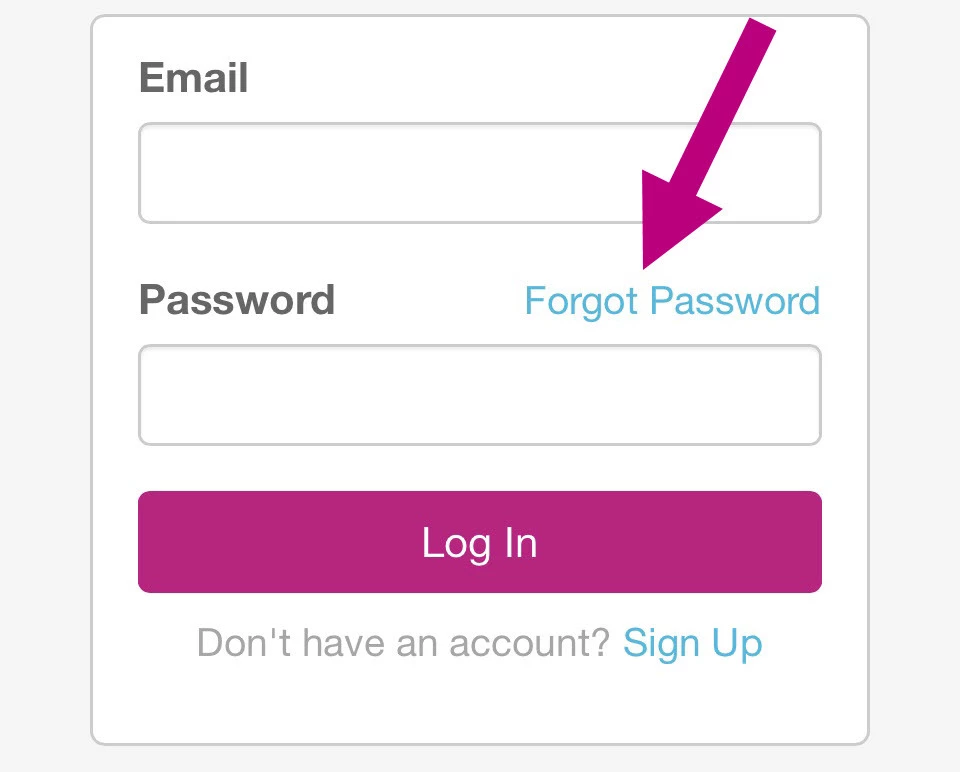
- Click the Forgot Password link.
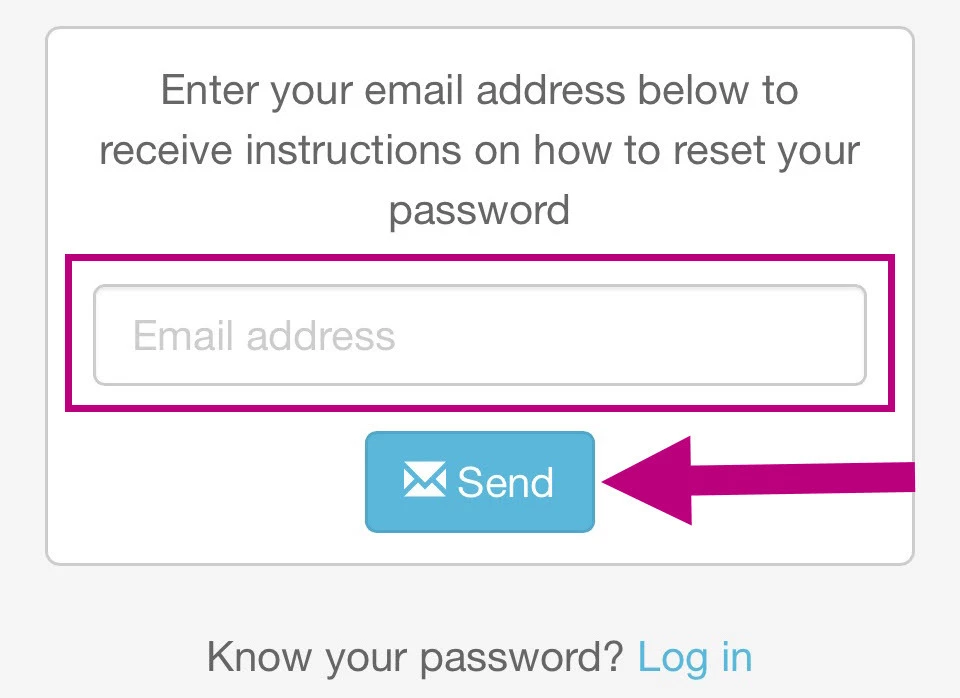
- Enter your email address and click Send.
You will see this important notice.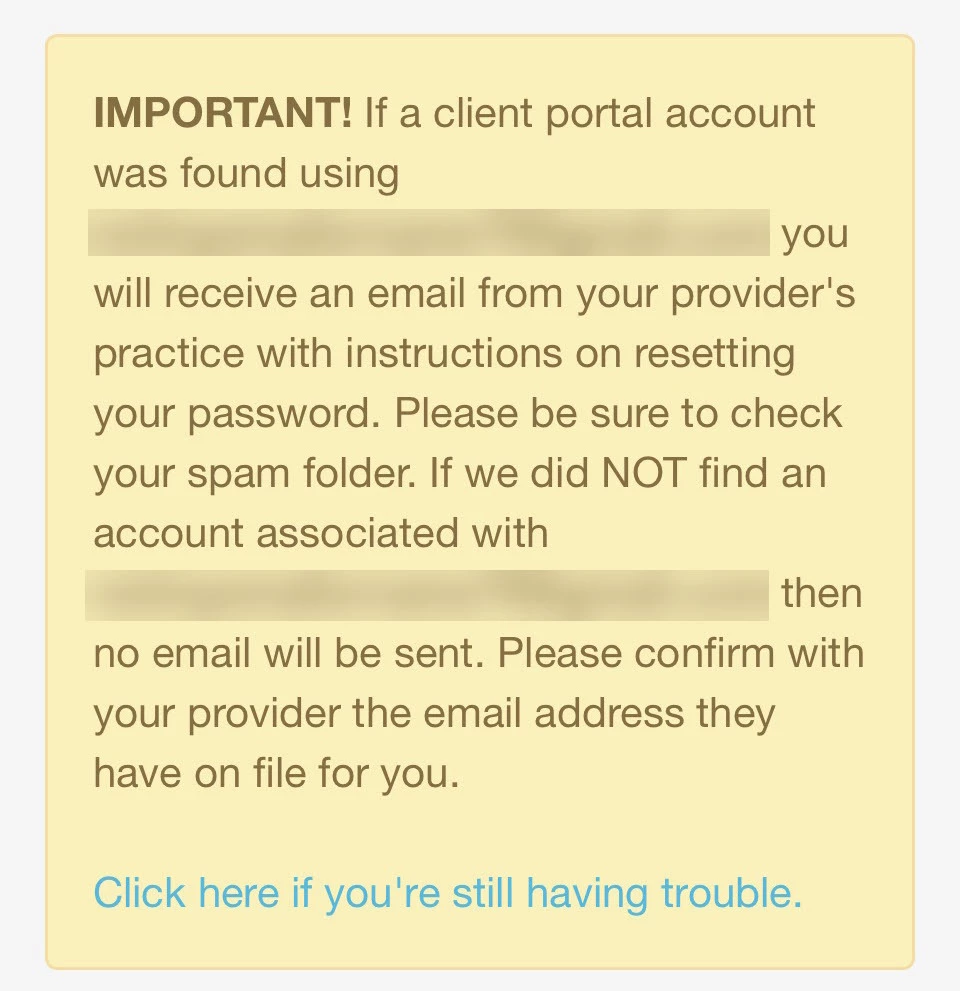
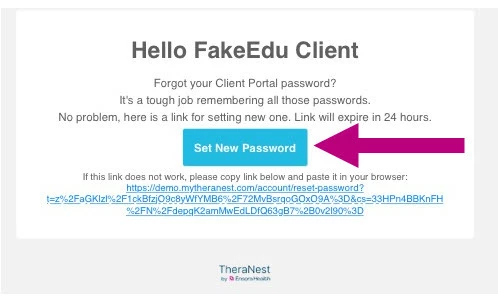
- Open the email you receive and click the Set New Password button (or click the hyperlink).
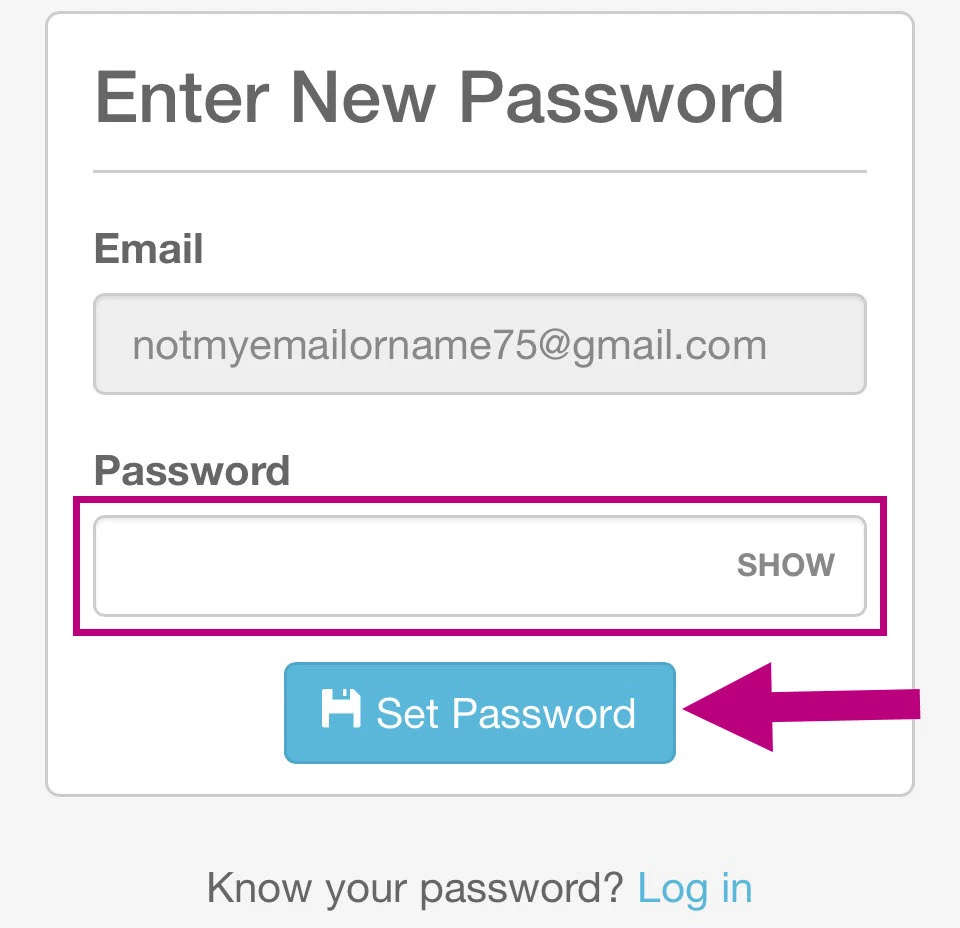
- Enter your new password and click Set Password.
If you did not receive an email see Client: Did Not Receive Password Reset Email for more information.