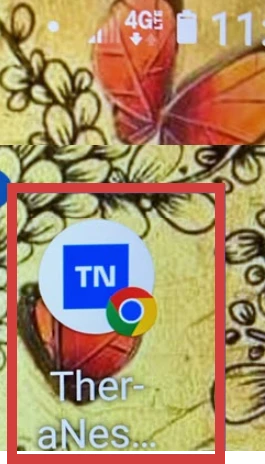
Your system application can be accessed from a web browser on your mobile device. You can also create a link on your device home page to access the site without having to open your browser each time or save a favorite.
Jump to Section:
iPhone
Save a link to your system on your iPhone.
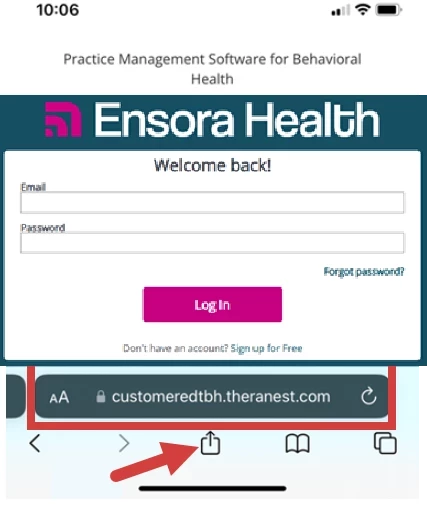
- Open browser and enter the URL for your system login.
- Tap the Share Icon.
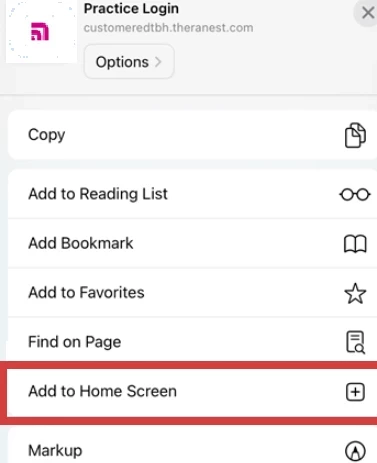
- Tap Add to Home Screen from the options.
- The system logo and link is added to your home page with other apps.
Android
Save a link to your system on your Android device.
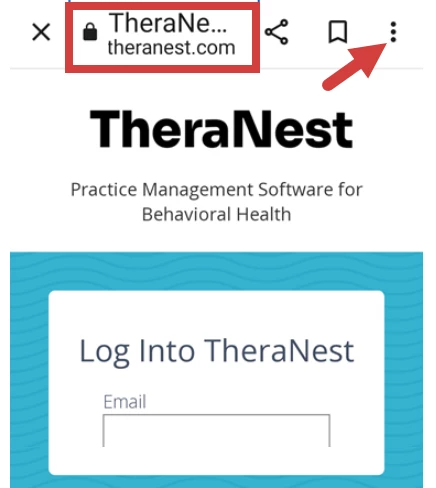
- Open browser and enter the URL for your system login.
- Tap the three buttons at the top right of the page.
- Select Add to Home screen.
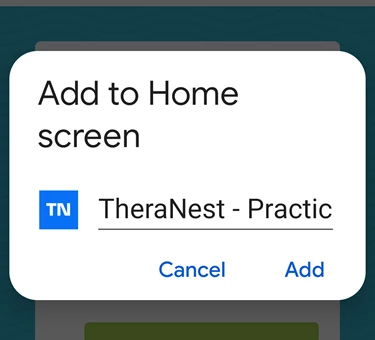
- Add the shortcut to your desktop manually or automatically.
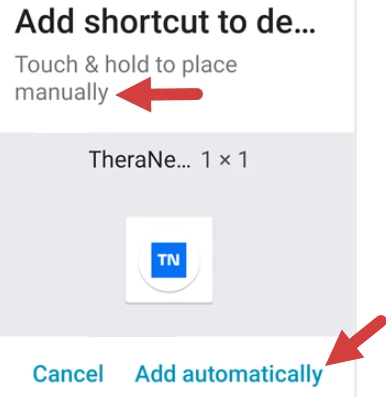
- The link is added to the desktop.