PERMISSIONS REQUIRED: You must have Therapist Permissions.
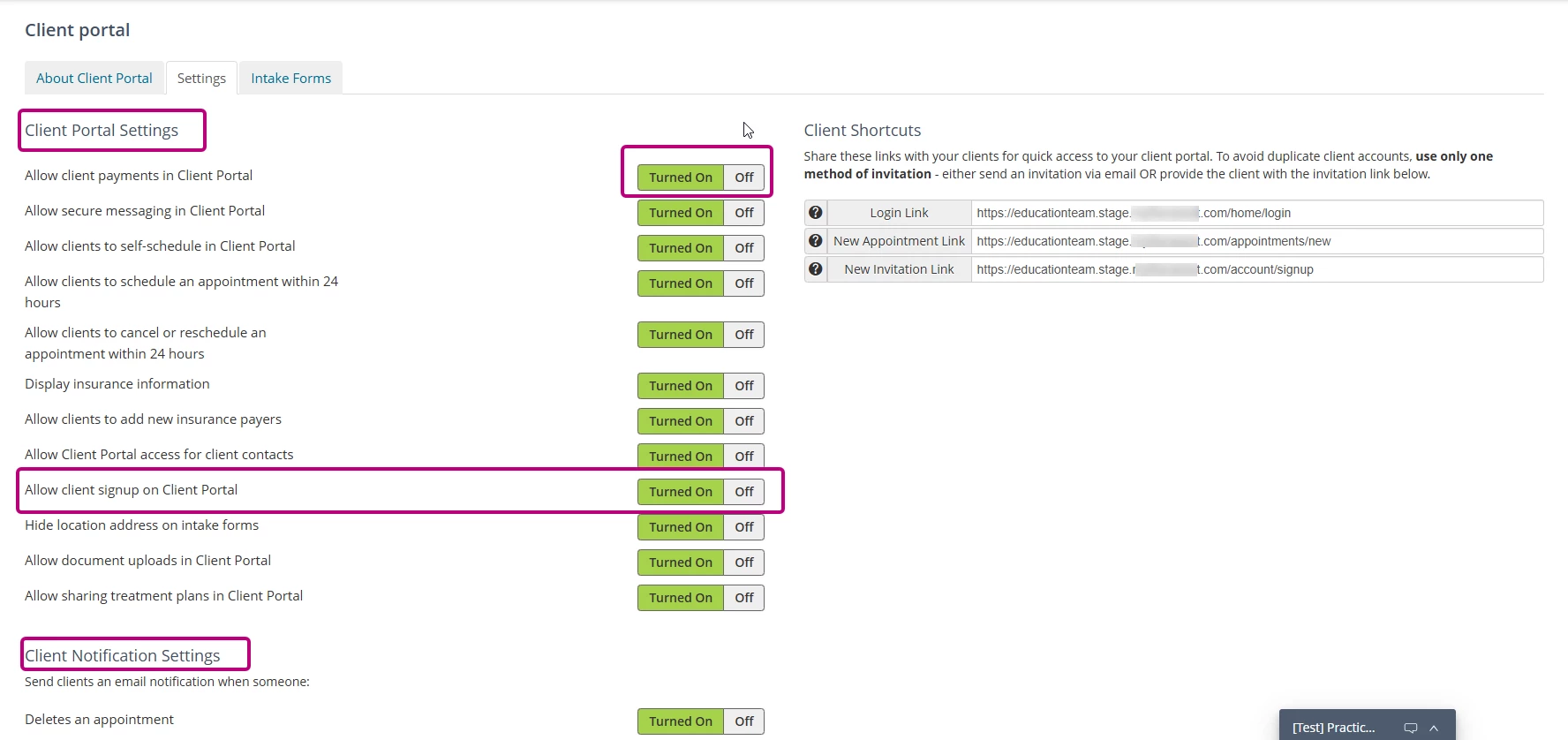
Use Client Portal Settings to manage organization-wide client portal preferences, client notifications, client access, and portal sign-up options.
To choose Client Portal settings:
- Click Client portal under Organization in the side panel.
- Click Settings.
- Configure the available Client Portal and Client Notifications settings. You can also Manage Clients and access Client Shortcut Links from this page.
- Save any changes as needed.
NOTE: Use the Allow Client Signup on Client Portal setting to control how clients access the client portal. If this setting is turned off, you must send an invitation before a client can create a portal account. The New Appointment Link and New Invitation Link client shortcuts are also unavailable when client sign-up is disabled.