A Group must be created before you can create a Group Case for it. See Create a Group for more information.
The Case will display on the Group's Case page as well as on each individual Client's Cases page as a Group Case.
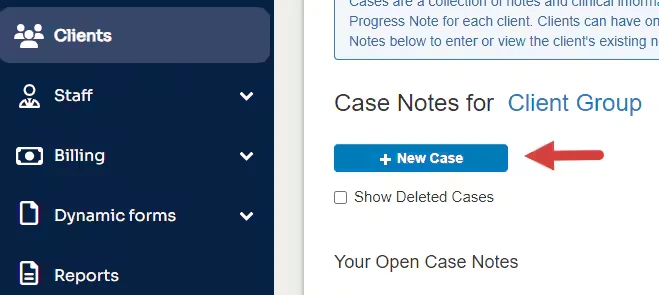
- Click Clients tab in primary navigation bar.
- Click Groups tab.
- Click Cases button for appropriate Group.

- Click + New Case button.