A Client Note is different than adding a Client Progress Note.
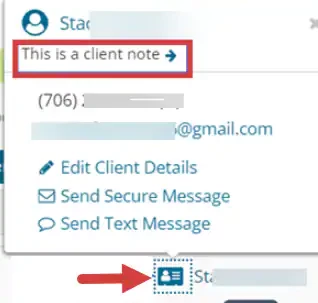
Adding a Client Note is more of a Client Memo. These Notes will display on the Agenda when you hover over a Client's Name.
IMPORTANT: Client Notes are visible to ALL staff. Beware of PHI violations.
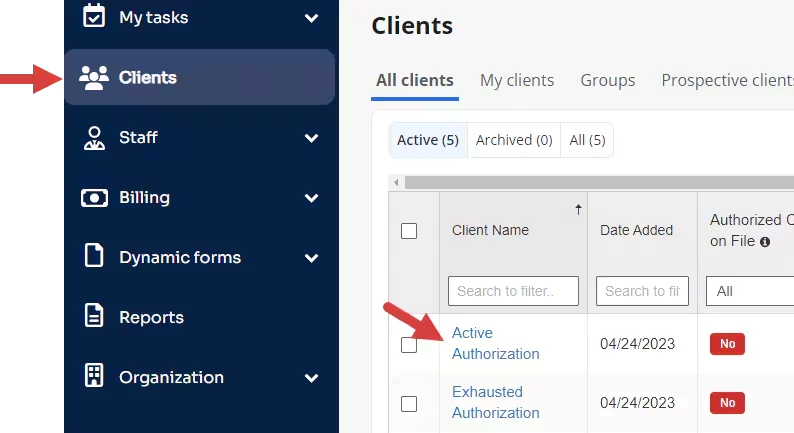
- Locate Client and open Client Profile.
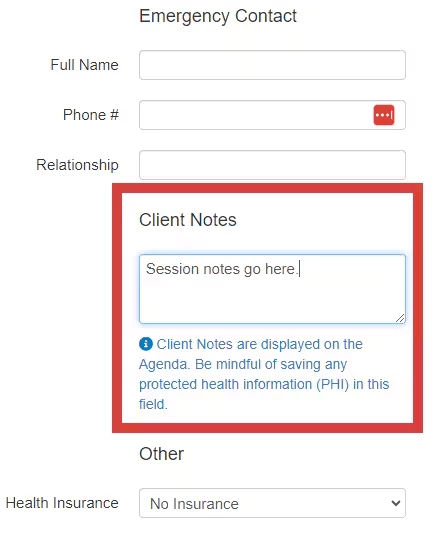
- On Details tab, locate Client Notes field.
- Enter Note. There is no character limit.
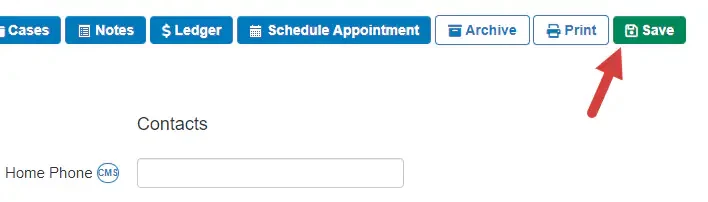
- Click Save in the top right.
- To view the note on the Agenda click the Card icon beside the client's name.