REQUIRED PERMISSIONS: Org Admin
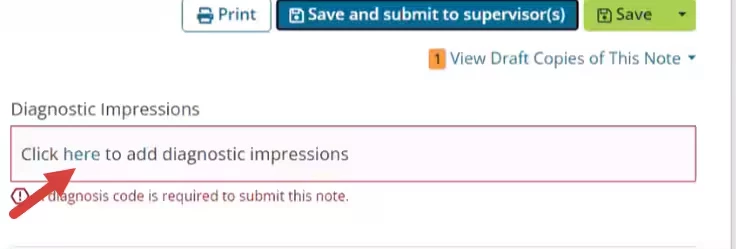
You can prevent your staff from submitting and signing progress notes that do not have a diagnosis code entered. This feature applies to progress notes for Kept appointments.
Require Diagnostic Codes on Progress Notes Setting
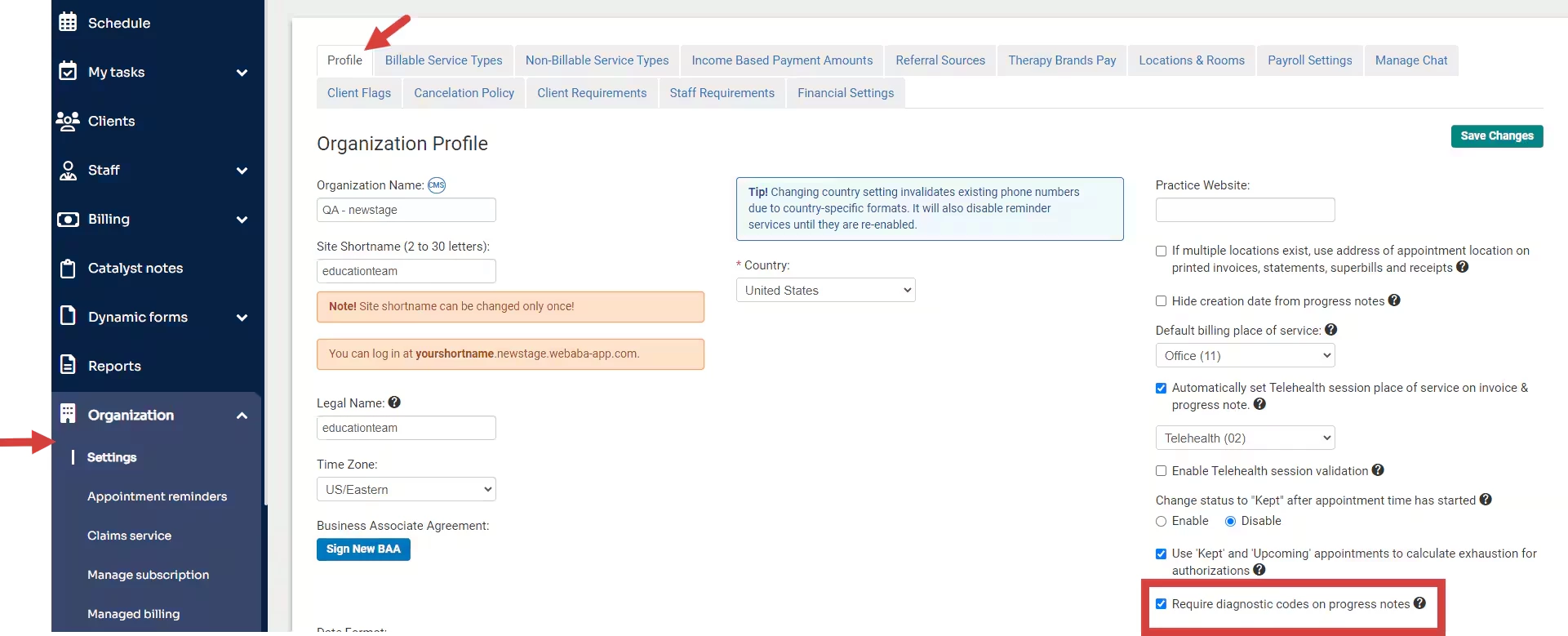
- Click Organization and Settings in the side navigation panel.
- Click the Profile tab.
- Select setting for Require diagnostic codes on progress notes.
- If you attempt to submit or sign a note that does not have a diagnosis code, a message will display to let you know a diagnosis code is required.
Unable to submit note: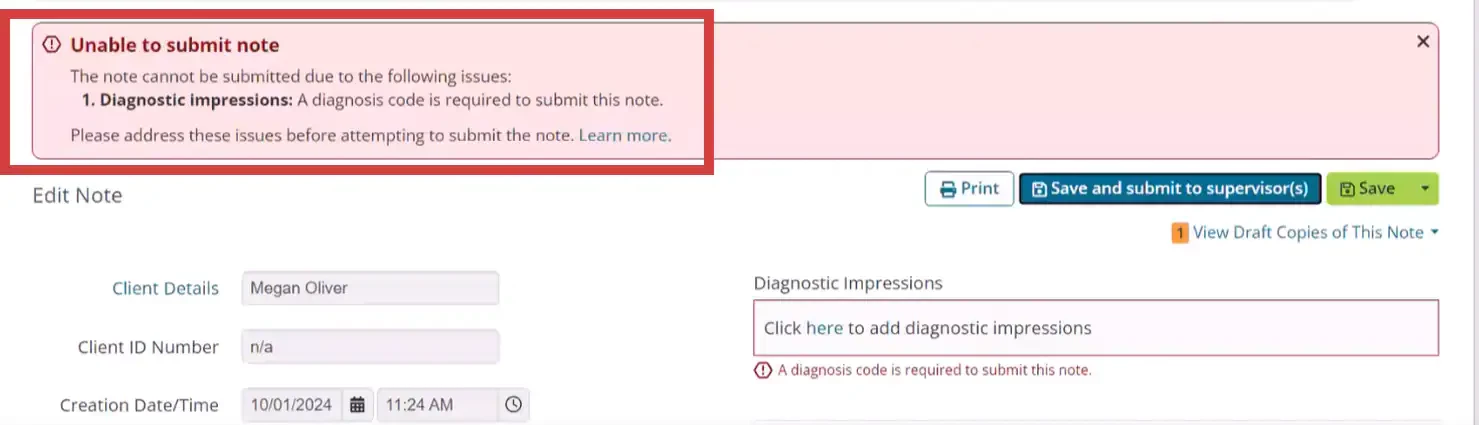
Unable to sign note: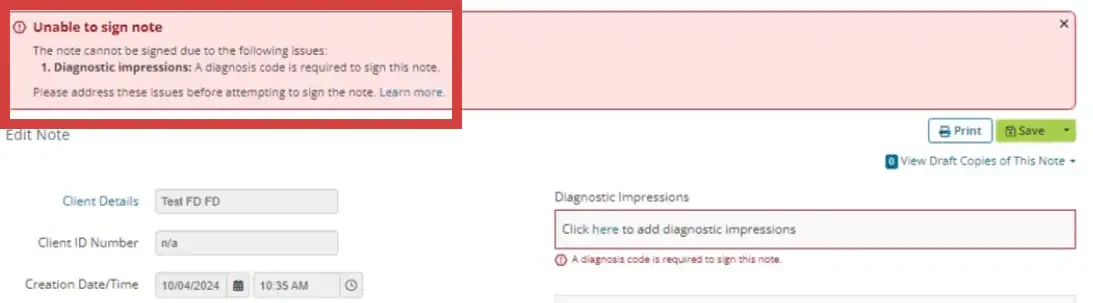
- Click in the Diagnostic Impressions field to add a diagnosis. See Add Client Diagnosis to learn more.