PERMISSIONS REQUIRED: User must have Therapist Permissions or higher.
NOTE: Signatures and permissions for signing Progress Notes are different than other dynamic forms. For more details about Progress Notes signatures see:
IMPORTANT: Dynamic Forms answers are locked at the time of Signature. If changes are made to a Dynamic Form (fields added or removed), this will only affect Dynamic Forms going forward. Dynamic Forms filled out and signed before changes were made will not be affected.
You are only able to accept one Client Signature per form. There currently is not an option for two signatures.
Client Signatures cannot be removed. Once added, the Client can hand the device back to you for your Signature.
Accept Signatures
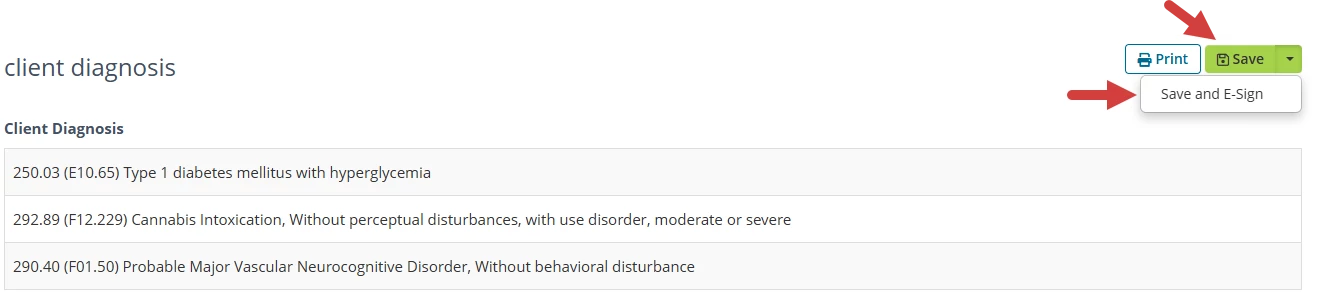
- Click the Save button drop-down and select Save and E-Sign after you have completed filling out the Dynamic Form.
- Click Accept Signature under the Client Name and hand the device to the Client to sign.

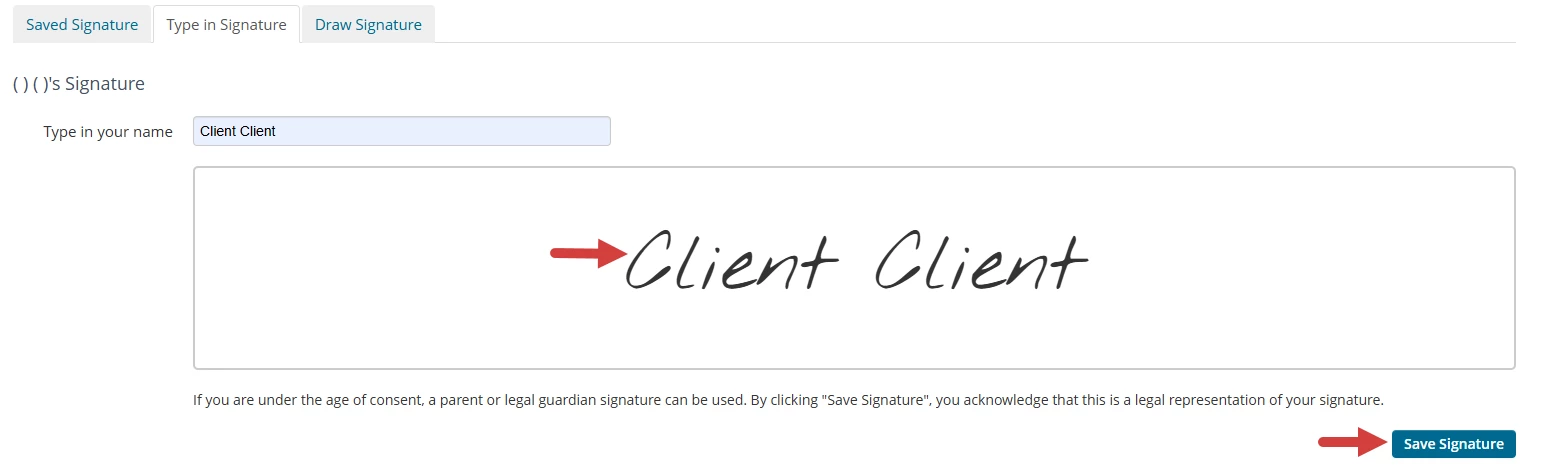
- Client can type or draw their Signature.
- Click Save Signature.
- Click Sign Document on the Document Info page.

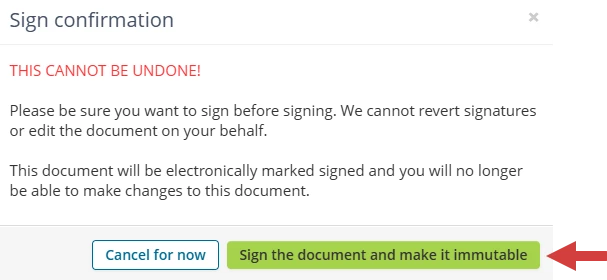
- Click Sign the Document to make it Immutable. The signature cannot be removed.