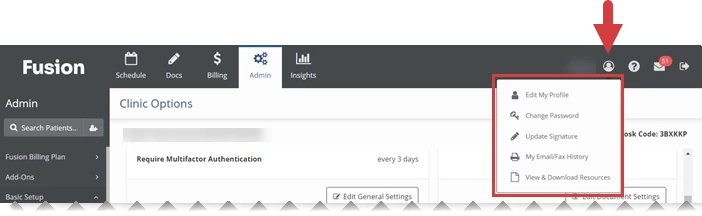
Click the My Account icon

in the upper right corner to manage your system account settings. The My Account icon opens a menu with the following options: Edit My Profile, Change Password, Update Signature, My Email/Fax History, and View & Download Resources.
Jump to Section:
Edit My Profile
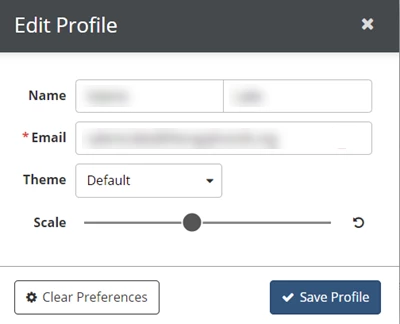
Click Edit My Profile to make changes to your Name, Email Address, and Theme (color scheme). You can also adjust the Scale of the system (zoom in or out).
Change Password
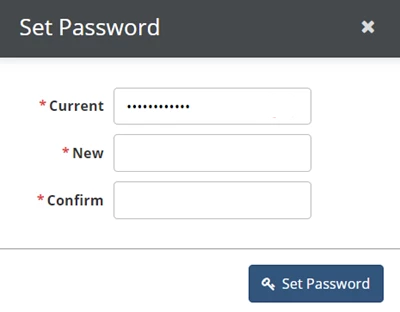
Click Change Password to change the password you use to log in to your account.
Update Signature
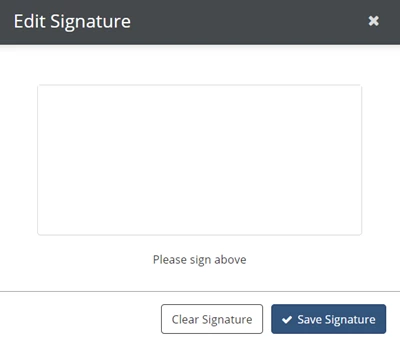
Click Update Signature to add or change your signature that appears on printed documents. Use the mouse, or stylus if you are on a tablet, to draw the signature in the Edit Signature box. Administrators can also upload scanned signature images by editing a User.
My Email/Fax History
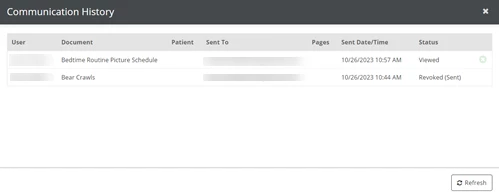
Click My Email/Fax History to view a list of all the emails and faxes you have sent from the system, sorted by date.
View & Download Resources
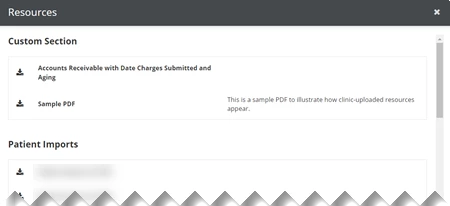
Click View & Download Resources to access Resources that have been uploaded by the system or your clinic.