PERMISSIONS REQUIRED: Users with the Admin permission can turn on MIPS Reporting.
Administrators can turn on MIPS Reporting for the clinic from the MIPS Reporting Settings card in Clinic Options. Admins can choose whether the clinic reports as a group or by individual provider, and select the measures to track when group reporting is used. If individual reporting is selected, clinicians can choose their own MIPS measures from the MIPS Reporting tab in their account profile.
Enable MIPS Reporting
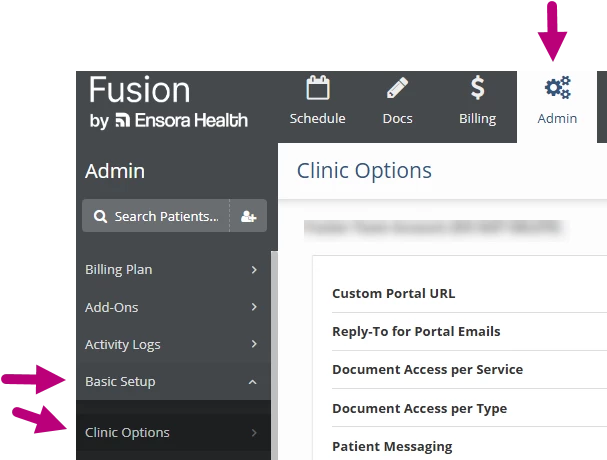
- Click the Admin tab at the top of the screen.
- Click Basic Setup in the menu on the left.
- Click Clinic Options.
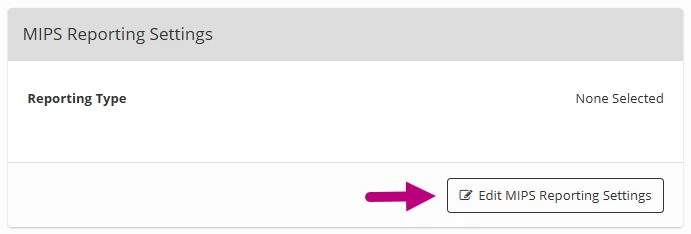
- Click the Edit Settings button on the MIPS Reporting Settings card.
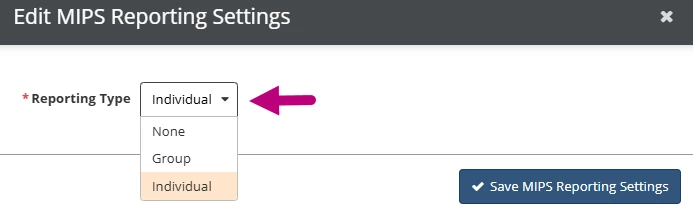
- Select the Reporting Type:
- Individual: If Individual is selected, each clinician must go to their account profile and choose which MIPS measures will be tracked and reported in their documentation. Learn more: Select Individual MIPS Measures
- Group: If Group is selected, the clinic reports on MIPS measures as a group, and an administrator chooses which measures are tracked and reported for the clinic.
- Group Reporting Only: Select which MIPS Measures your clinic will track.
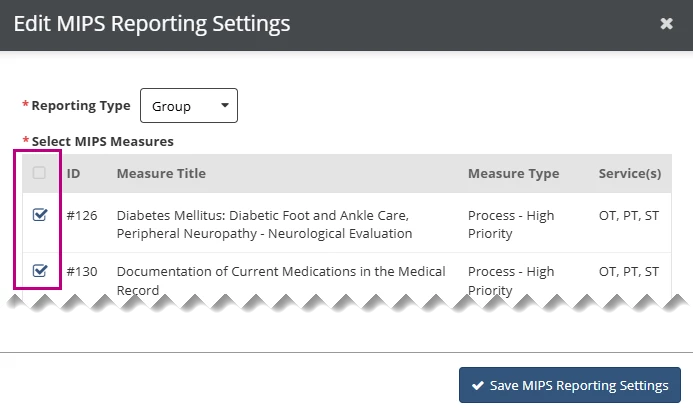
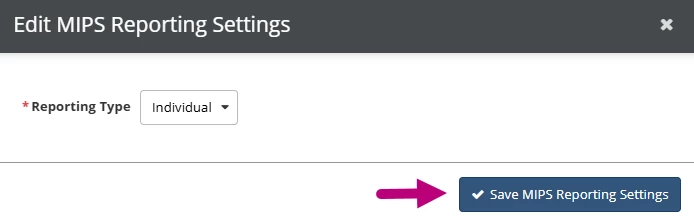
- Click Save MIPS Reporting Settings.