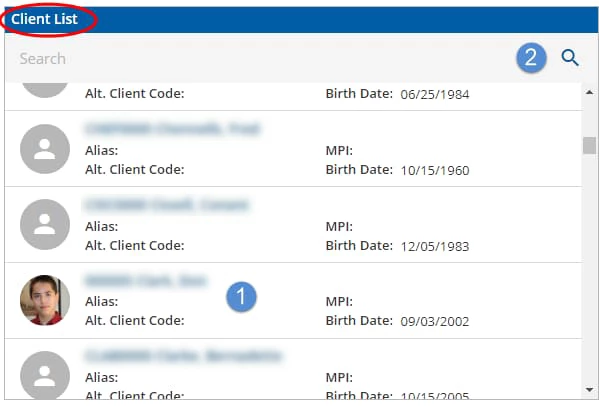
The Client List is quick access to the Clients menu. Clients displayed in the Client List may be restricted by the setting in Configuration - Staff/Users > Client List Filters.
- Click any client name to go directly to that client's Timeline.
- The Client Search Bar will search any portion of first name, last name and client code. For example, typing eri could result in clients Eric, Catherine, Lovering, Boeri, or ERID001 to be displayed.
- Searching by date of birth is no longer supported.