Watch a Recorded Training
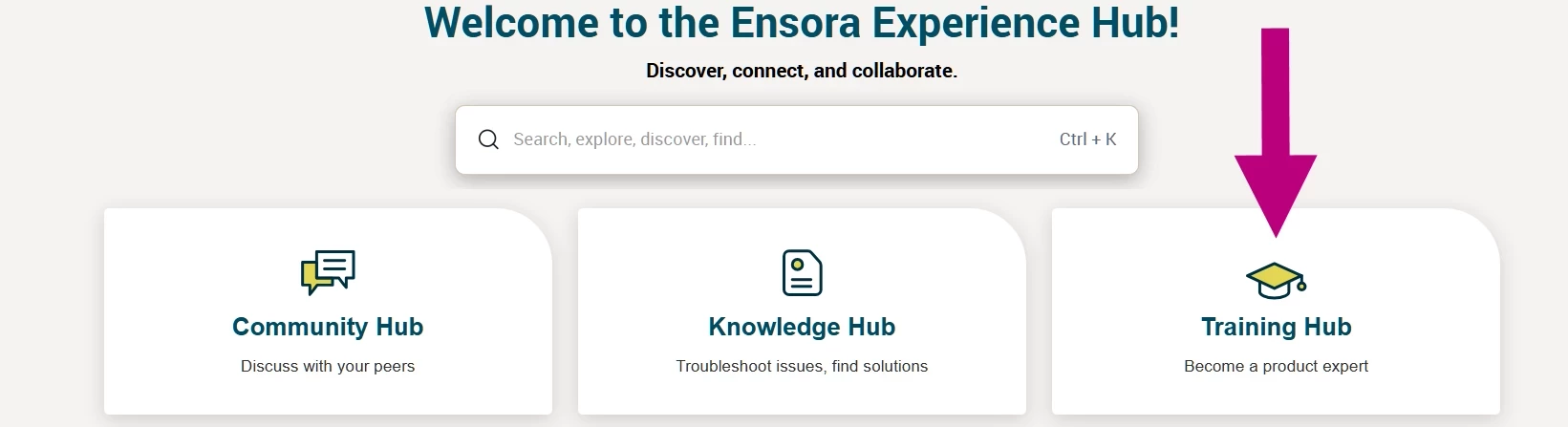
- Click the Training Hub tile.
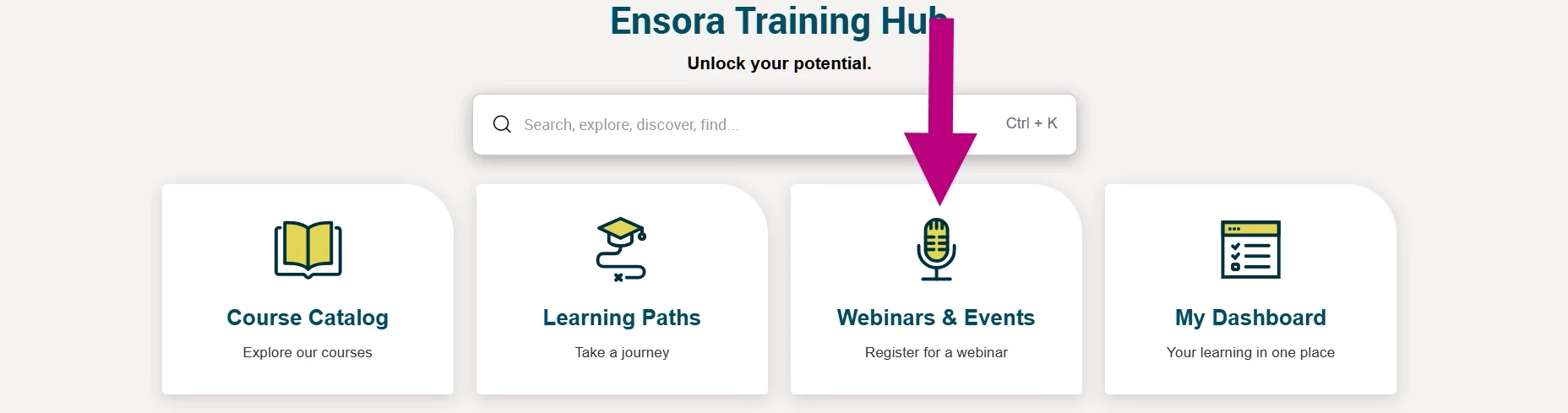
- Click the Webinars & Events tile.
- Click the link view a recorded training.

- Use the Filter by Product option to select the product you are interested in.

- Click the Play button on the webinar you wish to watch.
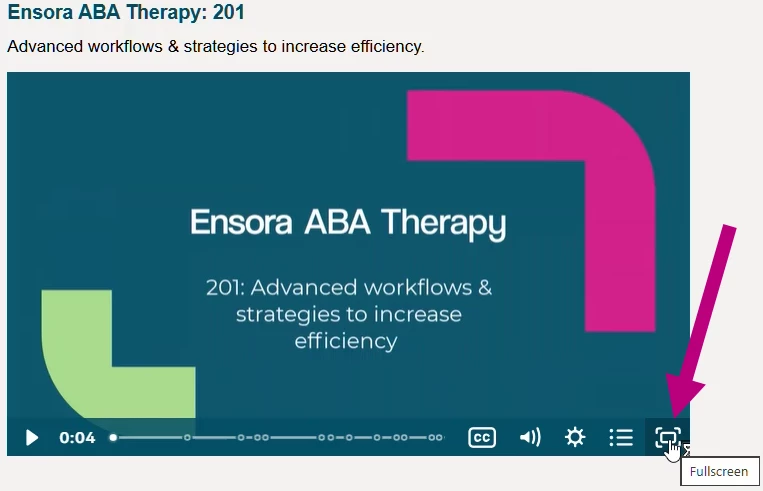
- Use the Fullscreen mode in the lower-right corner.