Track Your Progress
Tracking your progress helps you stay motivated, organized, and aware of how much you’ve accomplished, especially if you're working toward role-specific goals or certifications. It also allows you to easily pick up where you left off, see what’s next in a learning path, and demonstrate your professional development to your team or manager.
-
Navigate to the Training Hub from the Ensora Experience Hub dashboard. Don’t forget to login using your credentials.
-
Select My Dashboard.
-
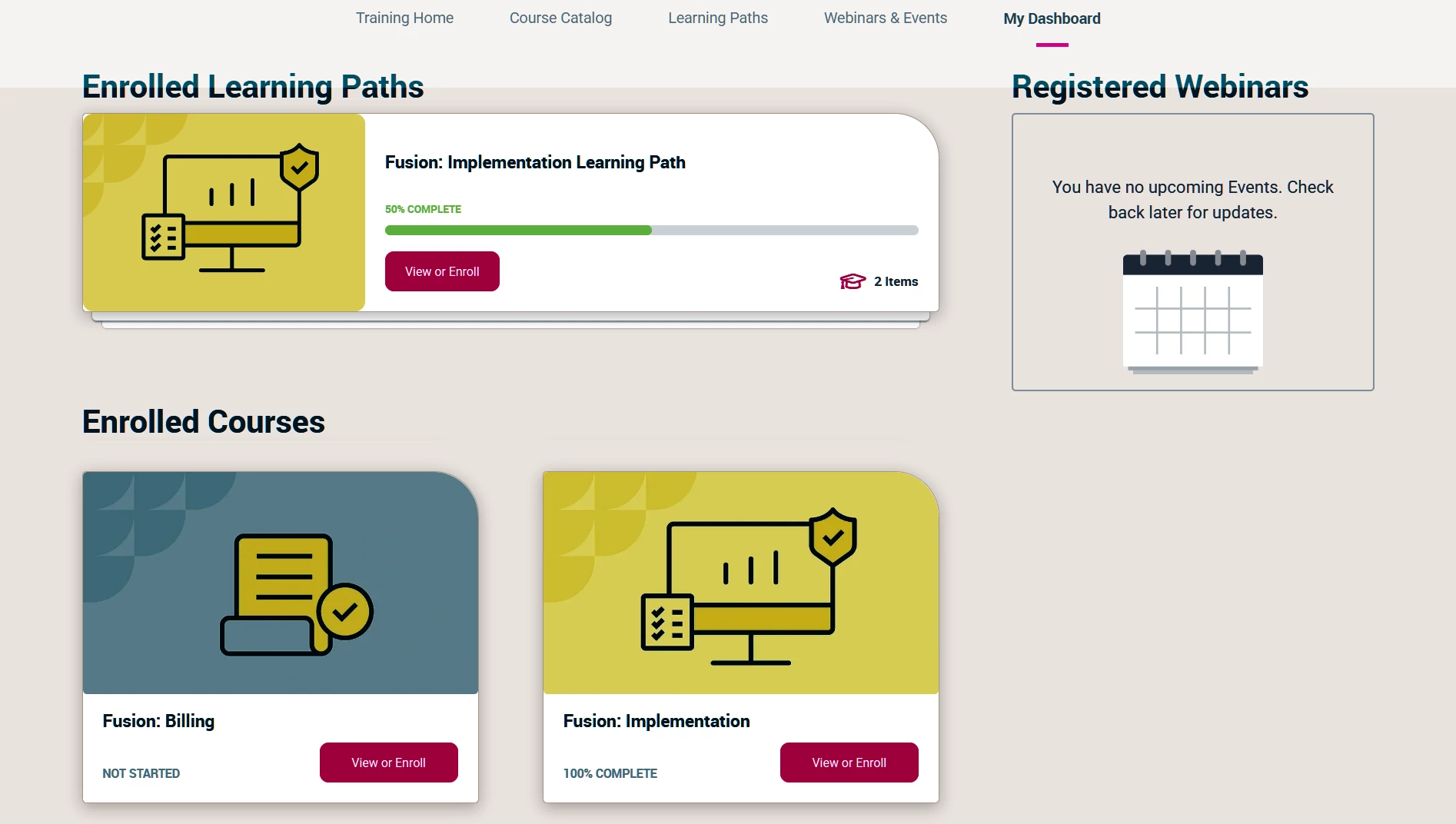
Your dashboard will show you all of the courses and learning paths that you are enrolled in as well as any registered webinars. Completed content will show a progress bar and completion status.
-
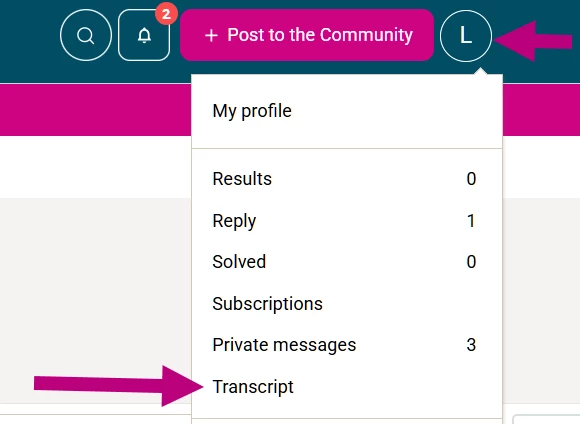
A full transcript of all of your courses along with links to certificates can be found in the Transcript section of the platform accessible through the drop-down menu under your profile logo in the upper right corner of the platform.