- Open the email you received from Ensora Customer Education with the webinar details
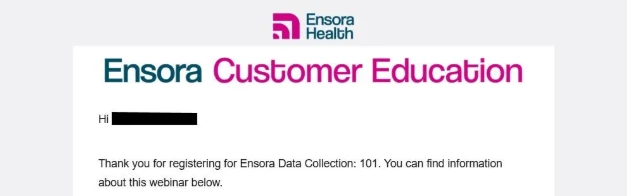
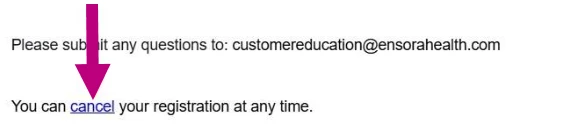
- Click the cancel link in the email.
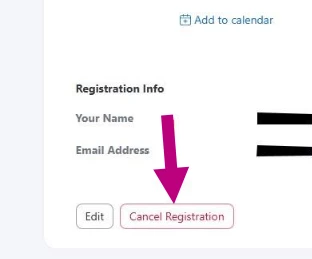
- You will be taken to a separate web page hosted by Zoom. Scroll to the bottom of that page and click the Cancel Registration button.
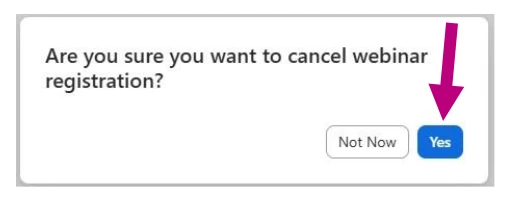
- Click Yes on the pop-up Are you sure you want to cancel webinar registration.
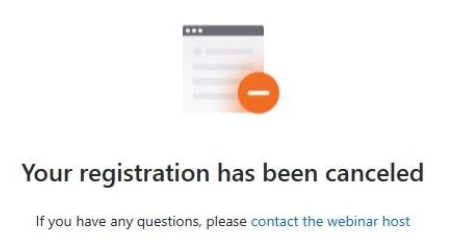
- You should see a confirmation message confirming that your webinar registration has been successfully cancelled.

Ensora Health
Cancel Your Webinar Registration

 +1
+1This topic has been closed for replies.
Enter your E-mail address. We'll send you an e-mail with instructions to reset your password.