Once a Target is open for Baseline or Treatment it can be put on hold.
Access the Skills Acquisition Tab in the Students Section.

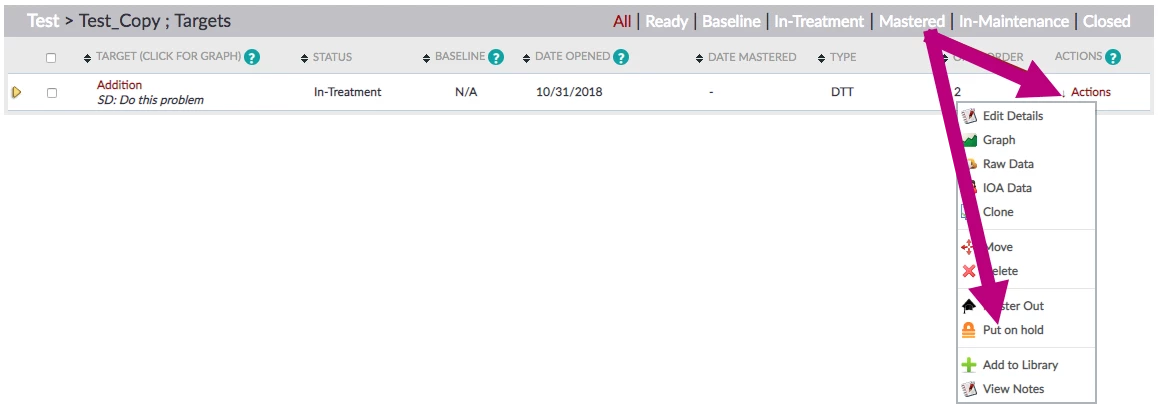
- Locate desired Target.
- Click Actions.
- Click Put on hold.
- Target now has a status of On-Hold.

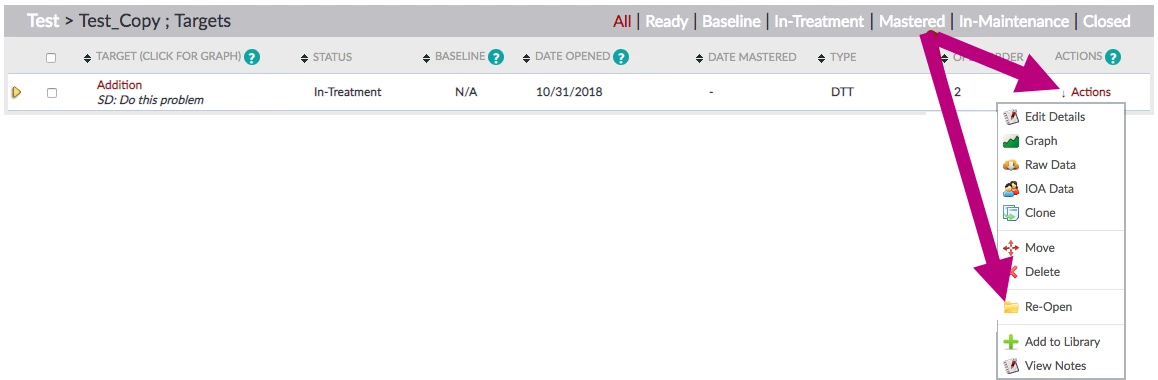
NOTE: To re-open a Target, click Actions > Re-Open.