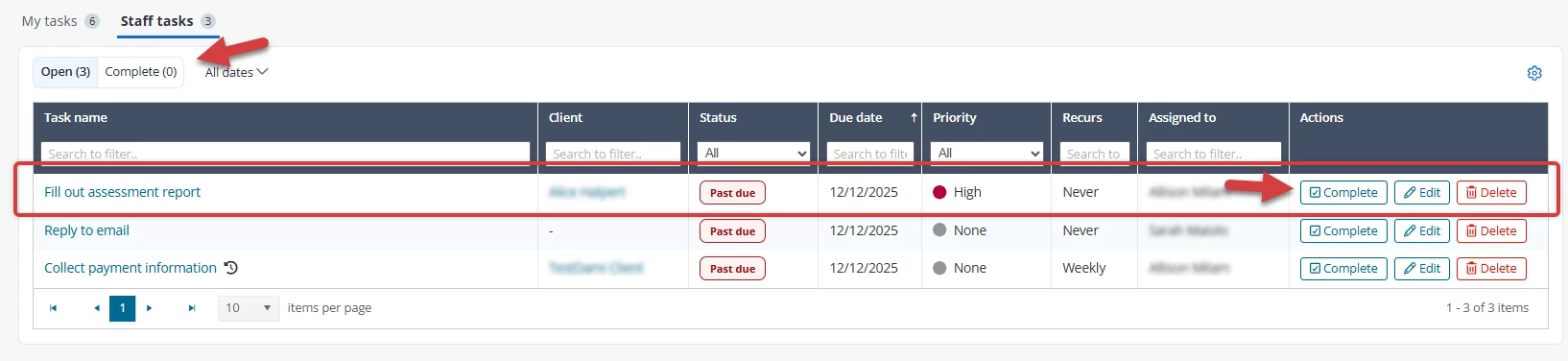
Mark a task as complete to remove it from your open task list. When you mark a recurring task as complete, the next instance of the task with the closest upcoming due date will display on your open task list. You can also mark a completed task as Incomplete to move the task bask to your open task list.
Jump to Section:
Mark Task as Complete
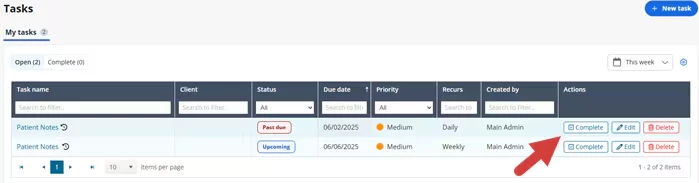
- Open the Tasks page and find the task you want to complete.
- Click the Complete button.
The Task moves to the Complete Tasks tab.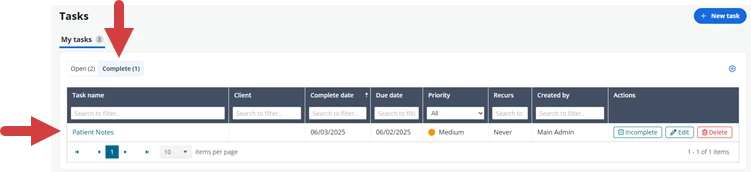
Reopen a Task
- Open the Tasks page.
- Click the Complete tab and find the task you want to reopen.
- Click the Reopen button.

- The Task moves to the Open Tasks tab.