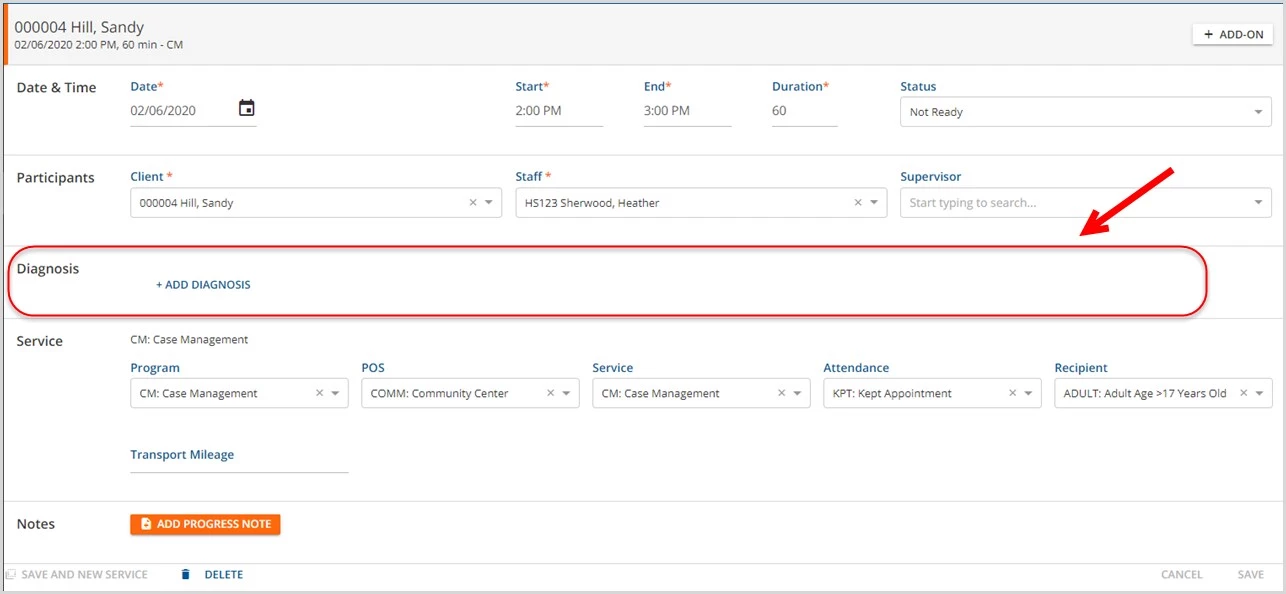
Services can be saved without a diagnosis in order to capture a provided service before the client has been diagnosed or be marked Ready to complete a non-billable Service that does not require a Client Diagnosis.
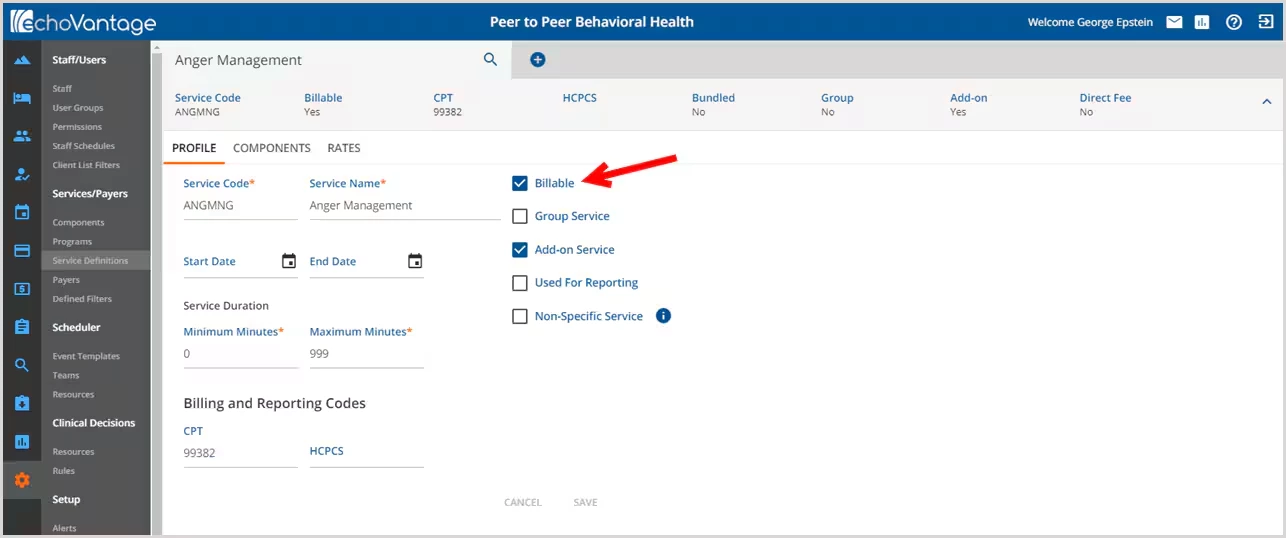
The Service Definition Billable Flag determines whether the Service can be marked as Ready without a Diagnosis. This can be found in Configuration>Services/Payers>Service Definitions>Profile.
- If the Service is billable, it cannot be set to Ready until at least one Diagnosis is entered.
- If the Service is not billable, a Diagnosis is not required and may be set to Ready.
- When using a bulk method to Mark Services as ready (Mark All or Mark Selected Billable services without a Diagnosis fail).

One billable Service without a Diagnosis failed.
Save a Service without a Diagnosis
To save a billable or non-billable Service in Not Ready status, the diagnosis entry box must be deleted by clicking on the trash can icon. This will remove the drop-down box, Primary check box, the delete icon, and will leave a "+ ADD DIAGNOSIS".