Each patient is assigned a randomly-generated ID. You can use this to communicate with the Support team, as well as other users at your clinic about a patient without using their name or other personally identifiable information.
Find a Patient ID
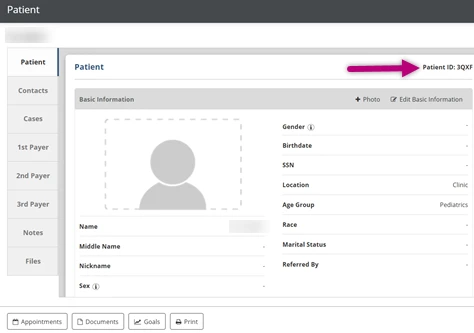
To find a patient's ID, open the patient's information and look in the upper right. From here, you can highlight and copy this ID, then paste it into your message.
Search for a Patient using their ID
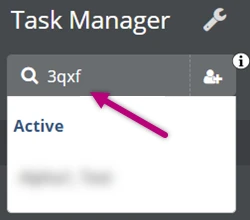
If you receive a message with a patient's ID, type it into the Search Patients field to find that patient.