Permissions Required: Staff can override their own schedule, Administrators can override any Staff's schedule.
Once you set your Schedule availability, those are the hours that show on your Calendar. If you want to schedule outside of those hours, you will need to manually override them.
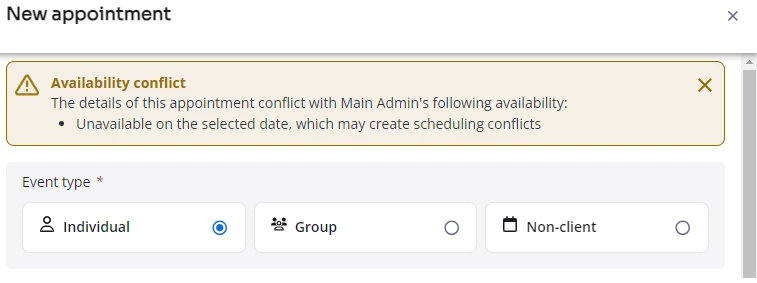
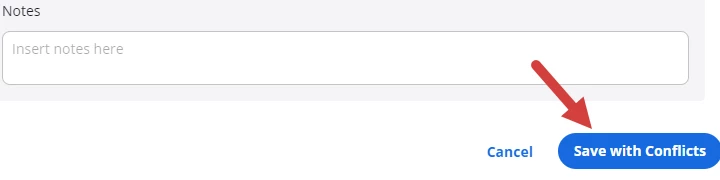
NOTE: You will see a warning message at top of the appointment window to let you know there is a conflict between the appointment and your availability. Click Save with Conflicts button at the bottom of the window to override the availability and schedule the appointment.
You will receive an alert notifying you that an Appointment has been scheduled after hours. You can update your Calendar Preferences to receive emails if desired.
- Click Calendar in primary navigation bar.
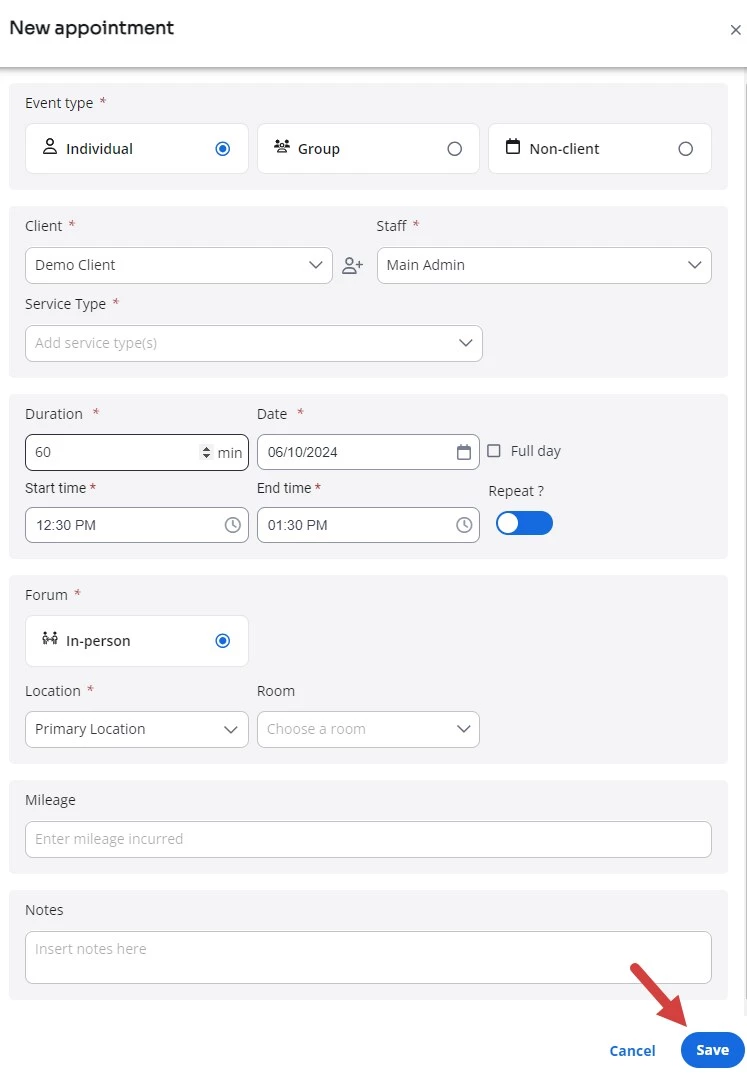
- Schedule an Appointment like normal.
NOTE: You can also override Rescheduled Appointments.
- Select desired Time.
- Click Save.