


PERMISSIONS REQUIRED: Any user can change Appointment Status. Clients can also change Appointment Status.
Users have the ability to Check in and out of their own Appointments via the Agenda.
IMPORTANT: Check In and Out times cannot be edited once entered.
Check In or Out of Appointment
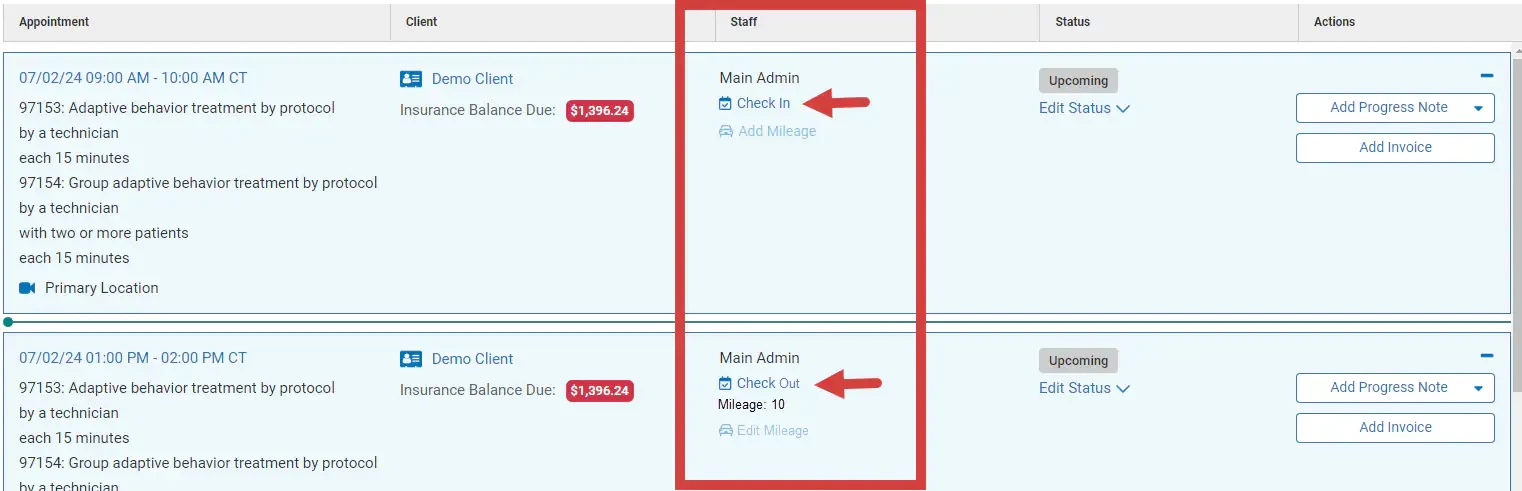
The process for checking in and out is virtually the same. Just click the appropriate button from the Agenda and the Check In and Check Out times will populate.
- Click the Check In or Check Out button in the Staff column on the Agenda.
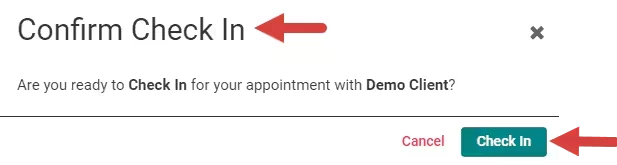
- Click Confirm Check In or Out.
- Check In or Out Time is listed.
