PERMISSIONS REQUIRED: You must have Organization Administration Permissions.
Canceling your Telehealth subscription cancels it for ALL Staff Members immediately. Alternatively, click here to learn how to Add or Remove Staff from Telehealth Subscription.
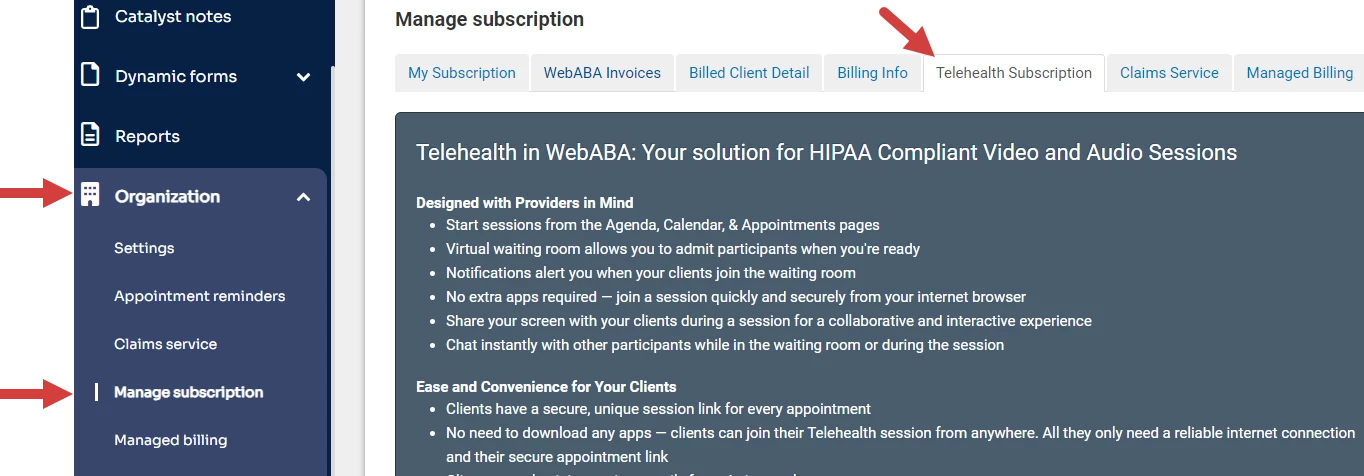
- Go to Organization on the side menu.
- Click Manage Subscription.
- Click Telehealth Subscription tab.
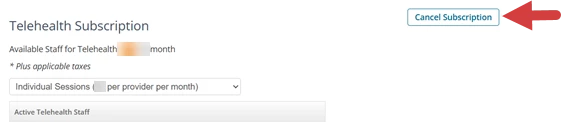
- Scroll down and click Cancel Subscription button to cancel the entire subscription for all Users.