Permissions Required: You must have Billing Permissions.
You cannot make changes to an Appointment (i.e. update a Service Type) after you have created and linked an Invoice.
In order to make changes, you will need to delete the linked Invoice. Then after you have made your changes to the Appointment, you will need to recreate the Invoice with the corrected/updated Appointment information and reapply any Payments.
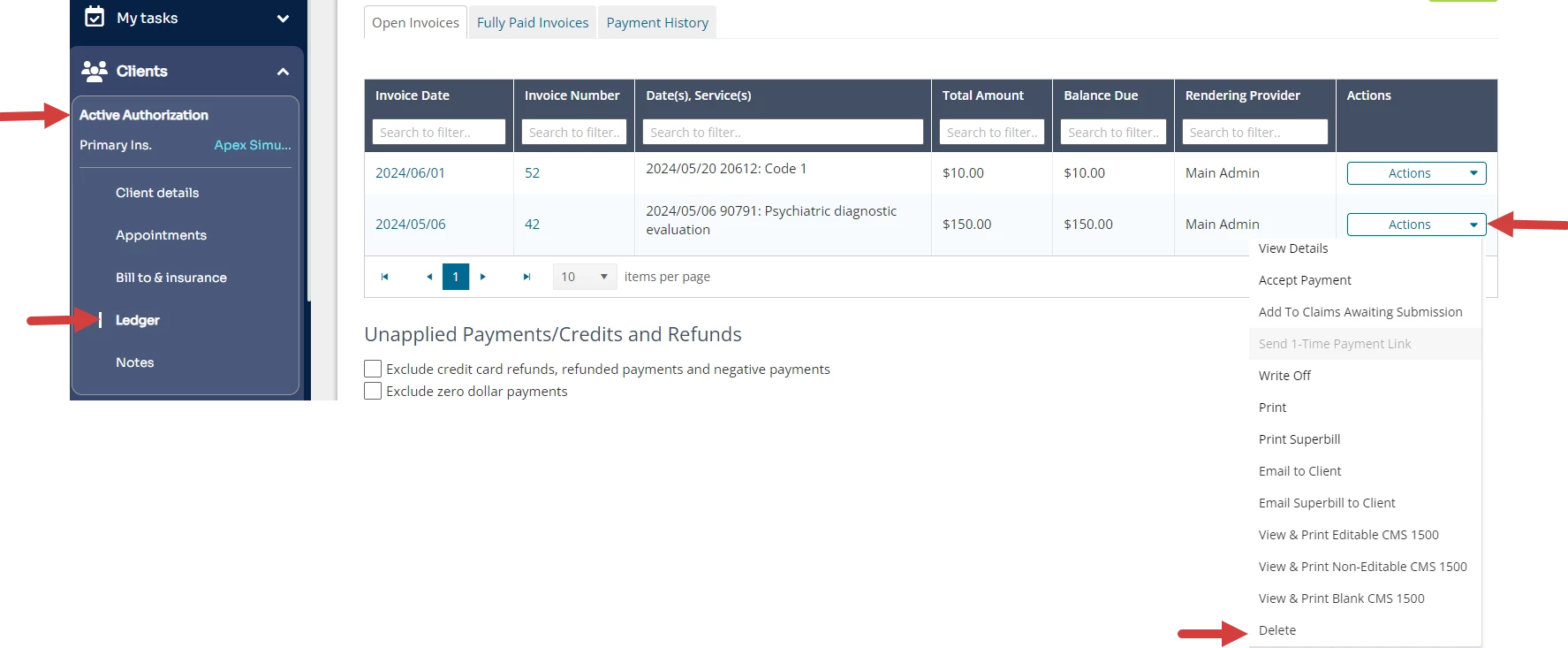
Locate the Invoice from the Client Ledger.
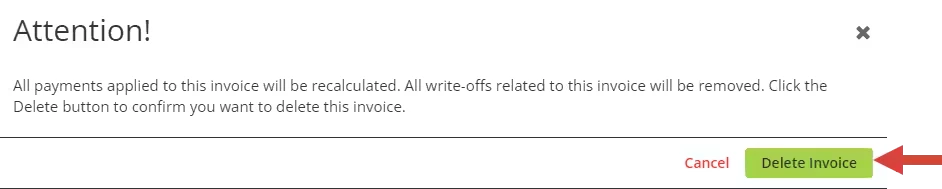
Click Actions for appropriate Invoice.Click Delete. A window opens for you to confirm deleting the invoice.
NOTE: Deleting an Invoice does not delete Payments already applied to the Invoice. Deleting an Invoice will unapply the Payment. You can reapply it later.
Click Delete Invoice.
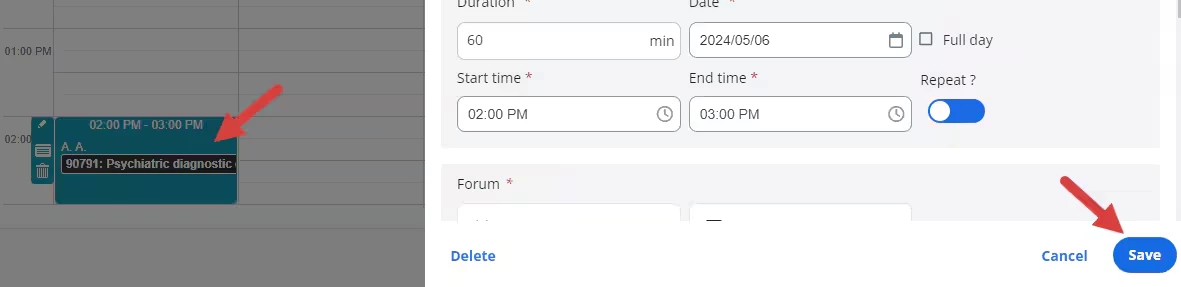
Return to Calendar and locate appropriate Appointment.