PERMISSIONS REQUIRED: You must have Administrator Permissions or higher.
Telehealth Session Start and End times are located in your Organization's Activity Log.
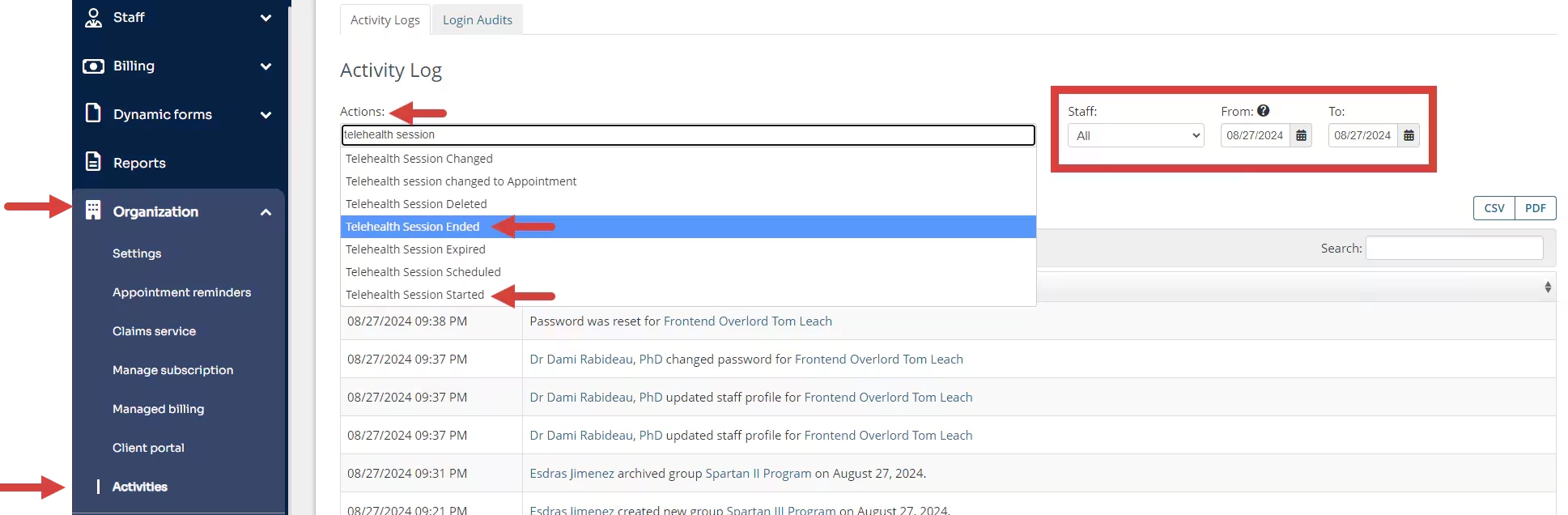
- Click Organization > Activities.
- Set Date Range - Defaults to Today's Date.
- Choose a Staff Member from the Staff dropdown if desired. This will only show actions related to that Staff Member in the set Date Range.
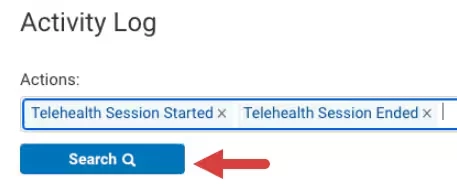
- Click in Actions drop down and select Telehealth Session Started, Telehealth Session Ended.
- Click Search. You can search Clients using the search bar in the results window. You can also export to CSV or PDF.