Permissions Required: You must have Organization Administration Permissions.
Canceling your Telehealth subscription cancels it for ALL Staff Members immediately. Alternatively, click here to learn how to remove a single Staff Member from your Telehealth Subscription.
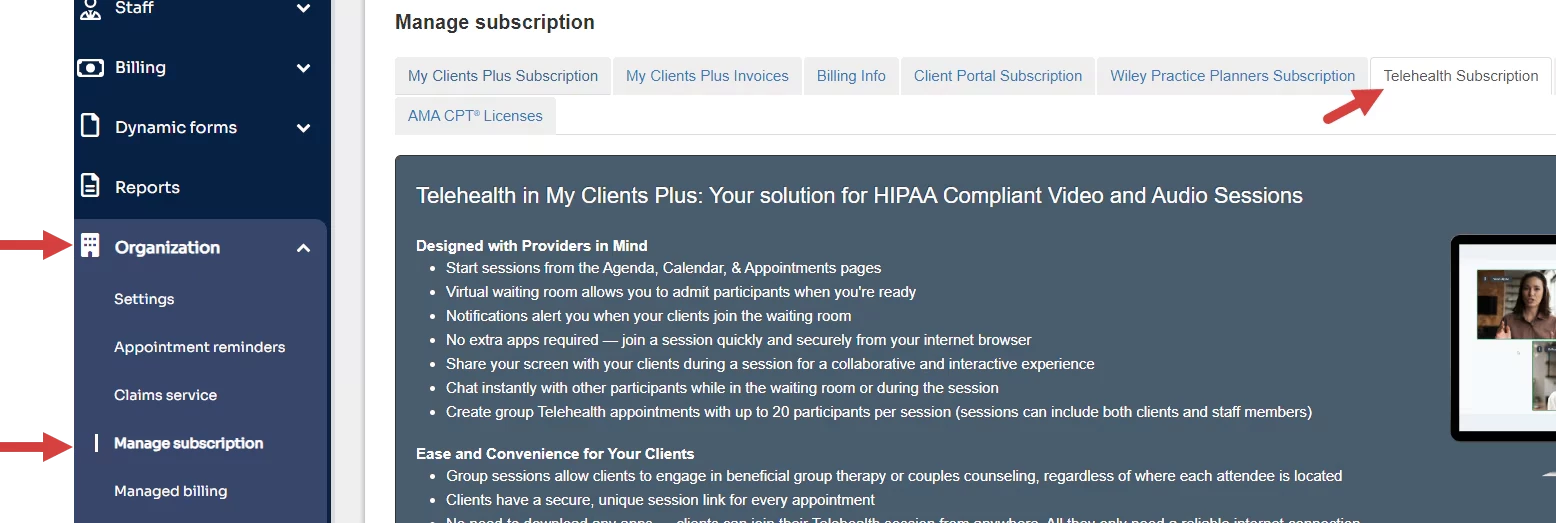
- Go to Organization on the side menu.
- Click Manage Subscription.
- Click Telehealth Subscription tab.
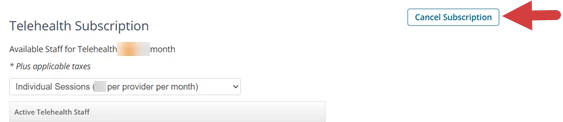
- Scroll down and Click Cancel Subscription button to cancel the entire subscription for all Users.