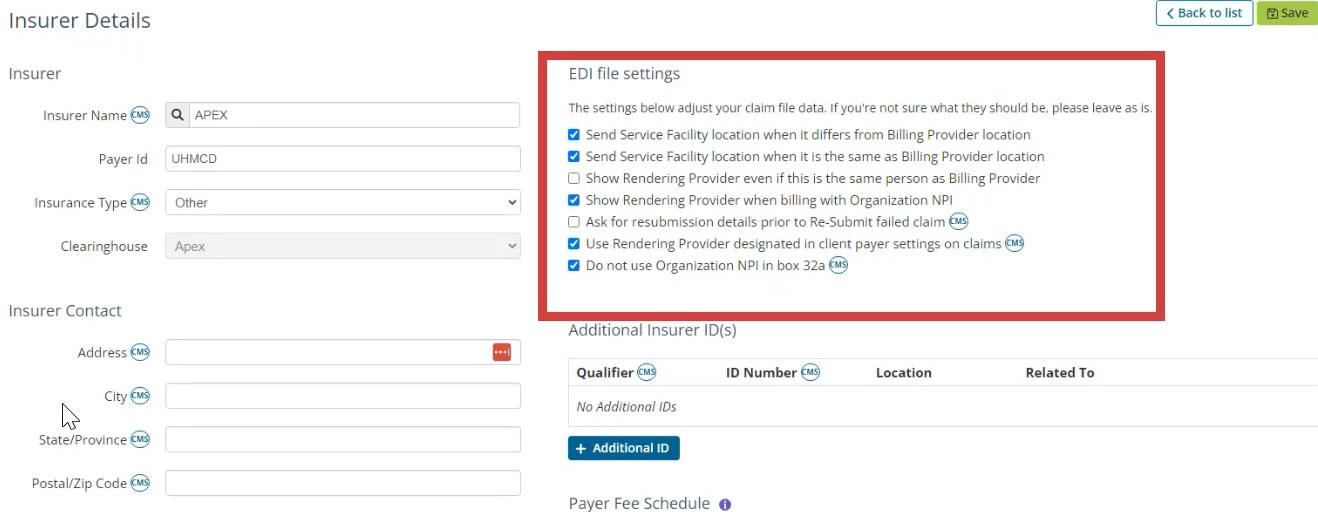
In order to resubmit Claims with Apex you will need to select Ask for resubmission details prior to re-submit failed claim. You can also set other EDI File Settings here as appropriate.
- Click Billing tab in primary navigation bar.
- Click Insurers in side menu.
- Locate appropriate Insurer and click Edit.
- In EDI File Settings, select Ask for resubmission details prior to Re-Submit failed claim checkbox.
- Click Save.