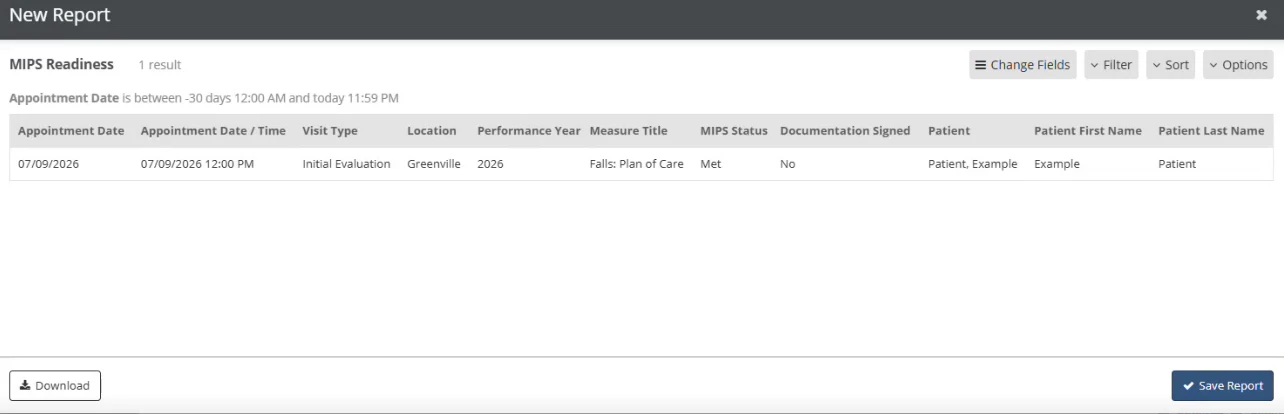
The MIPS Readiness report gives clinics visibility into patient-level MIPS data captured in Fusion. Clinics can use it to review applicable patients, confirm whether measures have been documented, and identify whether the required MIPS data appears to be available before submitting information to a registry.
NOTE: The MIPS Readiness Report is designed to help clinics assess readiness and can be exported as a CSV file, but it is not intended to be uploaded directly to a registry.
Run the MIPS Readiness Report
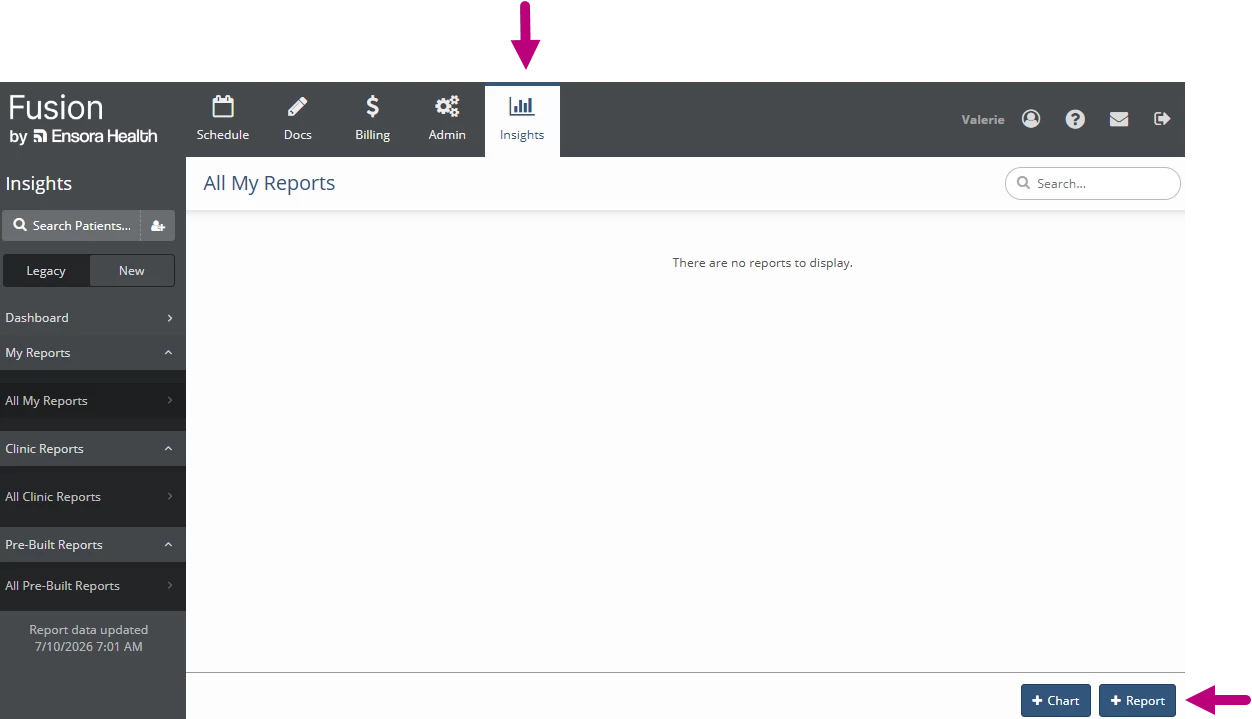
- Click the Insights tab.
- Click + Report.
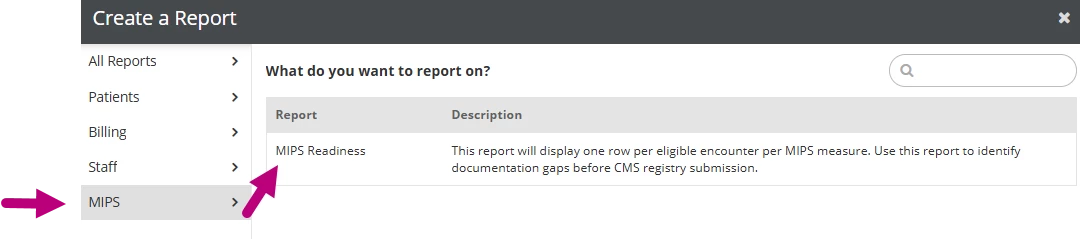
- Click MIPS on the side menu.
- Select MIPS Readiness.
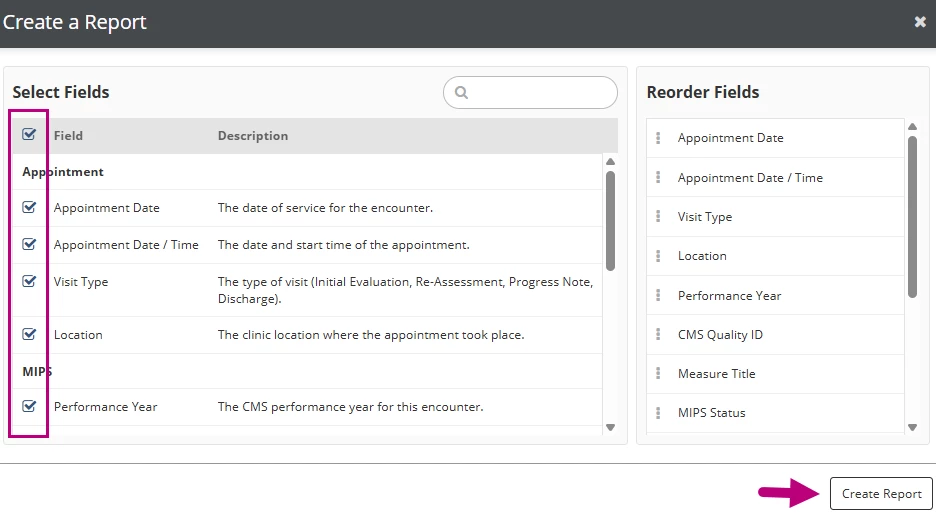
- Select the fields you want to include in the report.
- Click Create Report.
- The report displays available MIPS-related data for applicable patients.