


PERMISSIONS REQUIRED: You need the Insights permission to use these functions.
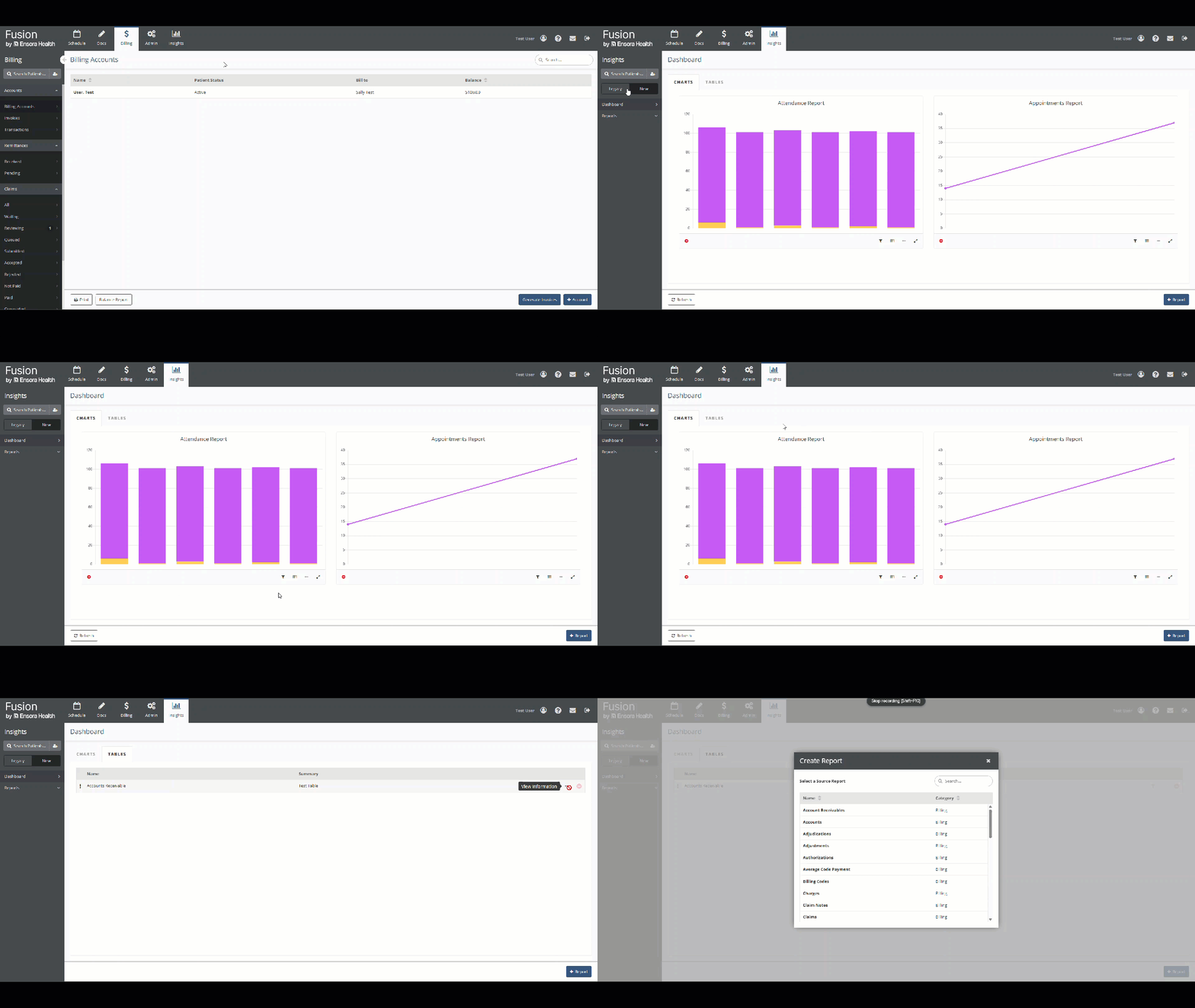
Go to Insights → Legacy → Dashboard to view the reports you have pinned to your dashboard, grouped into the Charts and Tables tabs.
Pinned Charts
The dashboard's Charts tab includes all of the chart reports you've pinned. The icons under each chart let you work with that report:
- Click the Fullscreen icon
to view a larger version of the graph with additional details.
- Click the View Information icon
to view the report's description, if one was saved.
- Click the View Data icon
to view the graph's data in a table.
- Click the Edit Filters
icon to change the filters applied to this report.
- Click the Remove icon
to remove the report from the dashboard.
Pinned Tables
The dashboard's Tables tab includes all of the table reports you've pinned. Click a report to view it, or use the icons to the right to work with that report:
- Click and drag the Move Handle
to re-order the reports in the list.
- Click the Edit Filters icon
to change the filters applied to this report.
- Click the View Information icon
to view the report's description, if one was saved.
- Click the Remove icon
to remove the report from the dashboard.