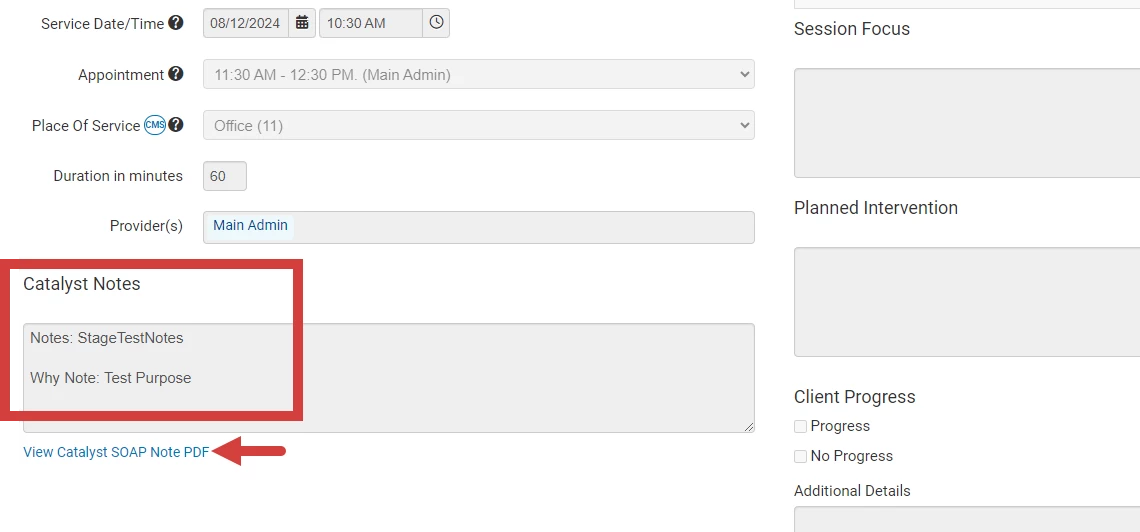
This article reviews the steps to view Ensora Data Collection SOAP Notes as a PDF file.
- Navigate to the client's notes. If the SOAP Note has been matched to an appointment, the View Ensora Data Collection SOAP Note PDF link displays under the Notes field.
NOTE: To remove the PDF link, Un-match the Ensora Data Collection Note from the appointment. See Ensora Data Collection Integration: Un-Match or Delete Ensora Data Collection Notes for more information.
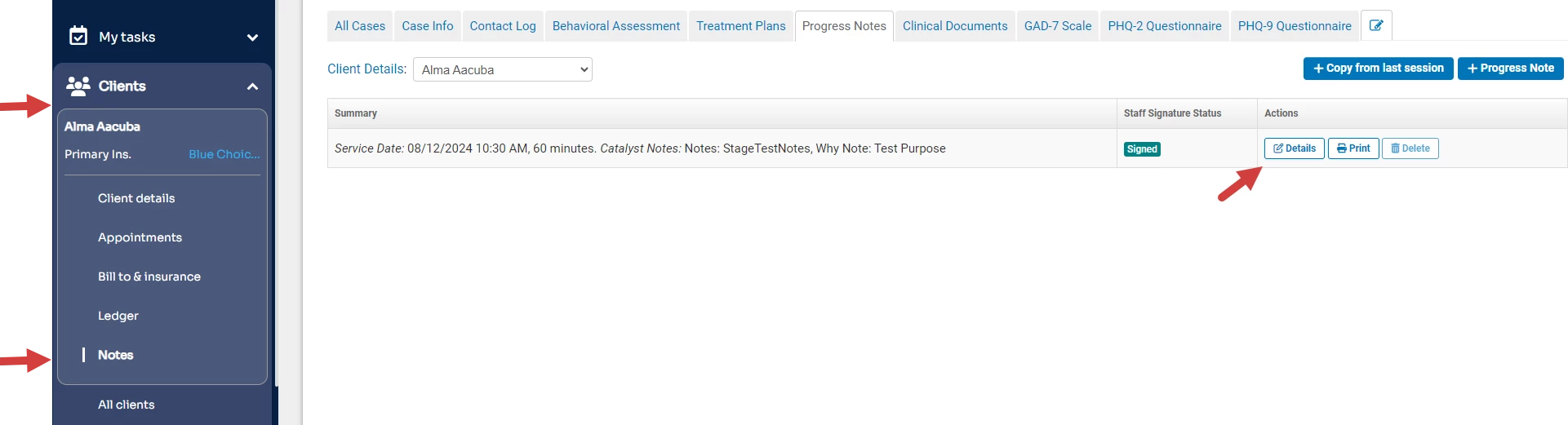
- Click the link to View Ensora Data Collection SOAP Note PDF.