



During your initial setup call, you may have discussed with your Implementation Manager one or several forms you will be filling out to set up your clinic. Use this article as a guide for understanding what to place in each field of a form.
Jump to Section:
Patient Data Import Form
The patient data import form is used to import large sets of patient information into the system.
IMPORTANT: When using this form, please do not edit the columns or general layout of the form. Any information you would like to import that does not have an associated column will need to be added manually after the import is complete. Feel free to leave any columns blank that your clinic doesn't utilize.
Patient Information
| Field | Description |
|---|---|
| First Name* | The patient's first name. |
| Last Name* | The patient's last name. |
| Middle Name | The patient's middle name. |
| Nickname | The patient's nickname. |
| Medical Record | Patient record number assigned by the clinic for internal use. |
| SSN | Patient's 9-digit social security number. |
| Sex | Patient's sex. Must be formatted as "Male", "Female", "M", or "F". |
| DOB | Patient's date of birth. |
* Fields with an asterisk are required for the patient data import.
Location
| Field | Description |
|---|---|
| Name* | Location where the patient received treatment. Examples: "Clinic", "Home", or "Your Clinic Name". |
* Fields with an asterisk are required for the patient data import.
Contact Information
| Field | Description |
|---|---|
| Name | Patient's primary contact. Must only be the primary contact's first and last name in that order. |
| Primary contact's email address. | |
| Address | Primary contact's preferred address. |
| City | Primary contact's city of residence. |
| State | Primary contact's state of residence. |
| Zip | Zip code of address listed above. Must only be 5 digits. |
| Phone # | Primary contact's home phone number. |
| Cell # | Primary contact's cell phone number. |
| Cell # Notes | Any important notes about reaching the primary contact. Must be 50 characters or less. |
| Emergency # | Patient's emergency number. |
| Emergency # Notes | Any important notes about reaching the primary contact. Must be 50 characters or less. |
Physician
| Field | Description |
|---|---|
| First Name | Physician's first name. |
| Last Name | Physician's last name. |
| Practice | Name of physician's practice. If the practice is listed, the physician's first and last name must also be present. |
| NPI | Physician's NPI. If an NPI is listed, the physician's first and last name must also be present. |
| Address | Address of the physician's practice. |
| City | City where physician's practice is located. |
| State | State where the physician's practice is located. |
| Zip | Zip code of address listed above. Must only be 5 digits. |
| Phone | Phone number of the physician's practice. |
| Fax | Fax number of the physician's practice. |
Primary Coverage
TIP: When listing patient's coverages, be consistent with payer names. This will create a cleaner payer manager after the import. For example, do not list one patient's coverage as "SC Medicaid" and another's as "South Carolina Medicaid".
| Field | Description |
|---|---|
| Name | The name of the patient's primary coverage. |
| Subscriber ID | Patient's subscriber ID as given by the payer. |
| Group Name | Patient's group name as given by the payer. |
| Group # | Patient's group number as given by the payer. |
Secondary Coverage
| Field | Description |
|---|---|
| Name | The name of the patient's primary coverage. |
| Subscriber ID | Patient's subscriber ID as given by the payer. |
| Group Name | Patient's group name as given by the payer. |
| Group # | Patient's group number as given by the payer. |
Tertiary Coverage
| Field | Description |
|---|---|
| Name | The name of the patient's primary coverage. |
| Subscriber ID | Patient's subscriber ID as given by the payer. |
| Group Name | Patient's group name as given by the payer. |
| Group # | Patient's group number as given by the payer. |
User Data Import Form
Download User Data Import Form
The user data import form is used to import large sets of users into the system.
IMPORTANT: When using this form, please do not edit the columns or general layout of the form. Any information you'd like to import that does not have an associated column will need to be added manually after the import is complete. Feel free to leave any columns blank that your clinic doesn't utilize.
User Information
| Field | Description |
|---|---|
| First Name* | User's first name. |
| Last Name* | User's last name. |
| Email* | User's email address used to login to the system. |
| License | Therapist's license number as it should appear on documentation. |
| Credentials | Therapist's credentials as it should appear on documentation. |
| NPI | The National Provider Identifier assigned to a therapist. |
| Service | Therapist's service type. Must be formatted as OT, PT, ST, VT, PS, TH, or CM. |
| Signoff | Determines if a user can sign off on their own documentation without the need for a co-signer. Must be formatted as "Yes", "No", "Y", or "N". |
| Self-Schedule | Determines if a user is able to schedule appointments for themselves. Must be formatted as "Yes", "No", "Y", or "N". |
* Fields with an asterisk are required for the user data import.
Role
| Field | Description |
|---|---|
| Name | Determines what permissions a user will have. Common examples would be "Scheduler", "Therapist", "Biller", or "Admin". |
Payer Enrollment Template
The Payer Enrollment Template is used to set your clinic up for billing. Your Customer Success Manager will use this information to set you up with our third-party clearinghouse and begin preparing your payers for claim submission.
IMPORTANT: Use the Payer Enrollment Template to set up payers if you are on the system's Billing plan.
Complete and Submit the Payer Enrollment Template
| Subject: Enter "New Clinic EDI Enrollment." | 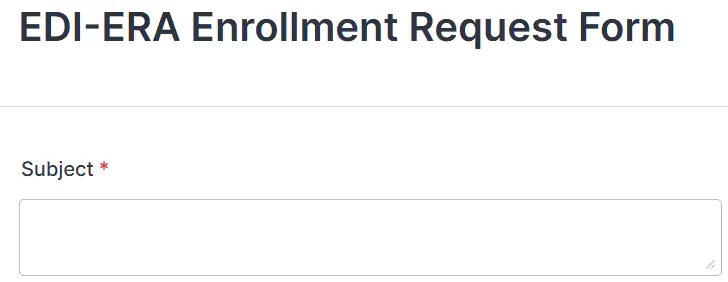
|
| Product: Select "Fusion." | 
|
| Primary/Corporate Site Name: Enter the organization name as it would appear in box 33 of the 1500 form. | 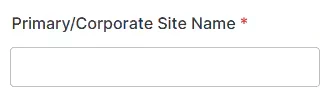
|
| Site Address, City, State & Zip Code: Enter the address as it would appear in box 33 of the 1500 form. | 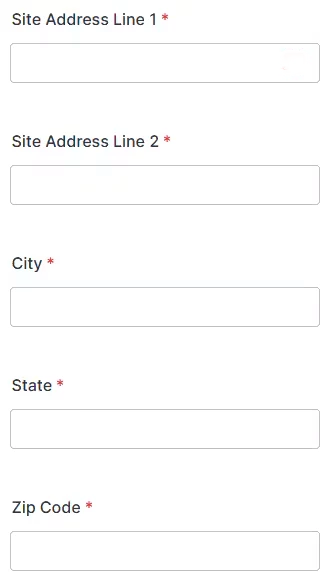
|
| Contact Name: Enter the name of the contact person. | 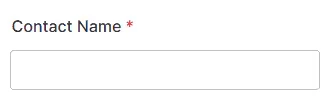
|
| Your Email Address: Enter your email address. This will be the email where the enrollment team will send enrollment details. | 
|
| Phone Number: Enter your phone number. | 
|
| Fax Number: You are not required to enter a fax number. | 
|
| Primary Billing NPI: Enter the primary billing NPI. | 
|
| Do you have Multiple Locations with Multiple NPIs (optional): Select Yes or No. | 
|
| NPI: Enter the billing NPI you will be using for claims. This is usually the organization NPI. | 
|
| Payor: Enter the payer name of a payer you will be billing. NOTE: You can add multiple payers to this form. Once you add the first payer name and payer ID, a new box for Payer 2 will appear. The form will continue to add payer boxes as subsequently, up to 25 payers per request form. | 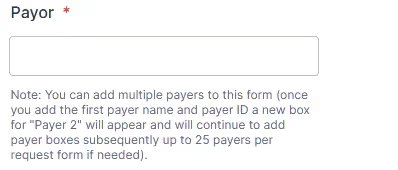
|
| Payor ID: Enter the Payer ID for the payer listed above. This should be a five digit number, but may also be letters or a combination of letters and numbers. The Payor ID is usually located on a patient's insurance card or the payer's website. You can also contact the payer. | 
|
| Payor Type: Choose a payer type. | 
|
| Tax ID: Enter the clinic's tax identification number. | 
|
| Taxonomy Number (optional): Enter the billing taxonomy number. | 
|
| Billing NPI ID: Enter your organization NPI, or enter your individual NPI if you are billing as an individual. | 
|
| How Many Individual NPI IDs (optional): You can leave this blank if you are submitting claims as an organization. | 
|
| Group NPI (optional): Enter the organization NPI. | 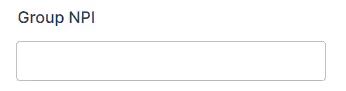
|
| File Upload: Drag and drop to attach documents or screenshots you think the enrollment team will need to review for your request. You can also upload an excel file with the list of payers if you are enrolling more than 25 payers. | 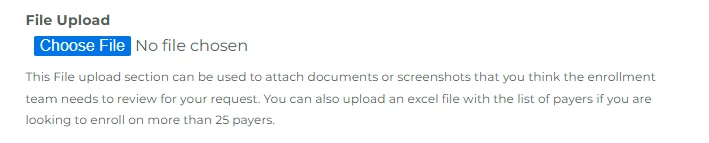
|
| Please enter the details of your request: Enter specific details, notes or questions for the enrollment team. For example, if you bill all payers as the organization, except for payer that you bill as an individual, indicate how you will bill that payer here. | 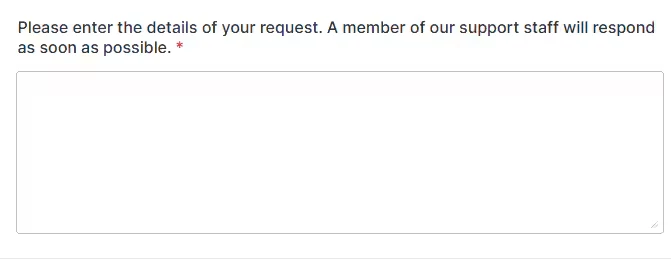
|
| Click the Submit button to send the Payer Enrollment Template to the enrollments team. | 
|