Jump to Section:
Locate & Check Provider Status
Navigate to the NewCrop Customer Maintenance Portal and locate the provider you want to register or re-register with Surescripts.
Once you have located the doctor or midlevel user, click the blue Register hyperlink in that user’s row.
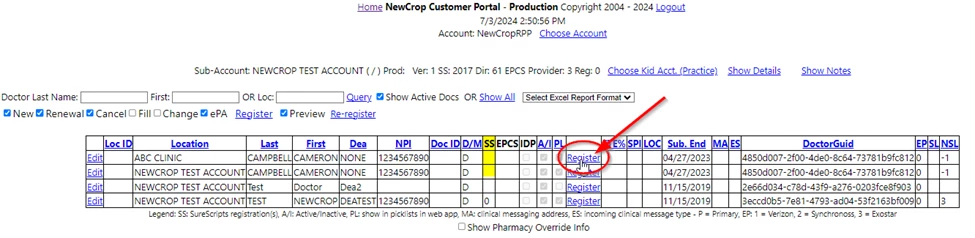
- If the prescriber’s SS column is blank, the provider is not registered with Surescripts.
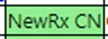
- If the prescriber’s SS column is green, the provider has New Rx but not renewals/refills.
-
-
If the prescriber’s SS column is blue, the provider has Renewal Requests enabled at that location
-

Registration/Re-Registration
After registering a provider for EPCS, re-register the provider with Surescripts to add the EPCS service level to their Surescripts registration.
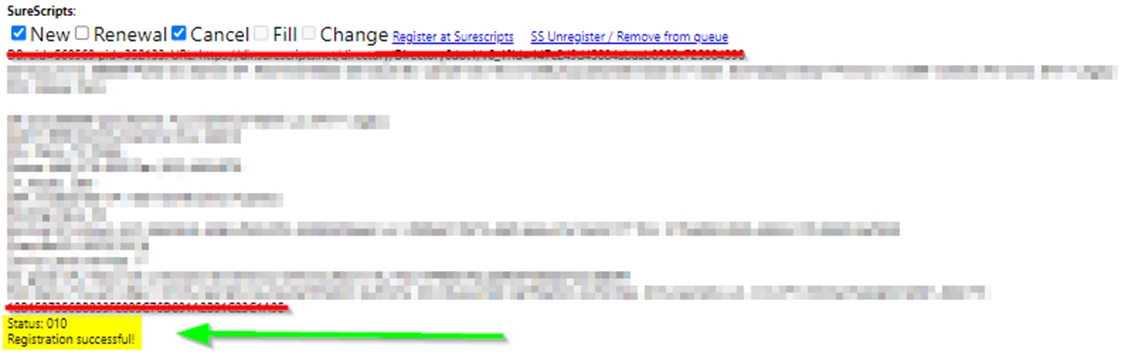
Select the applicable service levels by checking any or all of the following boxes: New, Renewal, Cancel, Fill, Change, and ePA.

In the window that appears, confirm the selected service levels and click the blue Register at Surescripts hyperlink to complete the registration or re-registration.

A 010 Successful message confirms the prescriber is registered and can e-prescribe (eRx).