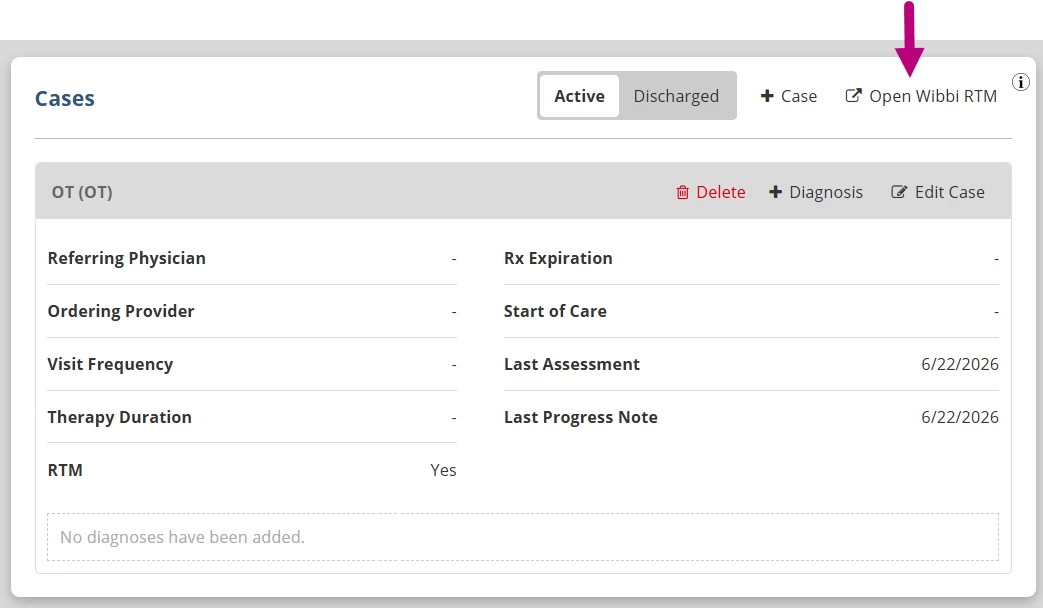
Once Remote Therapeutic Monitoring (RTM) is configured for the clinic, therapists can enable RTM for a patient case. Enabling RTM sets up the patient and case in Wibbi, allowing the therapist to access Wibbi directly from the patient chart in Fusion. From Wibbi, the therapist can manage the patient’s RTM plans and monitor patient engagement. A patient can only have RTM active on one case at a time.
NOTE: If RTM is turned off or the patient case is deleted, there may still be billing data in Wibbi that has not been received by Fusion. When RTM is turned off, Wibbi is notified and inactivates RTM for the patient.
Enable RTM for a Case
- Open the Patient Chart.
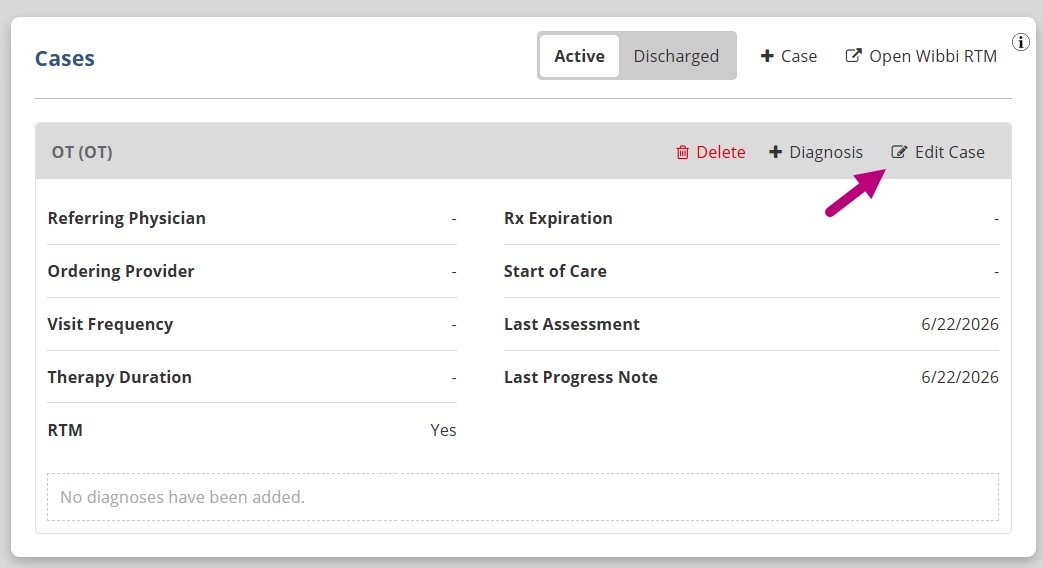
- Navigate to the Cases tab and click Edit Case.
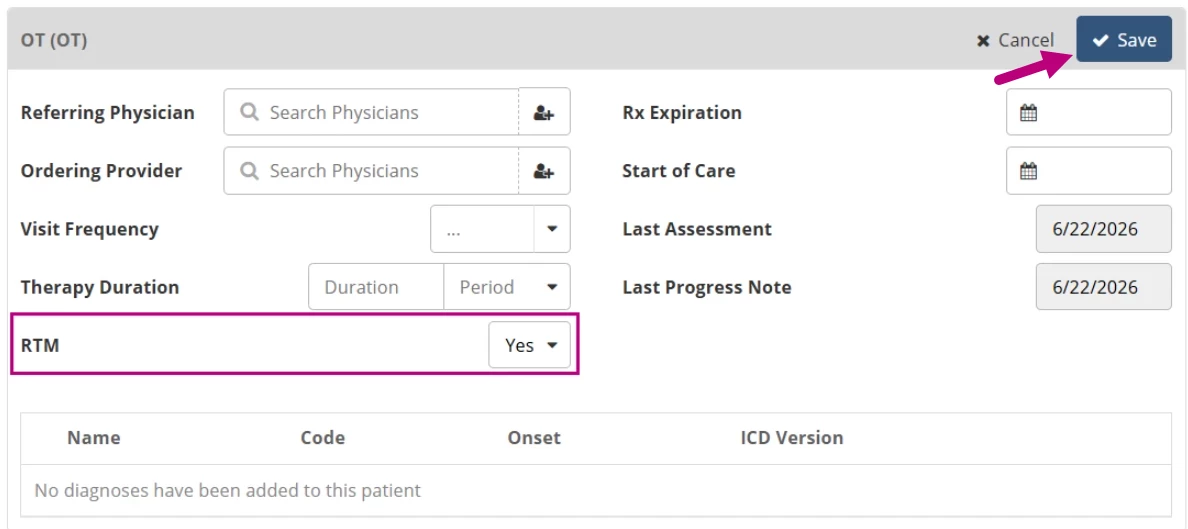
- Set the RTM option to Yes.
- Click Save.
- Click the Open Wibbi RTM to launch RTM for the patient in the Wibbi platform.