Permissions Required: You must have Billing Permissions.
Edits cannot be applied to Inactive Authorizations. If the value of allowed units for an existing Authorization is changed, the unit counter resets in the system.
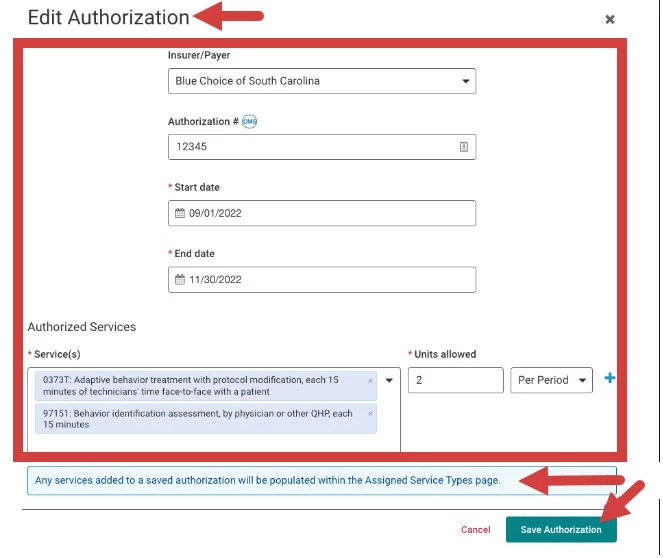
NOTE: Any services added to a saved authorization will display on the Assigned Service Types page.
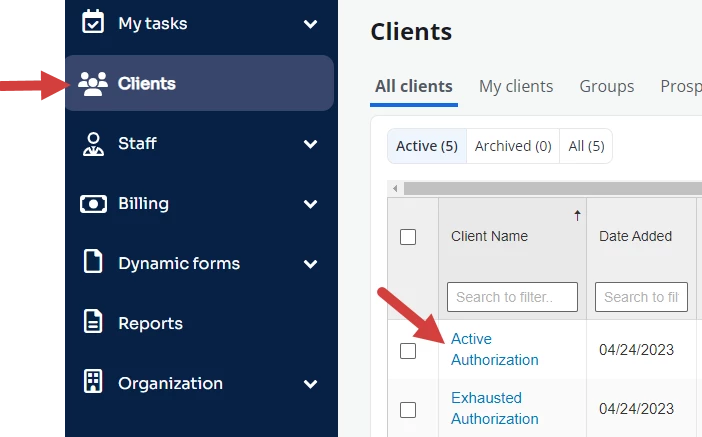
- Locate Client and open Client Profile.
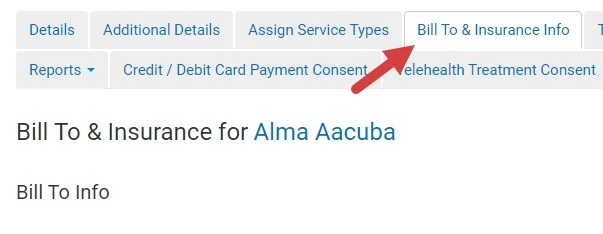
- Click Bill To & Insurance Info tab.
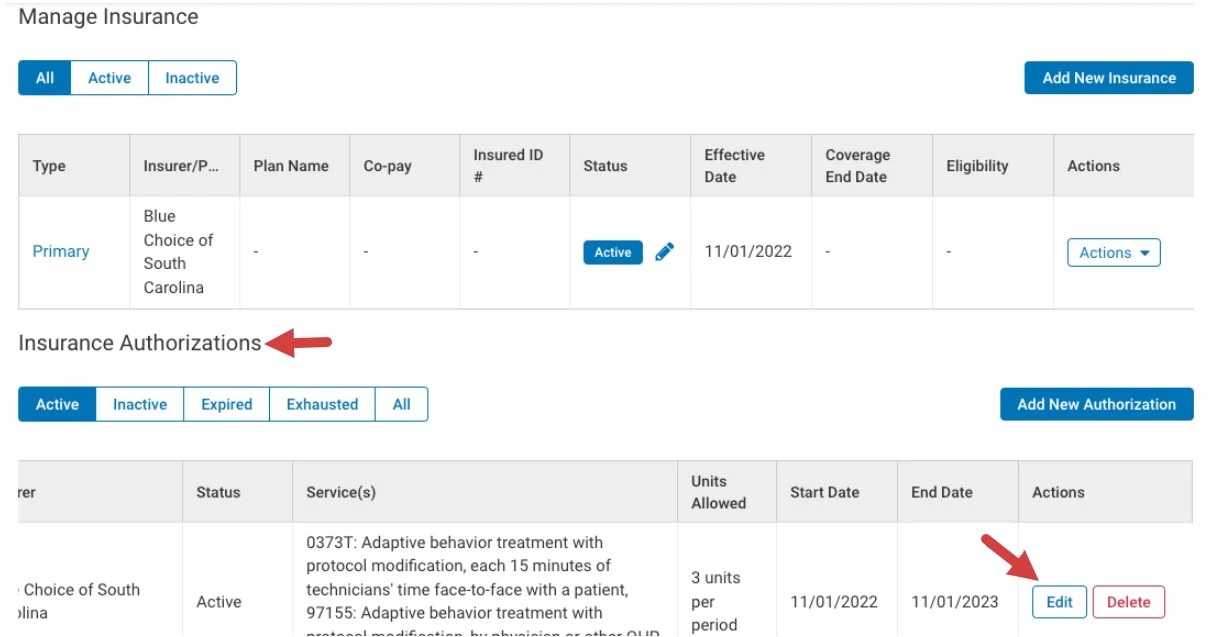
- Scroll down to Insurance Authorizations section.
- Click the Edit button. The Edit Authorization pop-up window opens.
- Make desired edits.
- Click Save Authorization button.