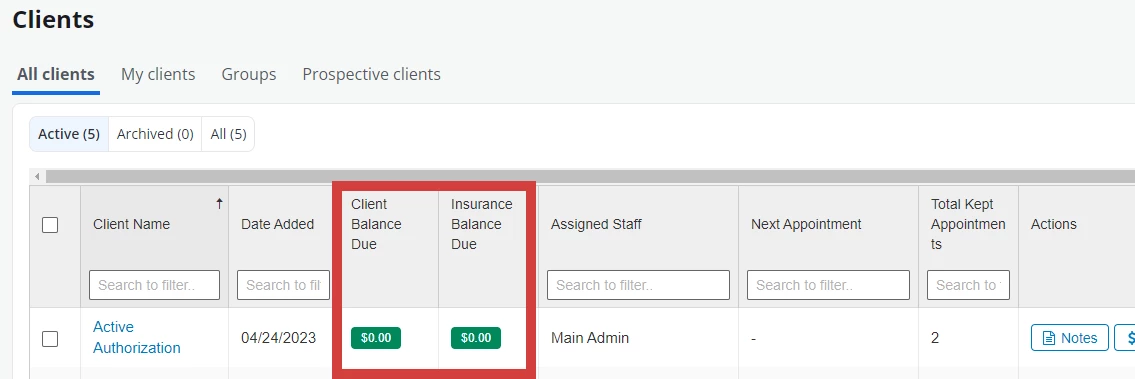
PERMISSIONS REQUIRED: User must have Billing Permissions.
- Click Clients in the navigation bar, then select either All Clients or My Clients from the drop-down.
- Click the settings drop-down.
- Select Client Balance Due and/or Insurance Balance Due.
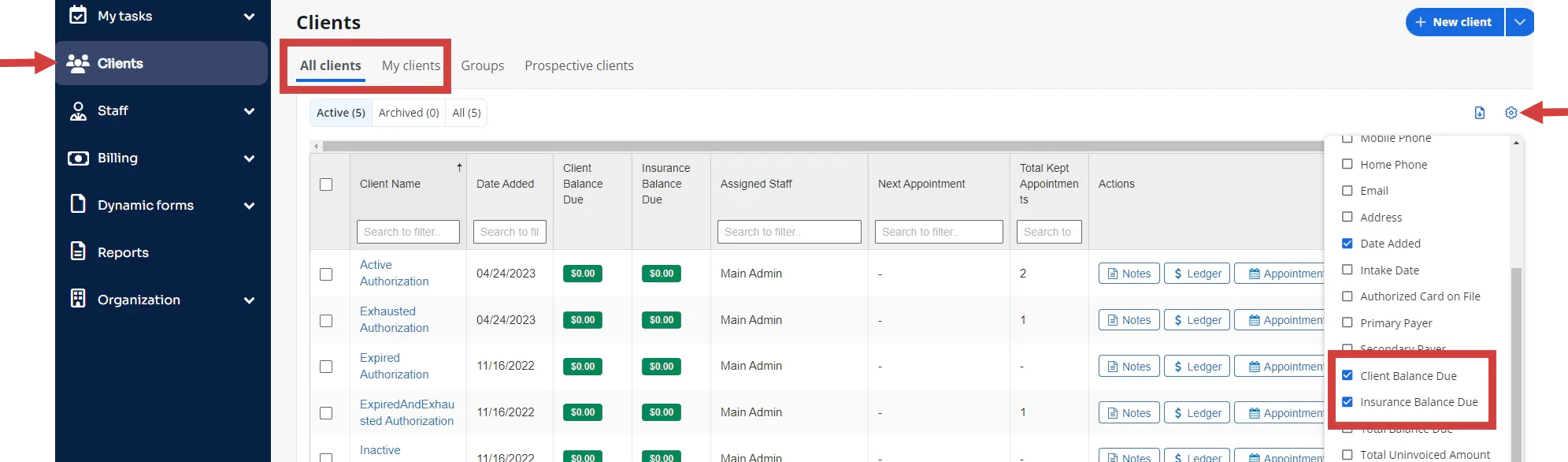
- Click on the column headers to Search or sort information.