| Permissions Required: You must have Billing Permissions. |
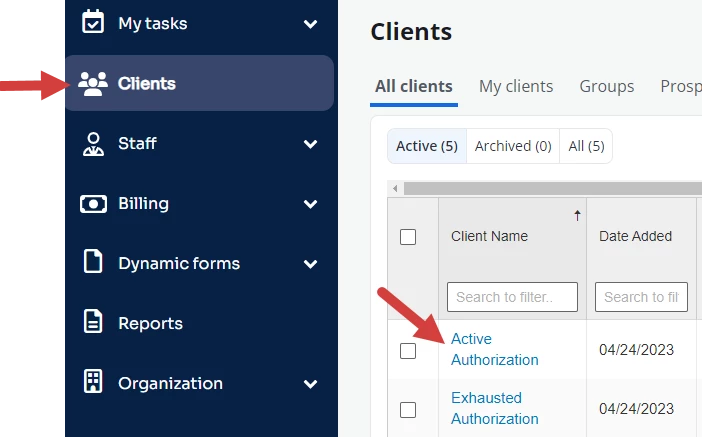
- Locate Client and open Client Profile.
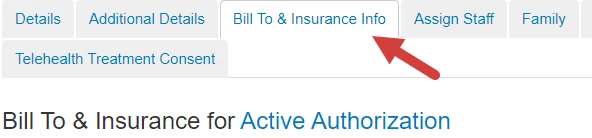
- Click Bill To & Insurance Info tab.
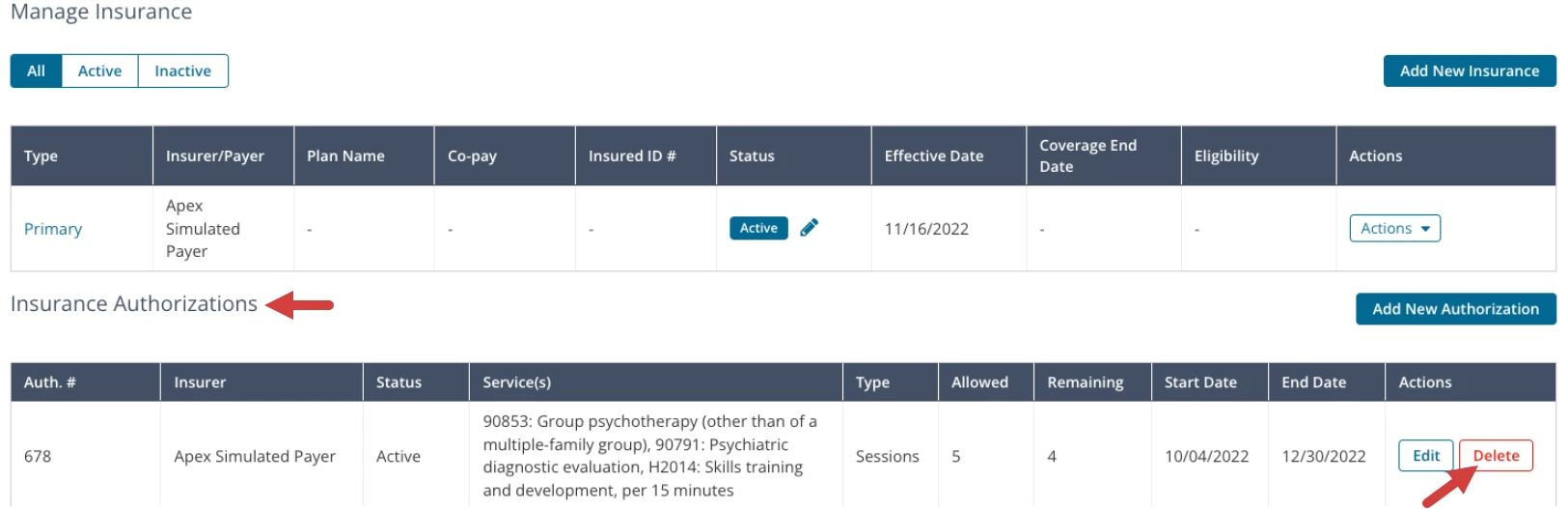
- Scroll down to Insurance Authorizations section.
- Click the Delete button for the appropriate Authorization and confirm deletion.