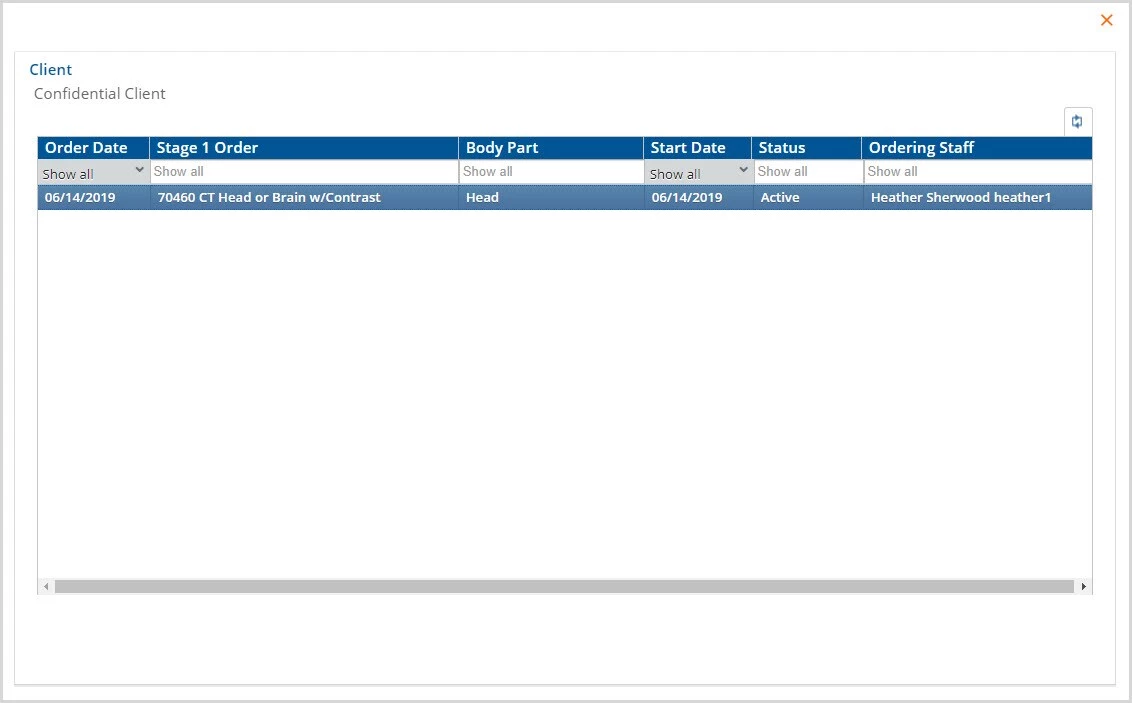
The Radiology Orders form allows the clinician to record Radiology orders without having to leave the VHR Timeline. The form that is supplied is name Imaging and Radiology Orders. Responses are stored in dbo.RadiologyOrders. Click the green plus "+" icon to open a new entry screen.
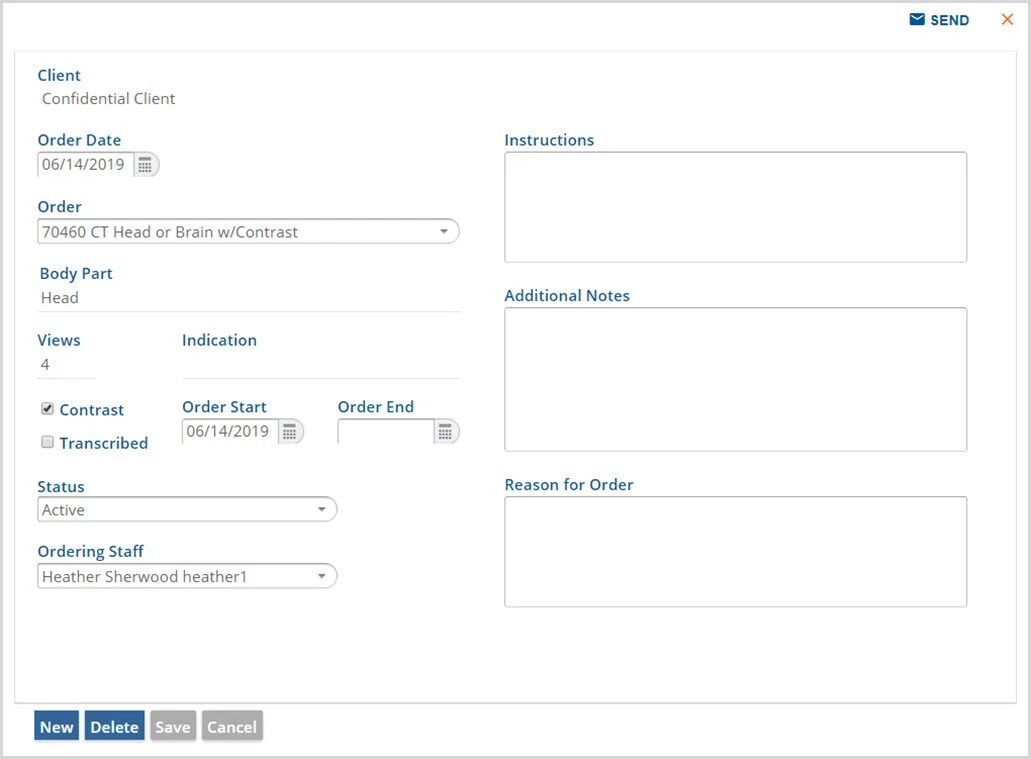
When orders are completed, the blue SEND is enabled. Use this to send the order to another user to take action such making appointment or obtaining an authorization. Radiology Orders has Historical information available as indicated by the orange square with an "H". Click on the H to display the History. Historical information is stored in the Imaging and Radiology Orders History Form.