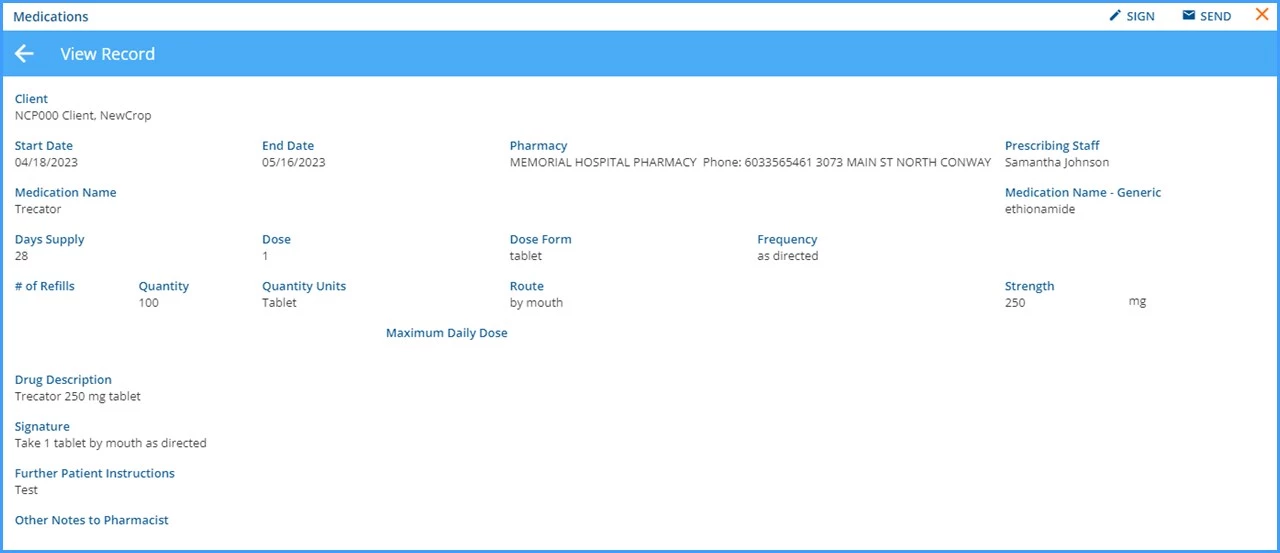
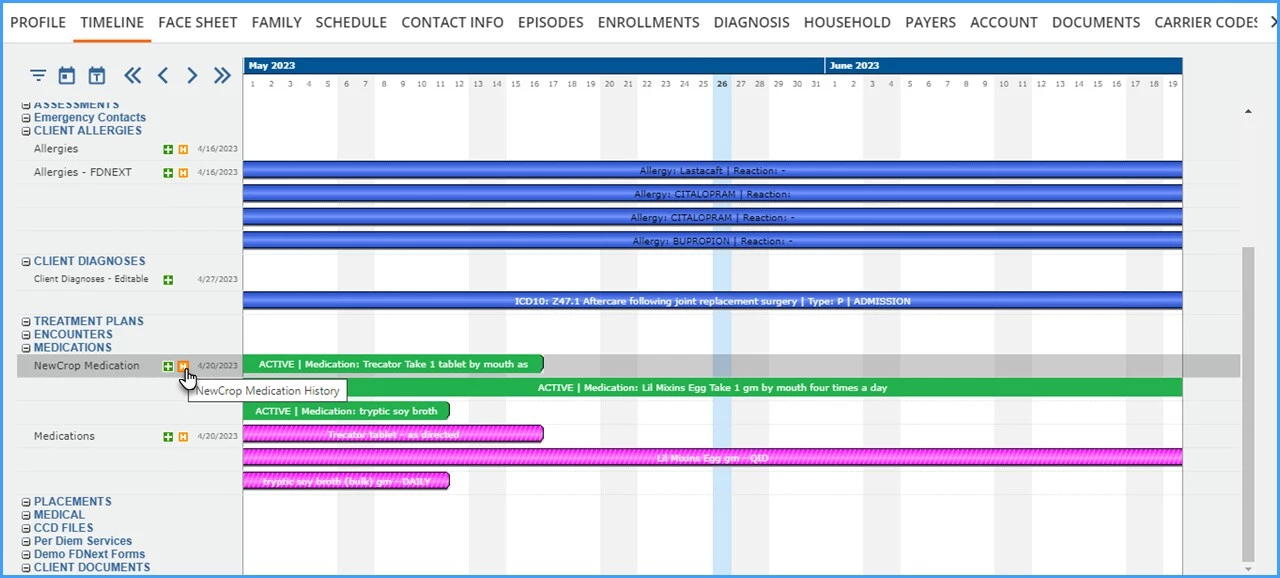
View a client’s medication history by selecting the history icon (orange icon with white) of the Medication form on their VHR Timeline. This information is populated by a data sync process that pushes medication information from Ensora eRx to the application when the e-Prescribe with Ensora eRx window is launched, and again when it is closed.
A grid displays the client's medication history with Ensora eRx.
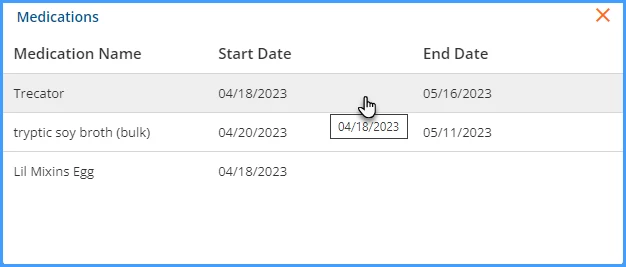
Select any row to view the Medication details.