


PERMISSIONS REQUIRED: You must have Billing Permissions.
You can remove a Payment from an Invoice, in order to either to apply it to a different Invoice or to delete the payment all together. See Apply an Unapplied Payment/Credit to an Invoice and Delete a Payment from Client Ledger for more information.
- Locate Client and open Client Profile.
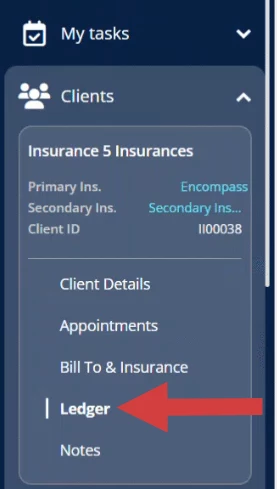
- Click Ledger in the side menu.
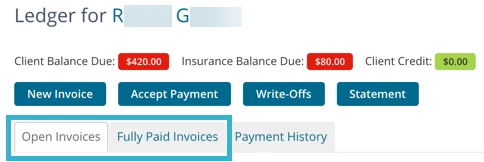
- Click Open Invoices or Fully Paid Invoices tab to locate Invoice.
- Click on the appropriate Invoice.
- Scroll down to the Invoice Payments and Refunds section.
- Click Do Not Apply to This Invoice button.
- Click Save.

Related Articles: