PERMISSIONS REQUIRED: You must have Billing Permissions to delete a payment and Administrator Permissions to delete a credit card payment.
Before you delete a payment, if that payment has already been attached/applied to an Invoice, you will need to remove it from the Invoice first. See Remove Payment from an Invoice for more information.
Deleted payments will display in the Activity Log Report for the Administrator to review.
- Locate Client and open Client Profile.
- Click Ledger in side navigation.
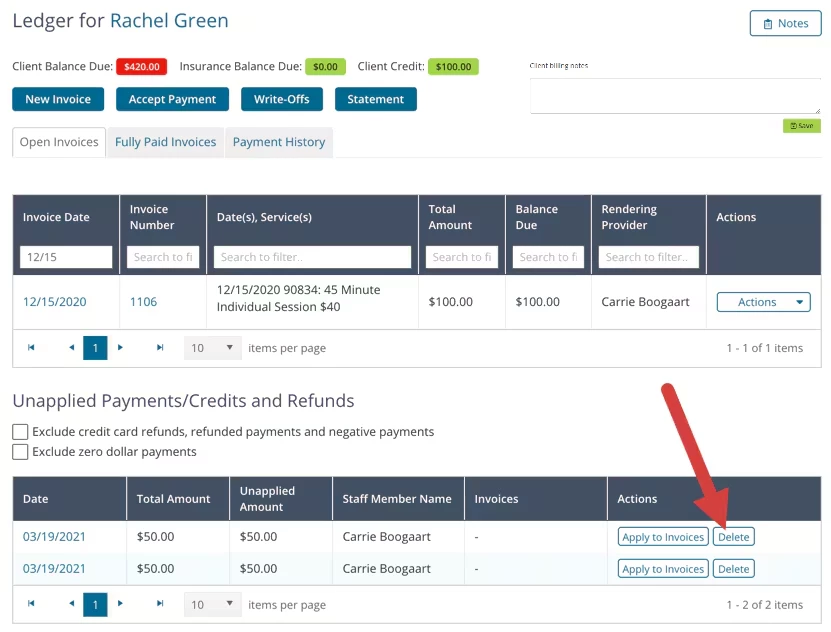
- Scroll to Unapplied Payments/Credits and Refunds section. The unapplied payment will display here.
- Click Delete button for the appropriate payment.
NOTE: If it is a credit card payment you will need an Administrator to delete it.
- Click Delete Payment button to confirm deletion.
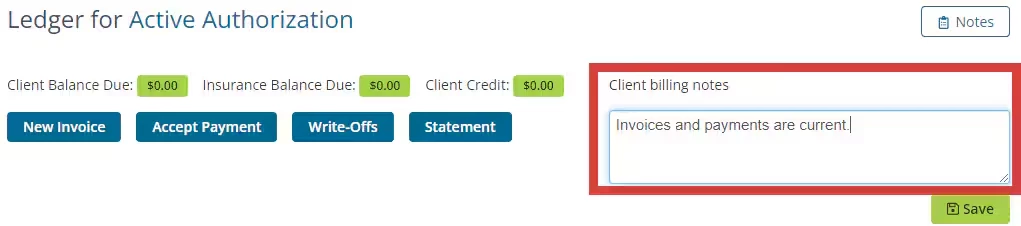
NOTE: You can add & update client billing notes from the Ledger page.