PERMISSIONS REQUIRED: You must have Billing Permissions.
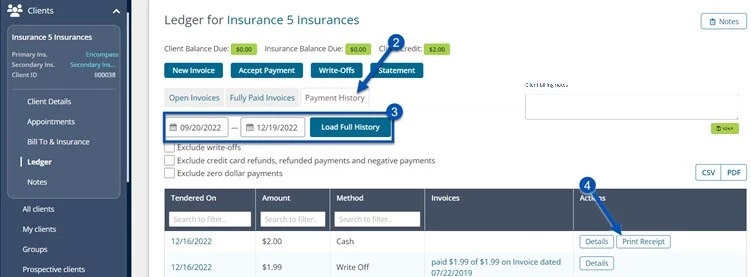
You can view a Client Payment History and print Payment Receipts from the Client Ledger.
NOTE: Credit Card Refund receipts must be printed from the Vantage Payments Report.
- Locate Client and open Client Profile.
- Click Ledger in side menu and click Payment History tab button.
- Set desired Date Range. Payments made during that range display.
- Click Print Receipt button for appropriate payment.
- The receipt opens in a new tab. Click the Print button and send to appropriate printer.
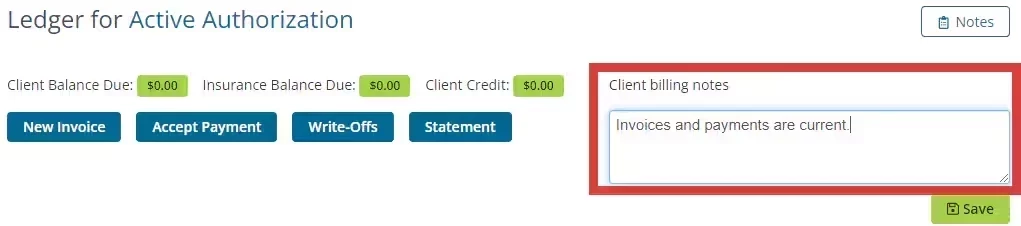
NOTE: You can add & update client billing notes from the Ledger page.