PERMISSIONS REQUIRED: Users with the Admin permission can turn on patient messaging for the clinic.
Patient messaging allows therapists and clinic staff to send messages to patients and caregivers through the patient portal. Users with the Admin permission can turn on patient messaging in Clinic Options under the Admin tab.
Turn On Patient Messaging
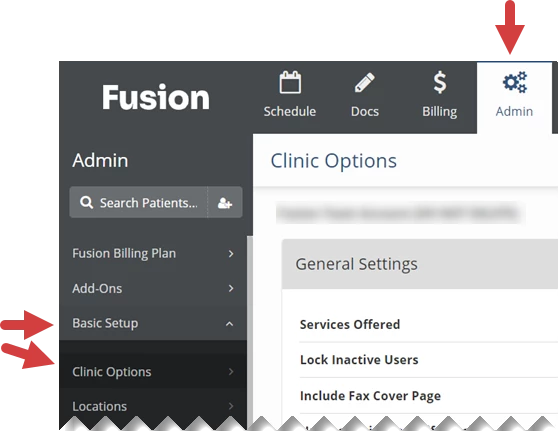
- Click the Admin tab at the top of the screen.
- Click Basic Setup in the menu on the left.
- Click Clinic Options.
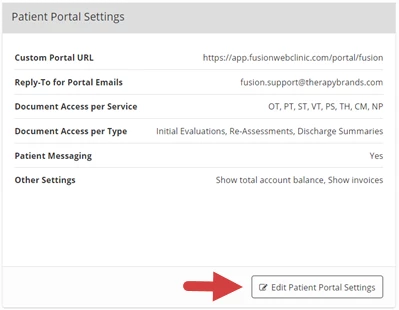
- Click the Edit Patient Portal Settings button.
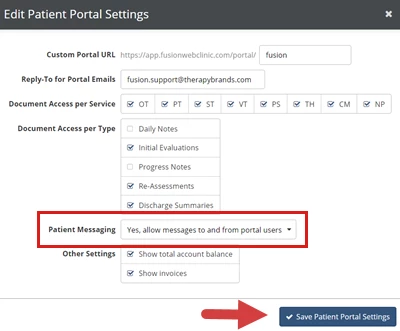
- Click the Patient Messaging dropdown and select Yes, Allow Messages To and From Portal Users.
- Click the Save Patient Portal Settings button.