This is an overview on how to add Staff Members to your account. See Add & Edit Staff Members for more information.
Jump to Section:
Add Staff Member
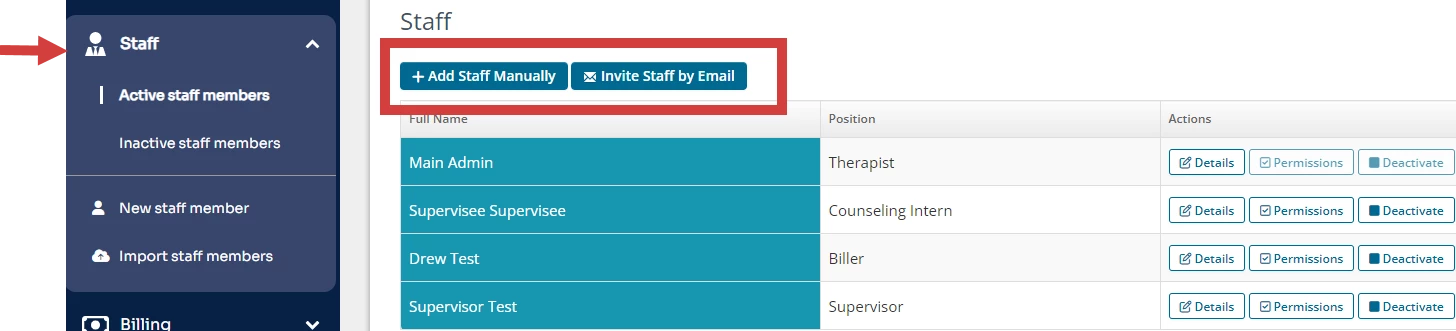
There are two ways to add staff members to your system. After a Staff Member is added, they will receive a Welcome Email with their system login information.
- Add Staff Member Manually
- Invite Staff by Email
Update Staff Profile Information
- Staff Permissions - See Set Staff Permissions & Staff Permissions Glossary for more information on permissions.
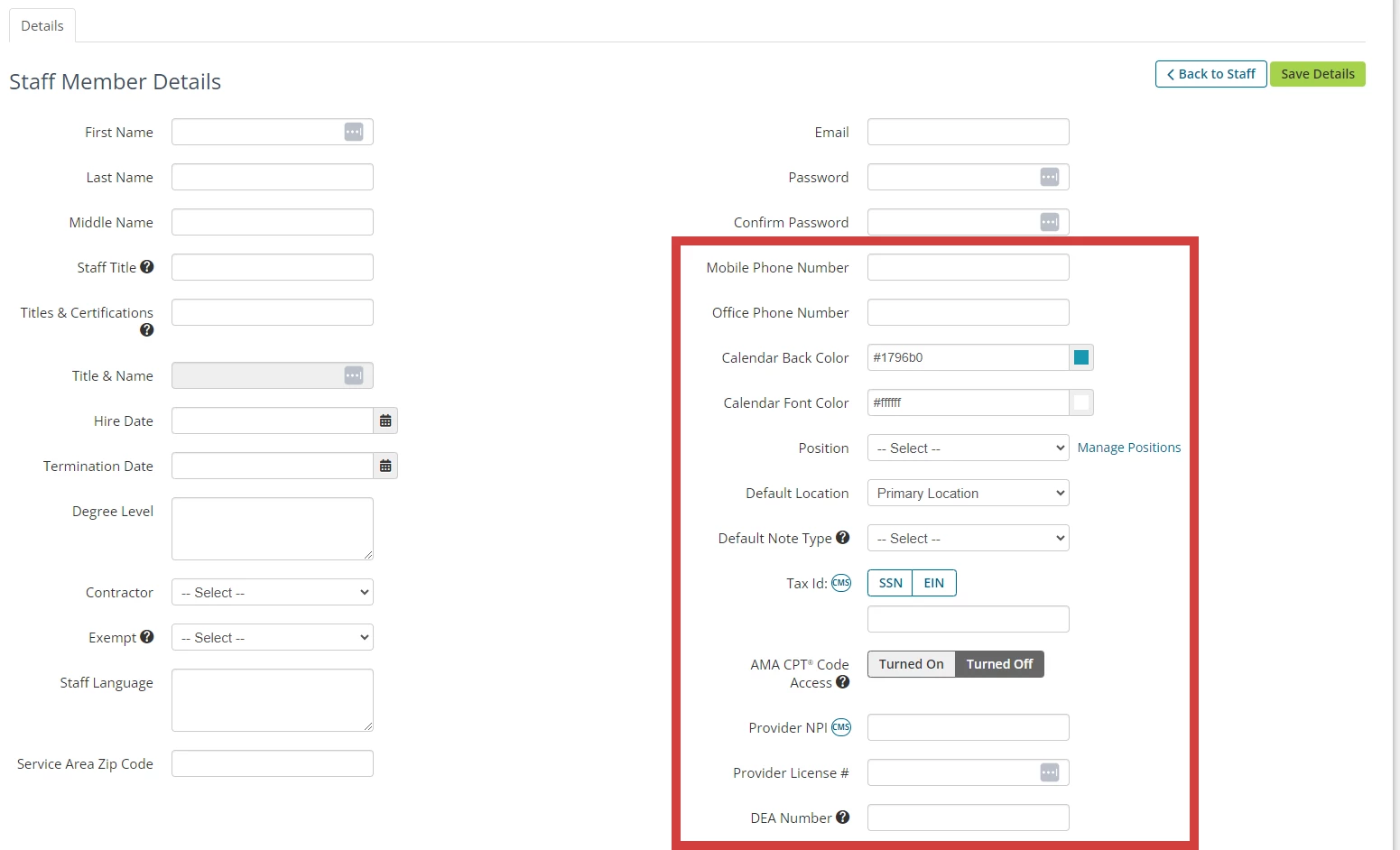
- Add Staff Details
- Mobile Number - Add mobile number to receive text response notifications.
- Calendar Color - Customize your Calendar colors.
- Position - This is for internal use and not required.
- Default Note Type - Select which Note Type displays by default when you create a Note.
- Tax ID, Provider NPI, Provider License Number, and/or DEA Number - This information is required to be enrolled in electronic billing.
- Staff Member Preferences - See Staff Member Preferences for more information on preferences.