Permissions: You must have Billing Permissions to delete a payment and Administrator Permissions to delete a credit card payment.
Before you delete a payment, if that payment has already been attached/applied to an Invoice, you will need to remove it from the Invoice first.
Deleted payments will be displayed in the activity log for the Administrator to review.
- Locate Client and open Client Profile.
- Click Ledger in the side navigation.
- Scroll to the Unapplied Payments/Credits and Refunds section. The unapplied payment will be displayed here.
- Click the Delete button for the appropriate payment.
NOTE: If it is a credit card payment you will need an Administrator to delete it.
- Click the Delete Payment button to confirm deletion.
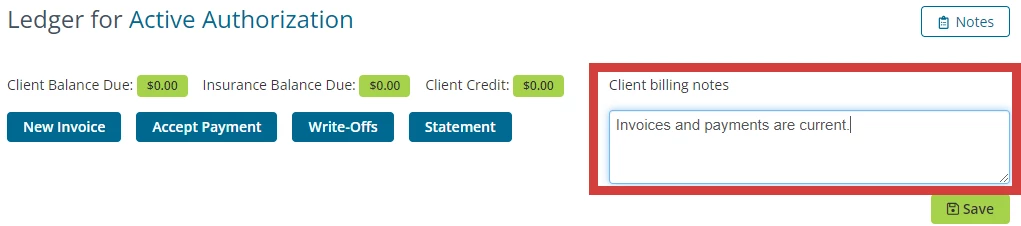
NOTE: You can add & update a client's billing notes from the Ledger page.