


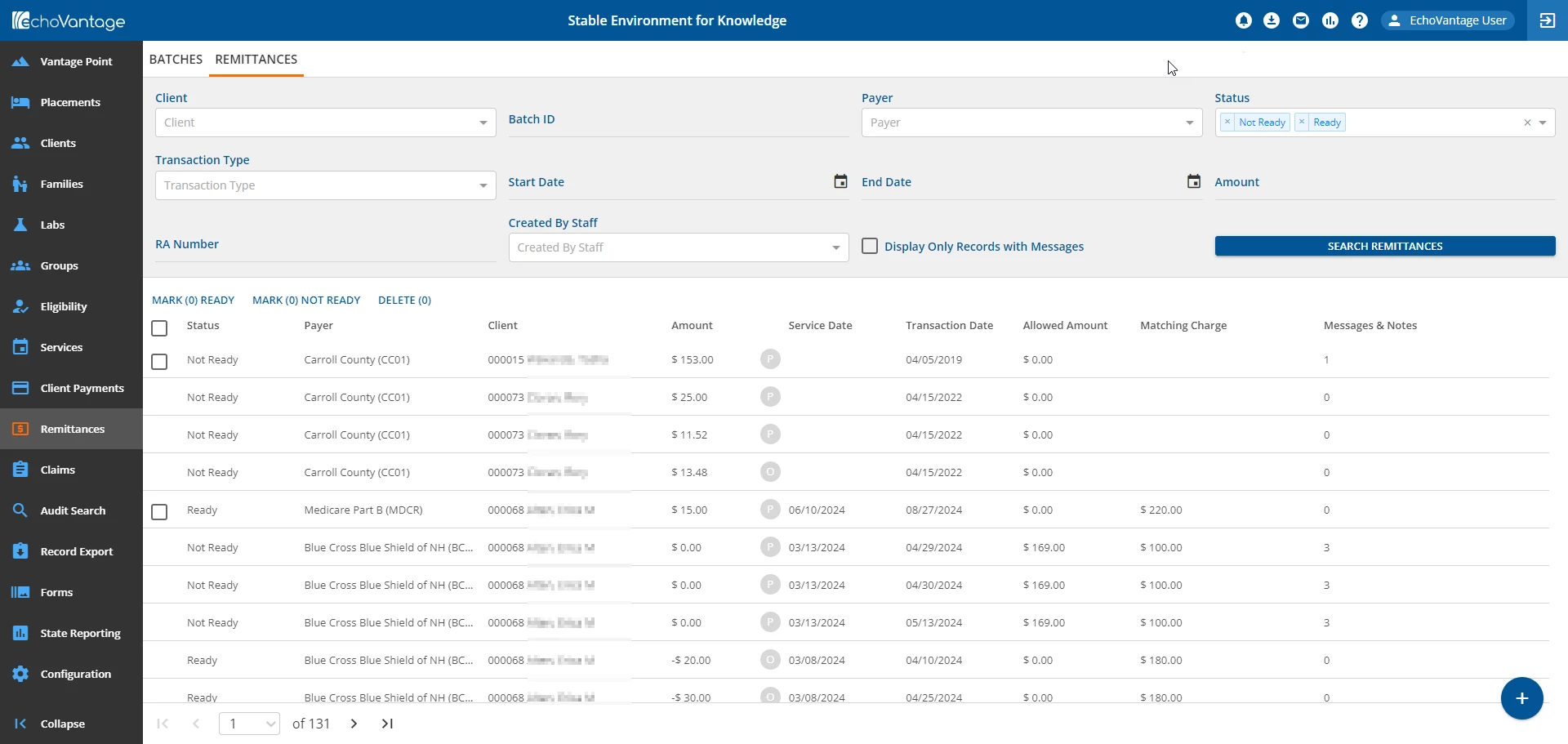
The Remittances main menu option is where payments and adjustments are applied to charges. There are two tabs available, Batches and Remittances.
| Batches | Remittances |
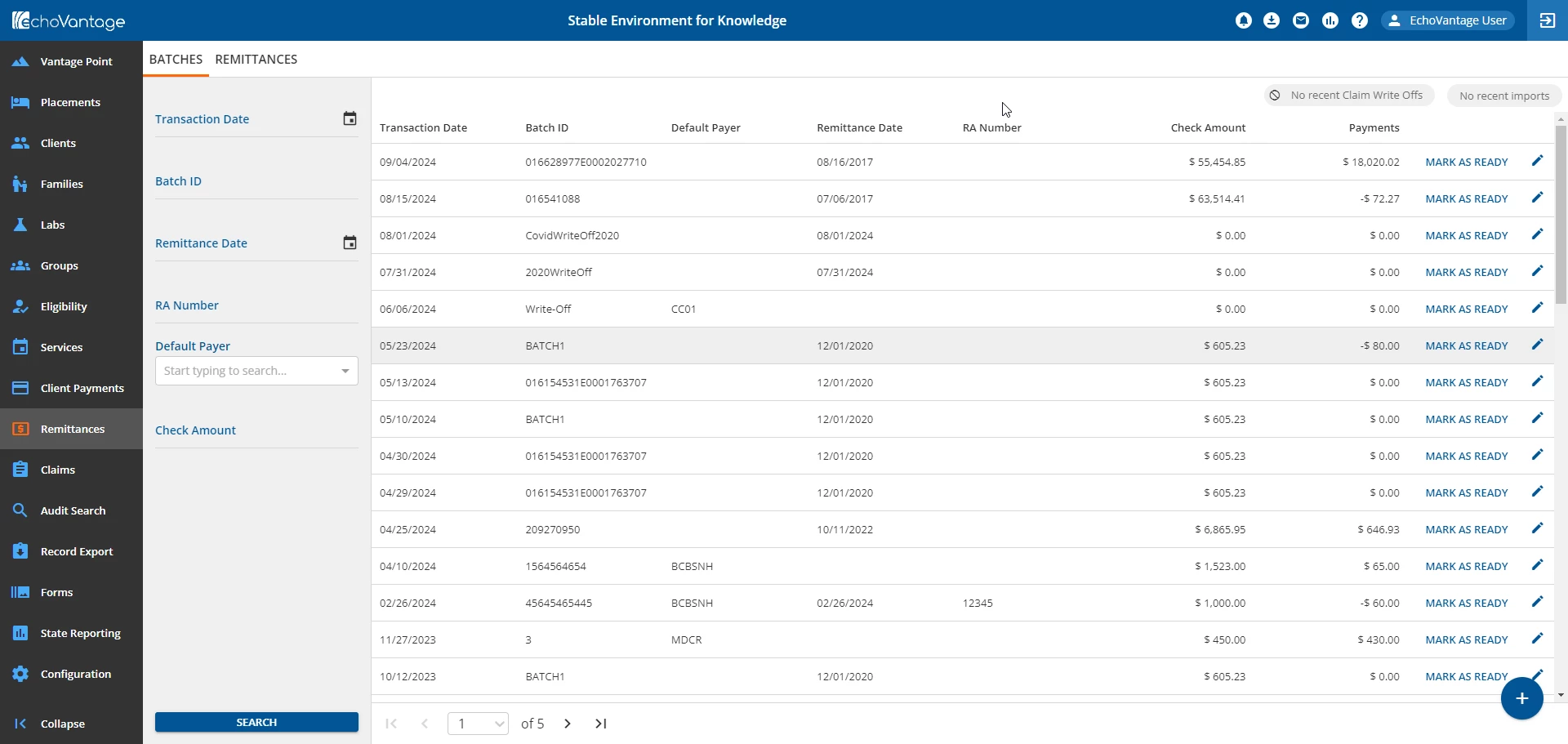
| 
|
The links below provide detailed information on working in each screen:
NOTE: Regardless of which screen is used to enter and manage payments and adjustments, once the Remittance is marked as Ready, all are processed the same way in Fiscal Overview > Unprocessed Remittances.