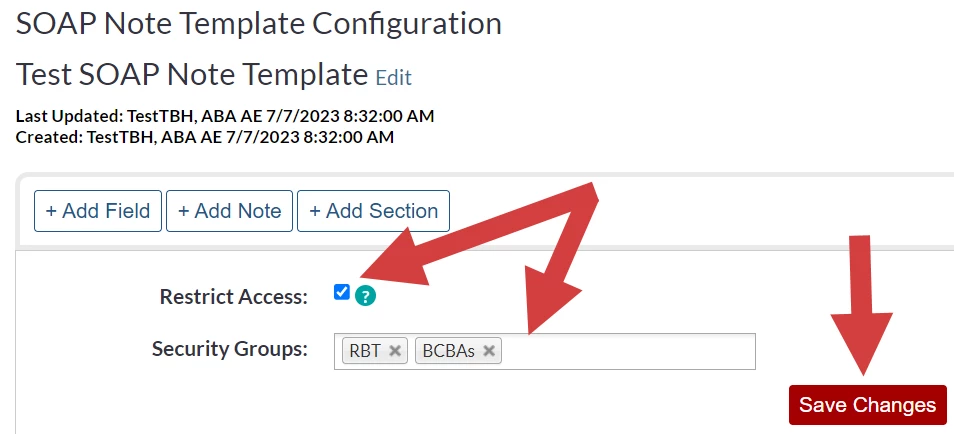
There are a few settings for your SOAP Notes at the Organizational level including restricting certain SOAP Note Templates to certain Security Groups.
Jump to Section:
Repeat Header Information
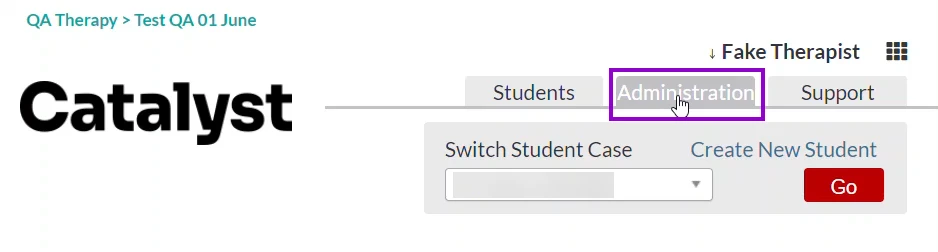
- Go to Administration.
- Select SOAP Notes.
- Click on Settings.
- Select Yes for Repeat SOAP Note header on every page of SOAP Note? to have the header repeat on every page. By default, this is set to 'No'.
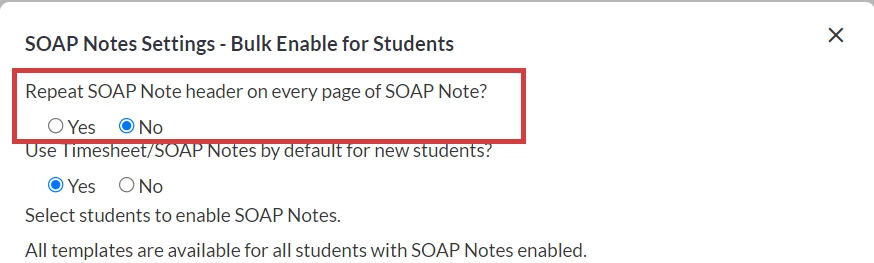
- Click Save.
Use SOAP Notes by Default
- Go to Administration.
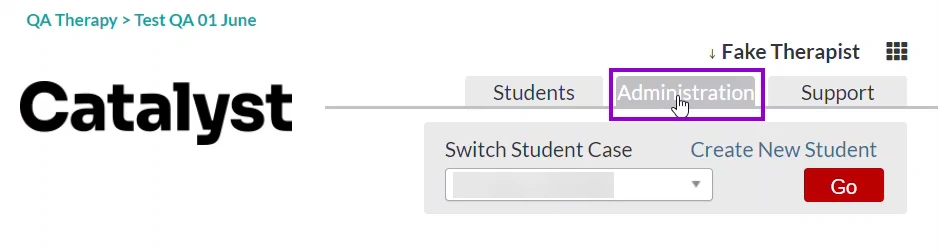
- Select SOAP Notes.
- Click on Settings.
- Select Yes for Use Timesheet/SOAP Notes by default for new students? to make using SOAP Notes the default for all newly added students. By default, this is set to 'No'.
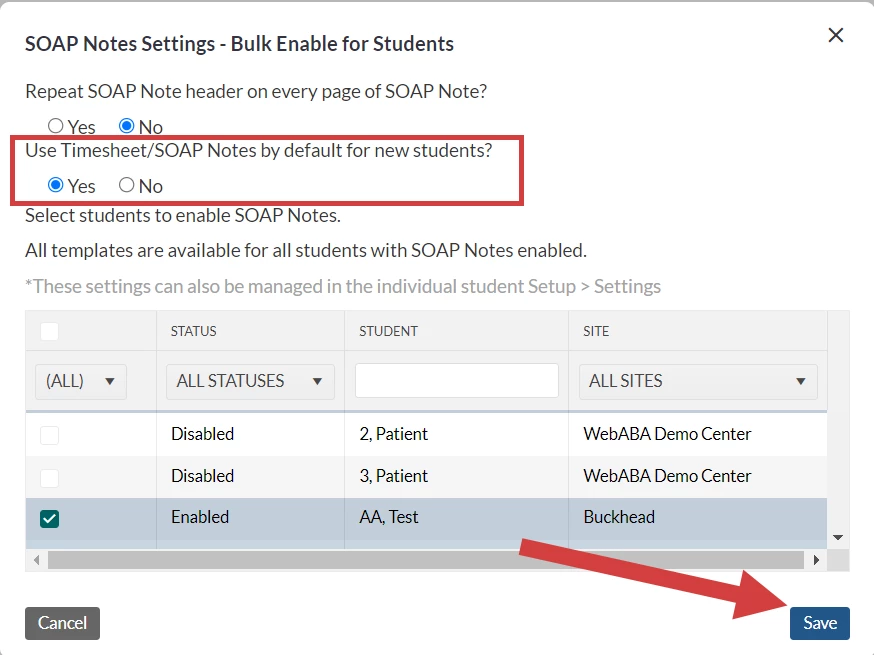
- Click Save.
Restrict SOAP Note Template by Security Group
- Go to Administration.
- Select SOAP Notes.
- Select SOAP Note Template to Edit.
- Click Restrict Access checkbox.
- Click into Security Groups and select the Security Groups you want to have access to this template.
- Click Save Changes.